

Automatic silence removal
Remove silent gaps from videos or audio files automatically, which is useful for interviews, podcasts, meetings, and social clips that need tighter pacing.

Snapy.ai is a web-based AI video and audio editor for creators and teams to clean recordings, remove silence, and turn long-form content into short clips.
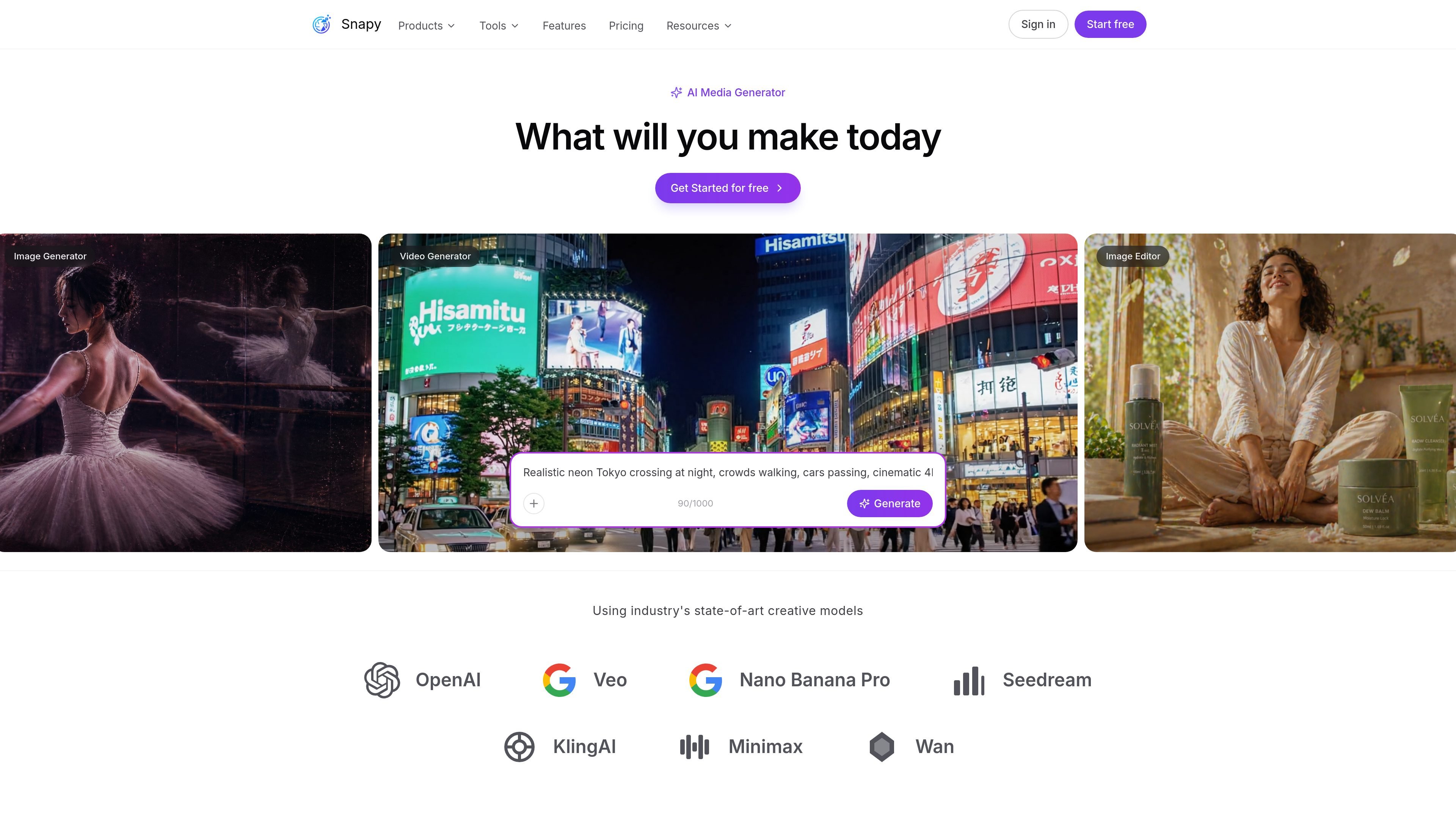
Snapy.ai is an AI-powered video and audio editing platform focused on turning long-form content into shorter, publishable clips. The site positions it around automated editing tasks such as silence removal, noise cleanup, background removal, subtitles, and content repurposing.
The product is built for creators and teams that publish to social and video platforms. It also includes AI video generation tools, a browser-based editor, and a credit system that lets users start with free credits before buying more as needed.
Remove silent gaps from videos or audio files automatically, which is useful for interviews, podcasts, meetings, and social clips that need tighter pacing.
Clean recordings by reducing background noise and trimming dead air while keeping speech natural, based on the audio tools listed on the site.
Adjust pacing with tools such as video clipper, speed changer, audio merger, audio looper, and audio ducker for more controlled edits.
Work with background removal and blur tools for video, including background removal and blur adder features in the editor and tool library.
Repurpose long-form video into short clips and social formats, including references to short clips, Shorts, Reels, and platform-specific resizing.
Generate subtitles and transcripts with listed tools for subtitles and Whisper-based transcription exports, including JSON, plain text, SRT, and VTT.
Turn long recordings into shorter clips for TikTok, Instagram, YouTube Shorts, LinkedIn, or similar channels, using the repurposing and social optimization tools listed on the site.
Clean up podcasts, interviews, and speech recordings by removing silence, reducing noise, and balancing audio for clearer playback.
Edit webinars, course videos, Zoom recordings, and Loom recordings by trimming dead air, clipping key moments, and adding subtitles.
Prepare videos for publishing without opening a traditional timeline by using focused tools such as background remover, blur adder, clipper, and joiner.
Generate or transform video content through the demoed AI workflows, including text-to-video and content repurposing for different formats.
Snapy.ai uses AI to analyze uploaded video or audio content, identify key moments and silence, and then suggest or apply edits such as cuts, transitions, captions, and cleanup based on the workflow you choose.
The source confirms that Snapy.ai offers AI editing tools for video and audio and that it supports 1080p exports on paid credit purchases. It also mentions transcription outputs such as JSON, plain text, SRT, and VTT in the product list, but the supported formats for every tool are not fully documented here.
Yes. The pricing page states that credit purchases have no monthly billing, and the contact page says the team can discuss enterprise solutions and custom workflows.
Yes. The home page says users can start with free credits, and the pricing page lists a free starter tier with 10 credits.

Podfy.ai is a browser-based AI video tool that turns text, scripts, audio, and music into edited videos with narration, subtitles, effects, and soundtrack for faster short-form social content.

CoCoClip.AI is a web-based AI video editor for short-form content, with text-to-video, image-to-video, and audio-to-video workflows for YouTube Shorts, TikTok, and Instagram Reels.

Pika is an AI video generation platform for creating and editing short videos from prompts, images, and existing footage. It also offers plan-based commercial use, watermark-free downloads on higher tiers, and select partner API access.

Magnifi is a cloud-based AI video platform for automating highlights, tagging, resizing, and distribution from live or recorded content for media and sports teams.

Rizzle turns articles into editorial-grade video and distributes it across major channels with AI-assisted, human-reviewed workflows for publishers.

SongCleaner is a web-based AI audio editor that removes unwanted words from songs for cleaner playback at home, in class, or at events.