

Fully online conversion
Upload a PDF bank statement and get a structured spreadsheet output without installing desktop software.

StatementSheet is a browser-based bank statement converter that turns PDF statements into structured XLS, XLSX, or CSV files. It is aimed at users who need a quick way to extract transactions and balances from bank statement PDFs, including scanned or multi-page files.
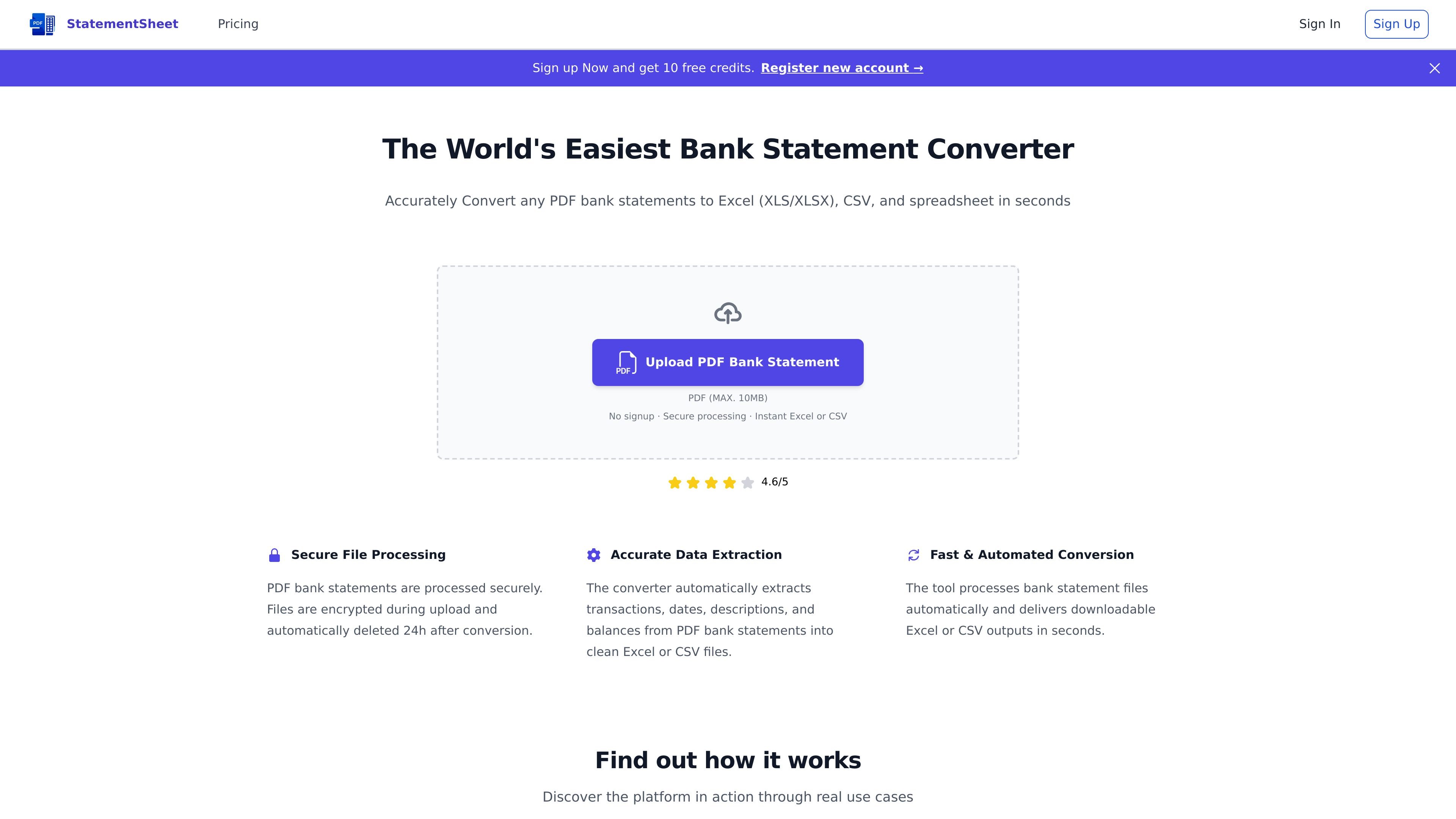
StatementSheet is an online bank statement converter that turns PDF bank statements into structured spreadsheet files. It supports Excel formats such as XLS and XLSX, as well as CSV, and is positioned as a browser-based way to clean up statement data for further review or analysis.
The product automatically extracts transactions, dates, descriptions, and balances from uploaded PDFs. The site also says it can process scanned or digitized statements with OCR, handle multi-page files, and delete uploaded documents after processing.
Upload a PDF bank statement and get a structured spreadsheet output without installing desktop software.
The converter extracts transactions, dates, descriptions, and balances from bank statement PDFs into Excel- or CSV-ready data.
The page states that scanned or digitized statements can be processed with OCR, which extends support beyond text-only PDFs.
Files are encrypted during transfer and deleted automatically 24 hours after conversion, which helps reduce retention of sensitive documents.
The tool can process multi-page statements and combine information from all pages into one output file.
Conversions are described as automatic and typically completed in seconds, keeping the workflow short for routine statement cleanup.
Upload monthly or quarterly bank statements and convert them into spreadsheets for reconciliation, review, or record keeping.
Turn PDF statements into CSV files that can be opened in spreadsheet software or imported into downstream analysis workflows.
Process scanned statements when the original file is not text-selectable, using OCR to extract the available transaction data.
Combine transactions from multi-page statements into one structured file instead of copying data page by page.
Use the browser-based converter when you want to avoid installing local software and need a quick one-off conversion.
StatementSheet converts PDF bank statements into structured Excel or CSV files. You upload a statement, the tool processes it in the browser, and you download the converted spreadsheet.
Yes. The source says no signup is required to use the converter, although the page also mentions getting 10 free credits when registering a new account.
Yes. The converter can process scanned or digitized bank statements using OCR, but conversion accuracy depends on document quality. Clear, high-resolution PDFs are recommended.
Uploaded PDF bank statements are encrypted during transfer and automatically deleted 24 hours after conversion, according to the site.
It supports multi-page PDF bank statements and can extract transactions from all pages into a single structured output file.

Rows is a spreadsheet-based AI data analyst for importing, analyzing, and sharing business data in one workspace using plain language, not code or formulas.
Immersive Translate is a bilingual AI translation tool and browser extension for websites, PDFs, subtitles, meetings, images, and comics with privacy-focused translation.

OCR.chat is a browser-based OCR and document chat tool for converting images, PDFs, Word files, and screenshots into editable text and structured outputs. It also lets users ask questions about finished documents, with answers cited to the source page.

LeadJarvis AI event lead capture scans business cards, enriches contacts, and sends personalized follow-up via WhatsApp and email for booth teams.

Fight Health Insurance is a generative AI tool for understanding health insurance denials, drafting appeal letters, and optionally faxing appeals.

PDFSummarizer.net is a free AI PDF summarizer that turns PDFs into concise summaries, with chat, translation, and key insight extraction.