

Delegates routine admin work
Super Intern can handle email, meetings, scheduling, and social media workflows so users can offload routine coordination instead of managing each step manually.

Super Intern is an AI assistant for email, meetings, scheduling, and social media workflows, working in Slack and chat platforms to automate coordination and follow-ups.
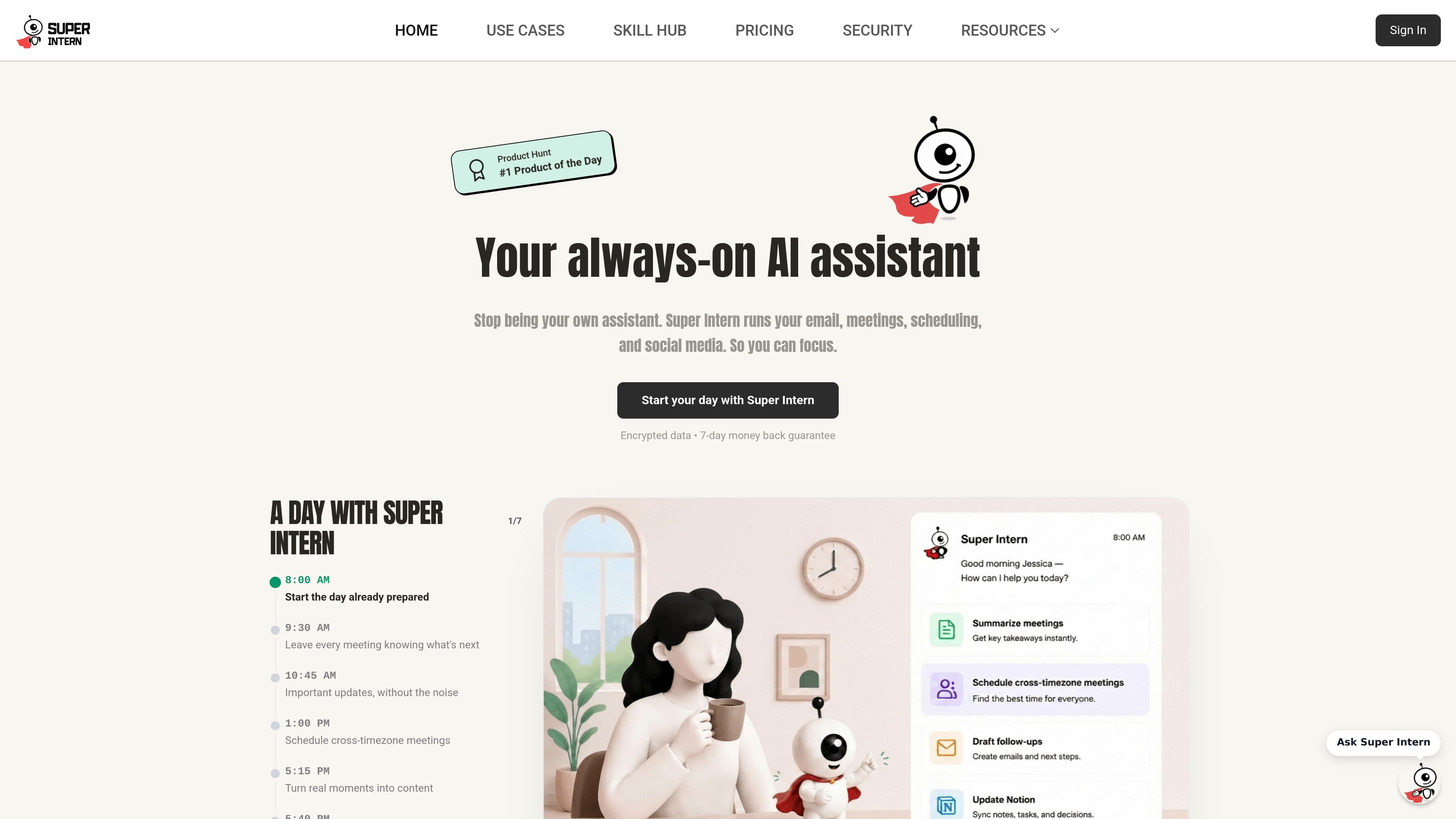
Super Intern is an AI assistant for managing everyday work across email, meetings, scheduling, and social channels. The product is positioned as an always-on assistant that helps users start the day prepared, surface important updates, coordinate meetings, and wrap up work with less manual coordination.
The site presents Super Intern as a tool that works inside apps people already use, with a Slack integration and support for Telegram, WeChat, Discord, and more. Pricing is credit-based, with subscription plans and pay-as-you-go top-up credits, and the security page says connected data is encrypted, access is controlled, and user data is not used to train models.
Super Intern can handle email, meetings, scheduling, and social media workflows so users can offload routine coordination instead of managing each step manually.
The Slack integration lets users mention the assistant in channels or direct messages, use slash commands like `/remind` and `/checkin`, and act without leaving the conversation.
The product includes a no-code editor and support for 1000+ integrations, giving users a way to connect tools and shape workflows around their existing apps.
Plans include access to beta features and priority support, which suggests the product is set up for ongoing workflow updates and direct help for subscribers.
The security page says cached integration data receives a second encryption layer and can be deleted or exported, giving users control over stored information.
Use Super Intern to triage email, prepare for meetings, and keep a day organized before opening a laptop in the morning.
Run the assistant in Slack to answer questions, set reminders, search the web, or trigger quick tasks without leaving channels or DMs.
Use the assistant to coordinate calendars and scheduling across time zones, reducing the back-and-forth of finding a shared slot.
Let Super Intern surface important updates, reminders, and follow-ups so items do not get lost across inboxes and chat threads.
Use the no-code editor and integrations to build or customize skills for recurring tasks inside an existing workflow.
Super Intern is set up through its web app and connected integrations. The Slack page says you can create an account, connect Slack from the integrations dashboard, add the app to channels, and then mention it in chat.
Yes. The Slack page describes adding Super Intern to channels, and the product also supports Telegram, WeChat, Discord, and Slack, with iMessage and Line listed as coming soon.
The site says Super Intern runs email, meetings, scheduling, social media, reminders, and tasks. The Slack page also mentions web search, image generation, scheduling, and reminders inside chat.
Super Intern states that connected data is encrypted in transit and at rest, access is tool-by-tool, and the company says it does not sell or train models on your data.
The pricing page shows monthly, three-month, and yearly subscription options, plus top-up credit packs that do not require a subscription and never expire.

TakeCareOS is a web platform for home care, disability, and aged care agencies, with rostering, billing, compliance, and AI admin tools.
Twine AI Launcher is an Android launcher with AI assistant access, bringing ChatGPT-style help to your homescreen for quick answers, notes, tasks, reminders, and people memory.

AI Magicx is a unified AI workspace for chat, image, video, voice, music, email and developer tasks, helping teams and creators manage multiple models in one place.

阶跃AI is a personal efficiency assistant from 阶跃星辰 for knowledge search, writing, coding, and daily automation. Download on desktop and mobile, and trigger web, files, and reminders by voice.

Speakflow online teleprompter for writing and organizing scripts, voice scrolling, team collaboration, and cross-device syncing. Free and paid plans available.

Gemma AI is a phone call reminder app that calls you with scheduled reminders instead of push notifications. It helps people who want a more direct way to stay on schedule, with Google Calendar sync and conversational call interactions.