

Live web search
Search returns fresh URLs from the live web and is described as real browser-rendered search that can surface structured JSON from dynamic sources.

TinyFish enterprise infrastructure for AI web agents with search, clean page extraction, browser automation, and multi-step execution for dynamic workflows at scale.
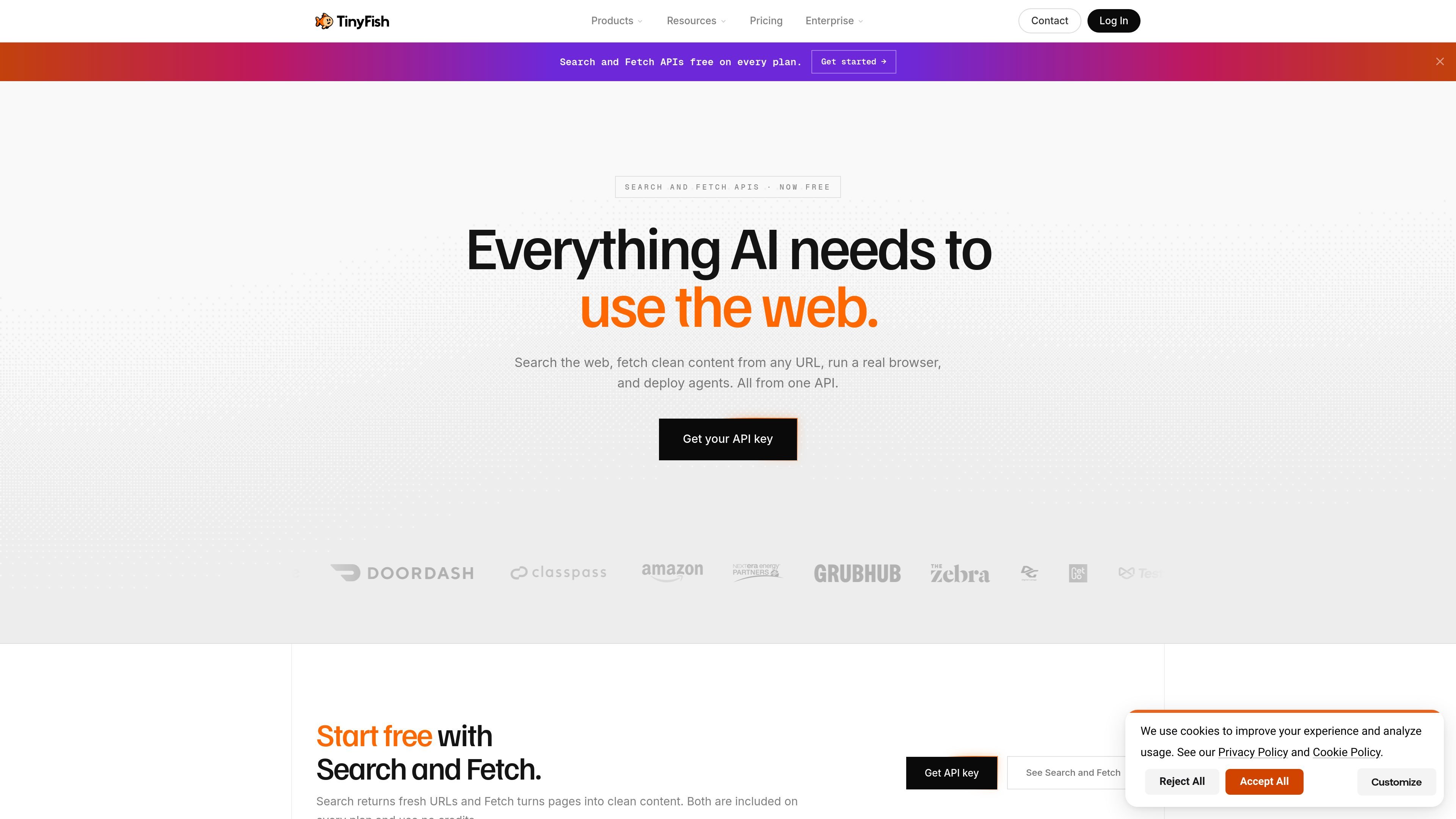
TinyFish is an enterprise infrastructure platform for AI web agents. It combines search, page fetching, browser automation, and multi-step agent execution so teams can work with the live web rather than static datasets.
The product is positioned for workflows that depend on dynamic pages, authenticated sessions, structured outputs, and repeated web interactions at scale. The site presents Search and Fetch as free APIs, while Agent and Browser are credit-based services for heavier automation tasks.
Search returns fresh URLs from the live web and is described as real browser-rendered search that can surface structured JSON from dynamic sources.
Fetch renders a page in a real browser and returns cleaned content as markdown, JSON, or HTML for downstream processing.
Agent handles multi-step browser tasks such as navigation, authentication, form filling, and structured result extraction.
Browser provides stealth Chromium sessions for authenticated or anti-bot-protected sites, with persistent state and sub-250ms cold starts.
The platform is available through MCP, a Python SDK, CLI, and direct API, so teams can connect it to assistants and custom applications.
Pricing includes separate support for Search, Fetch, Agent, and Browser usage, with credits applied to the heavier automation APIs.
Monitor booking sites and other dynamic listings to keep inventory and pricing current across many pages.
Extract sentiment and trend signals from social platforms, forums, and review sites for research and reporting.
Track competitor prices, availability, and promotions across e-commerce catalogs and retail sites.
Automate insurance quote flows that require authentication, form filling, and structured quote extraction.
Use browser automation to validate web application behavior as part of autonomous QA pipelines.
TinyFish provides APIs and infrastructure for web agents, including Search, Fetch, Agent, and Browser. The site presents it as an enterprise product for teams that need to navigate websites, authenticate, extract data, and automate workflows.
The pricing page shows free Search and Fetch APIs, while Agent and Browser consume credits. Plans include Pay as you go, Starter, Pro, and Enterprise, with Enterprise offering custom credits, SLA, and on-premise options.
The integrations page shows support for MCP-compatible clients, the MCP Registry, OpenClaw, Vercel, Dify, n8n, Cursor MCP, AG2, and a Python SDK. The site also says TinyFish offers a direct REST API for custom integrations.
The use-cases page highlights price monitoring, social listening intelligence, competitive price monitoring, insurance quoting automation, Japan market intelligence, and autonomous QA testing.
The site does not describe a single setup path in detail, but it does show web and API access through Search, Fetch, Agent, Browser, MCP, and SDK options. That suggests it can fit both low-code workflows and custom developer integrations.

Termo is an AI agent platform with dedicated VMs for browsing, code execution, memory, and scheduled automation for research and build tasks.

Orca is an Agent Development Environment for shipping with coding agents, running multiple CLI agents in parallel across isolated worktrees, with desktop and mobile workflows.

AI Magicx is a unified AI workspace for chat, image, video, voice, music, email and developer tasks, helping teams and creators manage multiple models in one place.

Paper is a design tool that connects canvas, code, and AI agents so teams can create, share, and ship work in one workflow. Includes desktop app and MCP access.

blop is a QA agent that writes browser tests as code in your repo, runs them in CI, clusters repeated failures, and can open PRs to fix broken tests.

RLAMA is a local AI platform for building RAG systems and intelligent agents on macOS, Linux, and Windows, with HTTP API support.