

Conversational music generation
Create music through a conversation instead of building long prompts. Tunee says it can respond to a mood, reference file, or clip and then help turn that input into a track.

Tunee is a conversational AI music platform for creating songs, music videos, and production outputs by chatting in plain language.
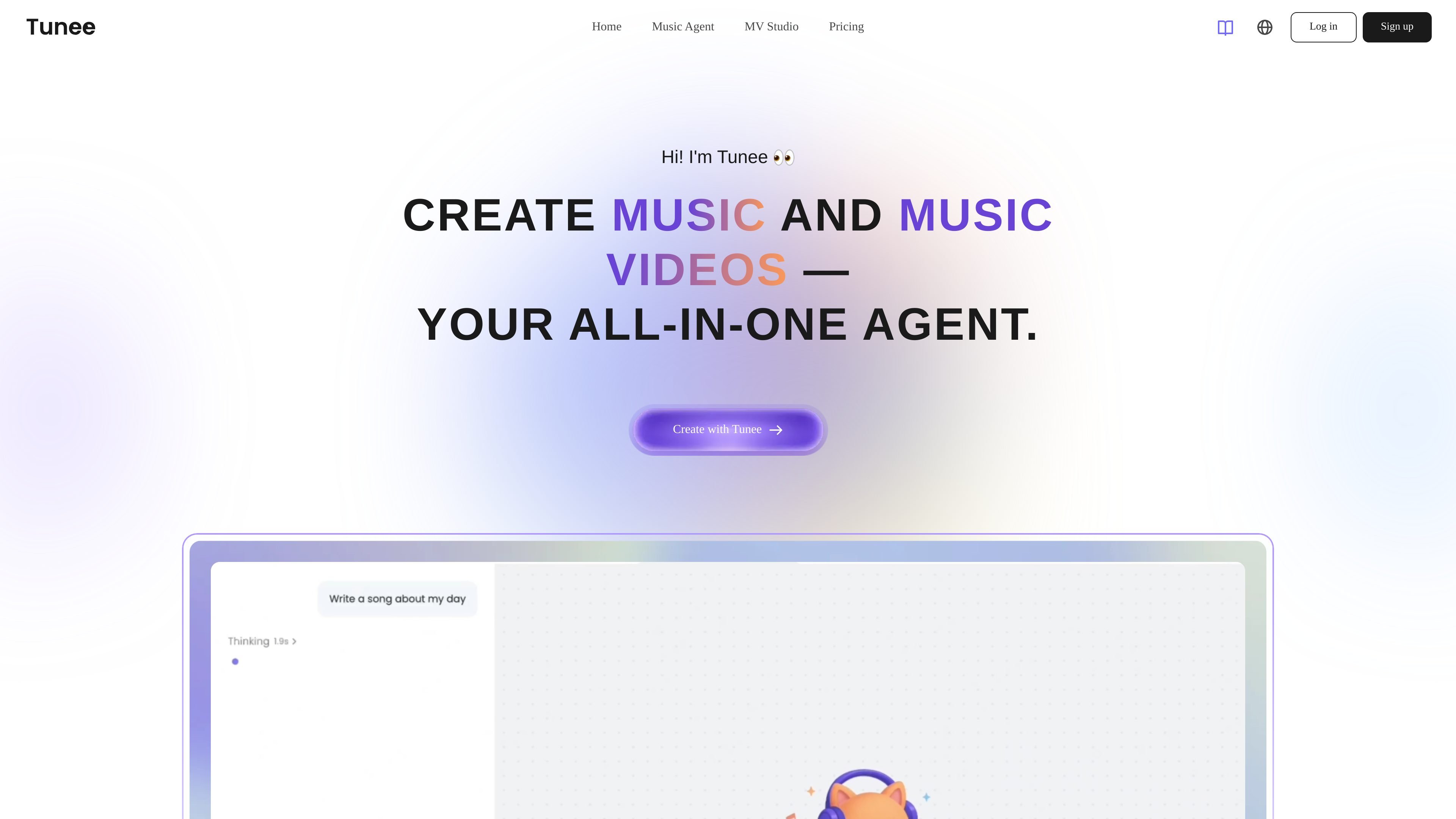
Tunee is an AI music platform centered on conversational creation. It lets users describe what they want in plain language, upload references, or share clips, then uses AI models to generate music, music videos, and related outputs.
The product is positioned for creators who want to work without complex prompting or traditional production software. Tunee also supports model switching, stem separation, mastering, voice cloning, lip sync, motion control, and a “Tunee Skills” workflow for connecting the platform to other agent tools.
Create music through a conversation instead of building long prompts. Tunee says it can respond to a mood, reference file, or clip and then help turn that input into a track.
Turn a track into a music video with AI-generated visuals. The home page presents MV Studio as a way to create shareable visuals that match the music.
Create an AI music character with a consistent look, sound, and story. Tunee positions this as a way to give a project a repeatable persona for ongoing content.
Let the system choose a model or switch manually when needed. The models page lists multiple music and video models, and the home page says Tunee supports model switching in one workflow.
Split songs into 2, 4, or 6 stems for remixing, sampling, or isolating parts. The site says stems can include vocals, drums, bass, melody, and more.
Apply mastering, voice cloning, lip sync, and motion control in the same platform. These tools are presented as part of Tunee’s end-to-end workflow for release-ready audio and video.
Generate a track from a mood, a reference song, or a short clip when you want to work by describing the idea instead of writing a detailed prompt.
Build a music video from an existing track when you need visuals that can be shared on social platforms or used for a release package.
Prepare stems and mastering for a song before release, remixing, or sampling, using the platform’s separation and finishing tools.
Create a consistent AI persona for recurring posts, character-led music content, or branded creative projects that need the same face and voice over time.
Connect Tunee into agent workflows through Tunee Skills when you want music generation to be part of a broader toolchain or automation setup.
Tunee is a conversational AI music agent that helps you create music by chatting in plain language. You can describe a mood, upload a reference, or share a clip, and Tunee turns those inputs into music or music videos.
Tunee says it offers a free plan with no credit card required, and its pricing page points to paid plans for additional features and commercial rights. The FAQ and pricing pages also mention subscription options and credits, but do not publish a full plan table in the collected text.
According to the FAQ, paid plans give you full commercial rights to the music you generate. Free-plan use is described as non-commercial with attribution, while the site also states that original lyrics you upload remain yours.
Tunee supports music generation, MV production, intelligent mastering, stems separation, and related workflows through its multi-agent setup. The site also says Tunee Skills can connect Tunee to other tools and AI agent workflows such as ClawHub and GitHub.
Tunee says projects and music remain private unless you actively share them, and it does not sell personal data or share it with third parties for marketing purposes. It also says users can delete their data at any time.

HiDream.ai is a free, browser-based AI image and video creation platform for prompts, images, audio, lip-sync, and 4K editing.

Musicfy AI is a web-based AI music generator for songs, covers, and voice tracks with AI voices or custom voice models. Free to try, with Starter, Professional, and Studio plans.

SkyReels is an AI video generation platform and API for cinematic videos from text, images, and reference media, with avatar, lip-sync, extension, and restyling workflows.

Rizzle turns articles into editorial-grade video and distributes it across major channels with AI-assisted, human-reviewed workflows for publishers.

Altered is an AI voice changer and voice content creation platform for media production and live voice use. It combines voice morphing, text-to-speech, transcription, translation, cloning, and editing in one application.

ChordChord is a browser-based chord progression generator for music makers, with editable progressions, arrangement tools, and exports to MIDI, WAV, MP3, or PDF.