

Custom voice model creation
Build custom AI voice models from your own recordings, with the source emphasizing professional training, secure voice sharing, and retained ownership of the result.

Voice-Swap is an AI voice transformation tool for musicians, creators, artists, and creative teams with voiceover, singing, custom voice models, and credit-based plans.
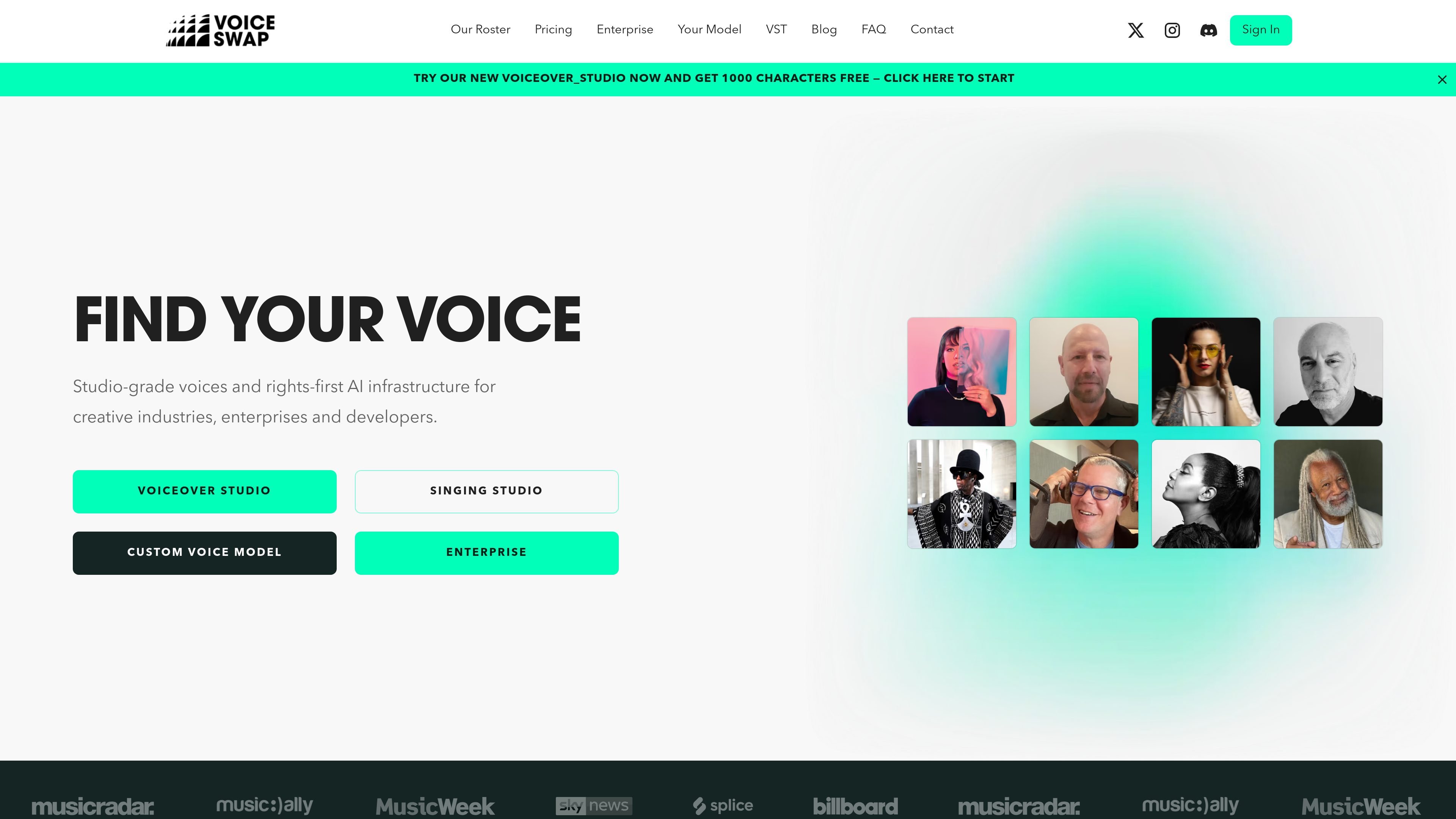
Voice-Swap is an AI voice transformation platform for musicians, creators, artists, and related creative teams. The site positions it as voice infrastructure that combines voice modeling, generation, and rights management in one system.
Its product pages show three main workflows: a voiceover studio for expressive text-to-speech style output, a singing studio for swapping or generating vocals, and custom voice models built from the user’s own recordings. The roster page also adds access to featured artists and session singers, while the pricing page shows singing, voiceover, and team plans with credit-based usage.
Build custom AI voice models from your own recordings, with the source emphasizing professional training, secure voice sharing, and retained ownership of the result.
Use a text-to-speech style voiceover studio for media, marketing, and storytelling with expressive and controllable voices.
Work with singing-focused AI voices for demo production, harmonies, stacked vocals, and stem-based vocal workflows.
Choose from a roster of featured singing and voiceover talent, including listed artists such as Elle Exxe, Ayah Marar, Robert Owens, and others.
Use credit-based plans and one-off purchases, with separate usage charges listed for stem separation, voice conversion, VST usage, downloads, SoundCloud uploads, and model training.
Use the service around rights-first voice infrastructure language that positions voice modeling, generation, and rights management as a single system.
Use the voiceover studio to create expressive AI narration or character voices for media, marketing, podcasts, or storytelling projects.
Use the singing studio to swap vocals, separate stems, or generate harmonies and stacked vocals for demos and production work.
Create a proprietary voice model from your own recordings when you need a reusable branded or personal voice asset.
Select a featured artist or session voice from the roster when you want a specific singing or voiceover identity for a project.
Use the pricing plans to match a project’s expected usage, whether you want a subscription or a one-off credit purchase.
Voice-Swap’s FAQ focuses on common workflow and rights questions, including audio glitches, commercial use, track usage, social media use, permissions, and licensing. The source does not provide full step-by-step answers here, so the safest summary is that it addresses usage, permissions, and model-related questions.
Yes. The FAQ explicitly includes questions about creating a model of your voice for private use only, and the custom voice page says Voice-Swap creates custom AI voice models from your recordings.
The FAQ includes questions about using created audio commercially and using it in a track, but the provided source text does not spell out the full licensing terms. Users should review the FAQ and terms before commercial release.
The site’s FAQ includes questions about what happens if a track is uploaded without permission and whether the data used by models is fully licensed. That suggests rights and permissions are treated as a core part of the workflow.
The pricing page shows plans for singing, voiceover, and team use, but the source text does not describe collaboration features in detail. The safest statement is that team-oriented pricing exists, while workflow specifics are not shown in the provided copy.

Altered is an AI voice changer and voice content creation platform for media production and live voice use. It combines voice morphing, text-to-speech, transcription, translation, cloning, and editing in one application.

Musicfy AI is a web-based AI music generator for songs, covers, and voice tracks with AI voices or custom voice models. Free to try, with Starter, Professional, and Studio plans.

Vocs AI is an AI voice-to-voice generator that turns recorded vocals into the sound of a selected AI artist for singers, podcasters and creators.

MakeBestMusic is a web-based AI music generator for royalty-free songs, instrumentals, and voice covers from text. Quick creation and custom workflows available.

VisionStory is an AI video platform for creating talking avatar videos, video podcasts, and presentation videos from photos, scripts, and audio. It supports emotion control, voice cloning, multilingual voices, and green-screen output.

Inpodcast AI is a browser-based AI podcast studio for turning documents, scripts, and text into podcast-style audio with voice cloning and text to speech.