

Levels instead of lectures
Learning is structured like a story with levels instead of ordinary lectures: the user completes sequential missions rather than studying theory separately from practice.

AGINE Academy — a gamified online academy for practical Claude use at work, in creativity, automation, and your own projects. Free lesson, no signup, and full access by subscription.
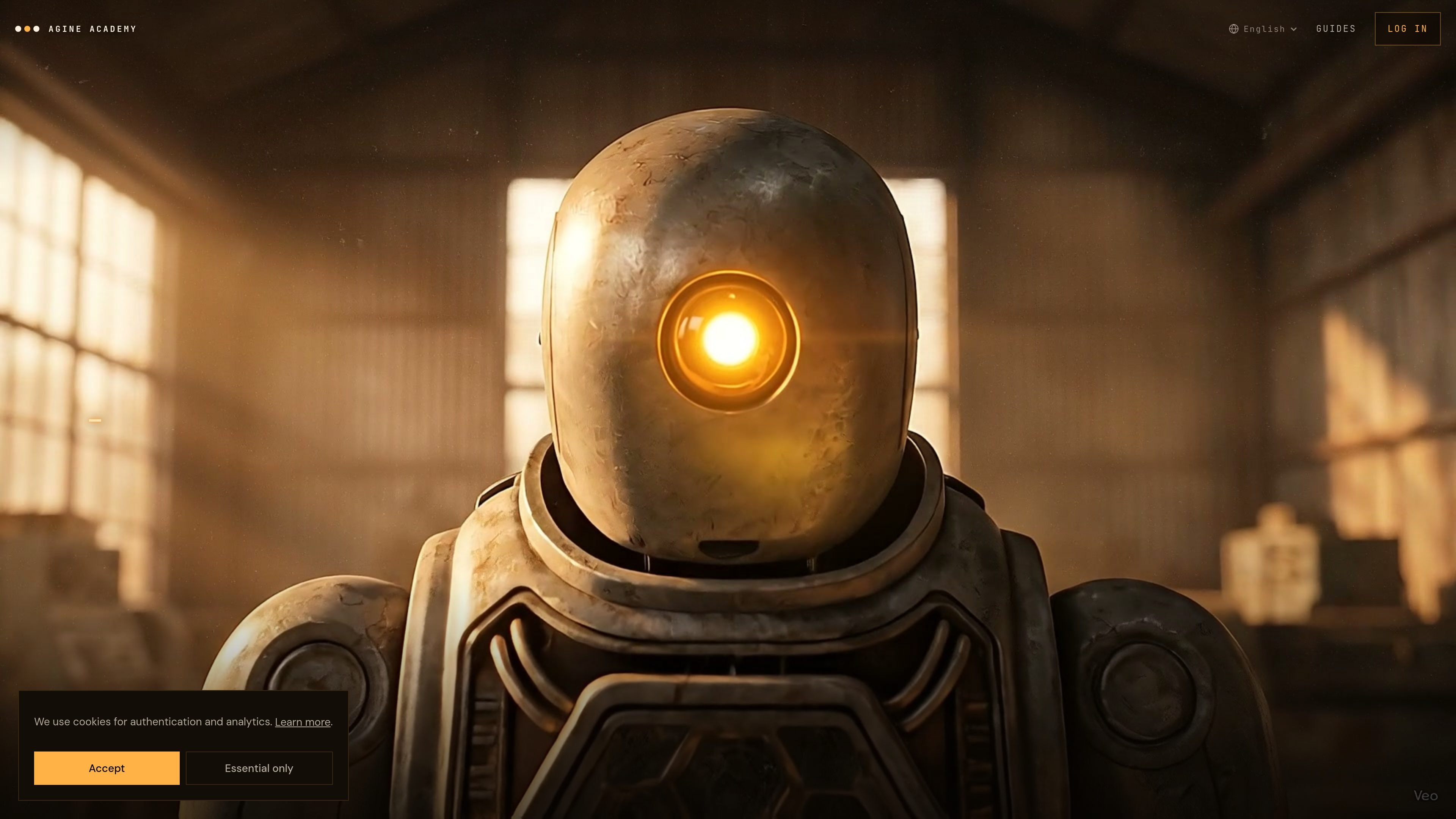
AGINE Academy is a gamified online academy for practical Claude mastery. Instead of traditional lectures, it uses a sequence of levels and missions, where the learner works directly in Claude and immediately applies new steps in practice.
According to the website description, the academy helps turn Claude from a chat into a working tool for work, creativity, content, automation, and personal projects. The free lesson introduces Claude Desktop installation, the first launch, and initial practical missions, while full access unlocks all published academy lessons by subscription.
Learning is structured like a story with levels instead of ordinary lectures: the user completes sequential missions rather than studying theory separately from practice.
Each step is completed in the real Claude, including the free lesson with Claude Desktop installation, registration, and first launch.
An AI mentor accompanies the lesson within the current step, checks the result, and confirms mission completion.
After each lesson, a concrete result remains: a configured skill, a prompt pack, or a ready-made setup.
Full access opens all published course lessons, including materials on prompts, projects, artifacts, connectors, skills, plugins, and practical scenarios.
The training is designed for work, creativity, content, automation, and your own projects, and no development experience is required.
Suitable for people who want to start exploring Claude with practice: the free lesson guides them through Claude Desktop installation, registration, and the first missions without needing to understand the tool in advance.
Useful for people who use AI at work and want to turn Claude from a chat mode into a practical work tool with a clear set of skills and setups.
Suitable for creators who need prompts, content scenarios, and working results after the lesson, not just explanations of principles.
Can be used as a learning path for people who want to explore automations and connectors through hands-on examples, step by step and in the context of specific missions.
Suitable for people building their own projects and wanting to assemble practical skills around Claude without diving into development from scratch.
The free lesson starts with installing Claude Desktop, signing up, and the first launch. It guides you through the first practical missions in the real product, not a simulation.
Full access opens all published lessons across all course sections. The description says it includes prompts, projects, artifacts, connectors, skills, plugins, and practical scenarios, with new lessons added over time.
On the course page, ЮНИТ is described as a small robot and a digital twin in the story. It grows as missions are completed and reflects the learner’s progress in mastering Claude.
No. The page explicitly says that no experience with neural networks is required: the training starts with installing Claude Desktop.
The source points to a gamified format, step-by-step missions, an AI mentor inside the lesson, and artifacts after each lesson. There is no separate page with detailed documentation for integrations in the available sources.

Super Teacher is a tutoring app for elementary schools that teaches reading and math with step-by-step instruction, classroom use, home access, and progress tracking.

Tich Academy is a learning platform for students with workshops, flashcards, diagnostics, and personalized document-based study tools. Free trial available.

Buddy.ai is an AI English learning app for children with voice lessons, games, and guided practice to build speaking, listening, pronunciation, and vocabulary.

Fermion is an AI-ready ed-tech cloud combining an LMS, live streaming, coding sandboxes, and video delivery in one branded platform.
Answers AI is an AI-powered education platform for students and educators, offering answers, study help, and assignment support across web, mobile, and Chrome tools.

小艺 is Huawei’s AI smart assistant for Q&A, writing, document reading, code help, image recognition, and file drag-and-drop.