

Pre-production simulations
Run voice evals before launch using a library of scenarios or custom scenarios to check how an agent behaves across different conversations and personas.
Cekura is a voice testing and observability platform for teams building voice agents and conversational AI. Pre-production simulations, live call monitoring, alerts, reports, and APIs.
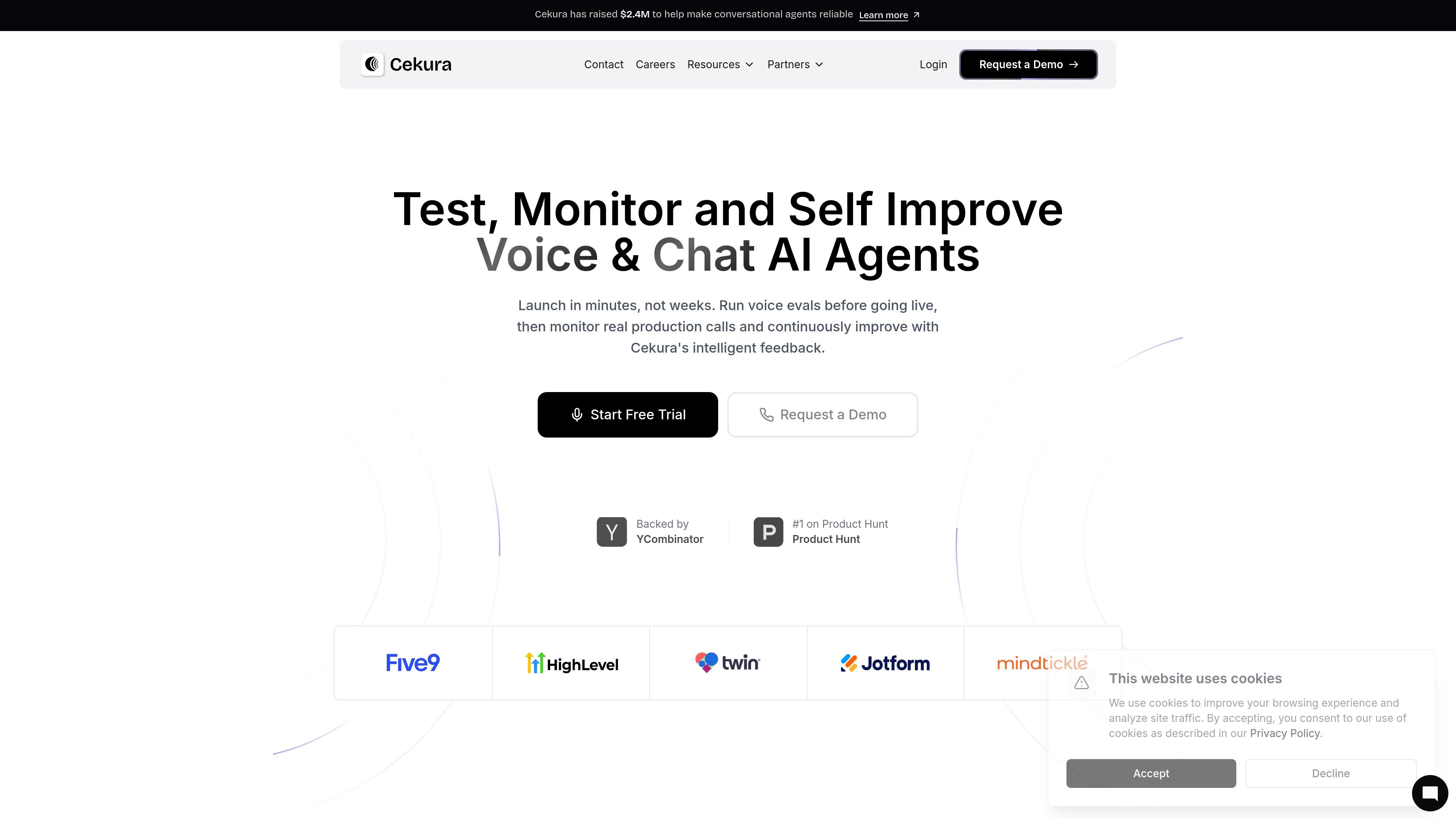
Cekura is a voice testing and observability platform for teams building conversational AI and voice agents. It combines pre-production simulations with production monitoring so teams can validate prompts, test workflow behavior, and watch live calls for issues that affect quality.
The source shows the product focused on instruction-following, tool calls, conversational flow, and voice-specific signals. In practice, that means teams can replay difficult conversations, test across different personas, inspect live calls, and use the resulting data to catch regressions before they affect users.
Run voice evals before launch using a library of scenarios or custom scenarios to check how an agent behaves across different conversations and personas.
Monitor live calls as they happen and track voice-specific signals such as gibberish detection, interruption tracking, latency, sentiment, and pitch.
Tune evaluation prompts against real call recordings in a labs workflow by editing, replaying, and scoring calls until the judge matches ground truth.
Set thresholds and receive instant notifications for errors, failures, and performance drops through Slack, email, or webhooks.
Build custom plots and filter production metrics by agent or date to review trends such as duration, sentiment, drop-off, and success rates.
Integrate with supported voice platforms and access APIs for production call simulation, logging, and tool-call workflows.
Test how prompt changes affect core flows such as cancellations, reschedules, follow-ups, refunds, or other multi-step workflows before shipping them.
Stress-test call handling across different personalities, including interruptive or impatient users, to confirm the agent can recover gracefully.
Replay known problematic conversations to reproduce failures and verify that a fix addresses the original issue without introducing new ones.
Monitor live production calls for latency, interruptions, sentiment, and other voice-specific signals so teams can spot quality issues as they happen.
Use alerts, reports, and custom plots to track trends, review failures, and share operational data across the team.
The source describes Cekura as an end-to-end voice testing and voice observability platform. It is used to run pre-production simulations, monitor real production conversations, and review voice-specific quality signals.
The pricing page shows a Developer plan with a free start, and an Enterprise plan with custom pricing. The Developer plan includes a 7-day free start with 300 credits and no credit card required.
The product is built for teams working on voice agents and conversational AI, including developers, AI automation teams, healthcare teams, and other production voice AI users.
The source shows production call alerts, downloadable reports, API access, log retention, and real-time monitoring features. It also mentions a library of scenarios for testing and the ability to create custom scenarios.
The source explicitly lists a Developer plan and an Enterprise plan. The Enterprise plan offers custom pricing, access control, compliance options, self-hosting, custom integrations, and dedicated support.

blop is a QA agent that writes browser tests as code in your repo, runs them in CI, clusters repeated failures, and can open PRs to fix broken tests.

Orca is an Agent Development Environment for shipping with coding agents, running multiple CLI agents in parallel across isolated worktrees, with desktop and mobile workflows.

BotLab is a tool for testing video-game bots by running them in simulated game clients, reviewing session logs, and comparing results in the Reactor. It offers a free tier for short sessions and a paid Pro plan for longer online runs.

Firebase Studio is a web-based workspace for full-stack app development with Gemini-assisted coding, app previews, cloud emulators, collaboration, and browser deployment.

EZsite AI is an AI website builder that turns a URL into a fullstack React or Vue.js app with hosting, custom domains, code export, and backend features.

AI Magicx is a unified AI workspace for chat, image, video, voice, music, email and developer tasks, helping teams and creators manage multiple models in one place.