

Scenario-based conversation practice
The site centers on roleplay scenarios for difficult conversations, including job interviews, salary negotiations, performance review talks, sales pitches, and family or relationship discussions.

ChatVisor is an AI communication coach for difficult conversations in career, relationship, sales, and parenting contexts. Practice with roleplay, feedback, and browser access.
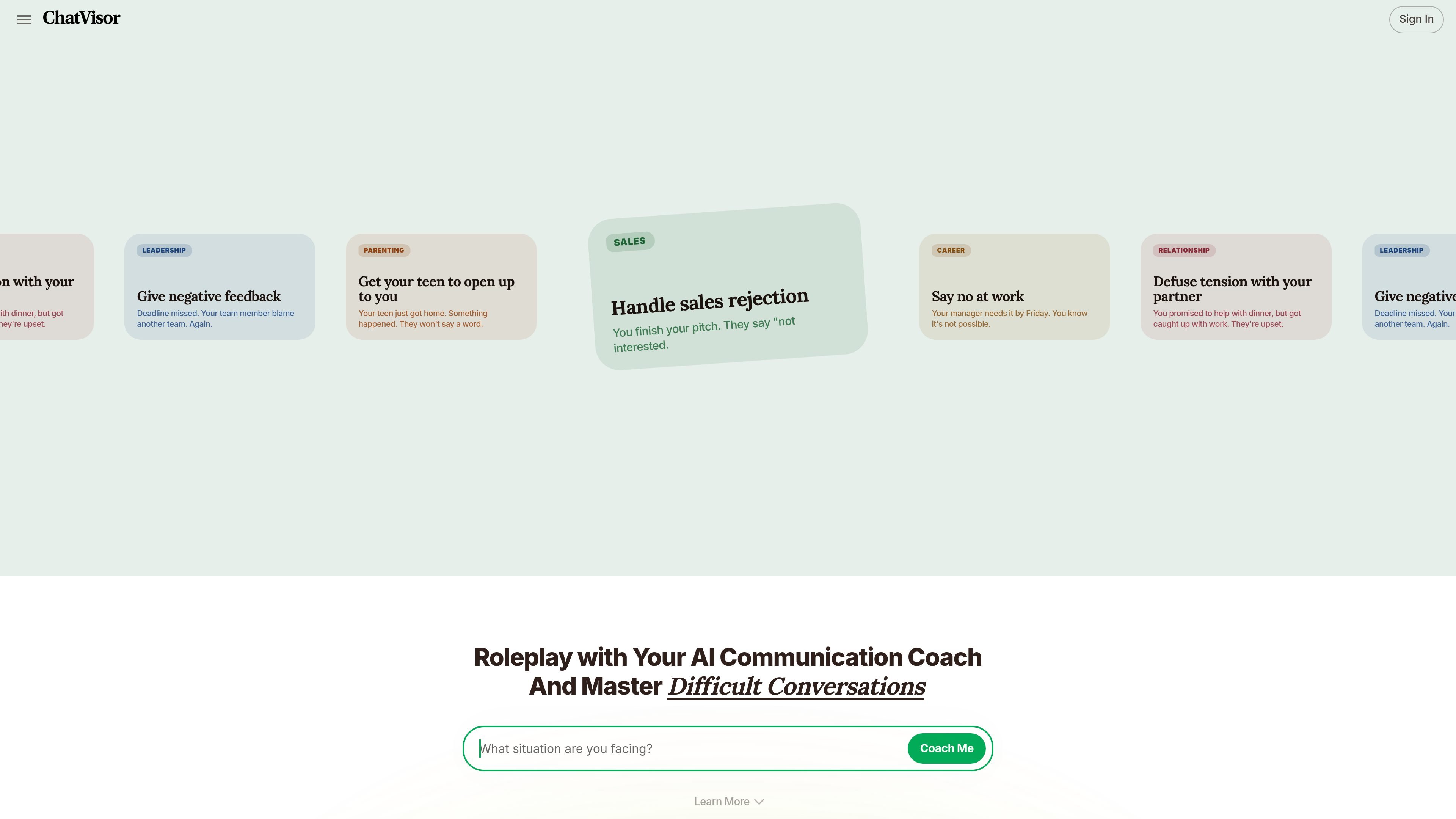
ChatVisor is an AI communication coach focused on difficult conversations in career, relationship, parenting, and sales settings. It combines scenario-based roleplay with coaching so people can rehearse what they want to say before they face the real conversation.
The site positions the product as a practice and support tool for moments such as interviews, salary negotiations, asking for a raise, resolving conflict, giving feedback, or responding to sales objections. It also offers a “crisis mode” for users who need quick help while they are in the middle of a conversation or message thread.
The site centers on roleplay scenarios for difficult conversations, including job interviews, salary negotiations, performance review talks, sales pitches, and family or relationship discussions.
The terms describe a simulator feature that uses uploaded information to make practice conversations feel more realistic, with AI coaching during the exchange.
The homepage says ChatVisor first identifies communication blind spots with a short question flow, then suggests where to focus practice.
After practice, the product provides feedback on what worked, what to fix, and what to do next, so users can refine their approach over time.
The homepage says users can continue practicing until they are ready, and the product tracks progress after each practice session.
The pricing page says Plus includes full browser-extension access for Slack, LinkedIn, WhatsApp, Gmail, and more, making it usable in common web communication tools.
Use ChatVisor to rehearse interview answers, salary requests, or requests for a raise before a live career conversation.
Practice objection handling, client pitches, cold calls, and pricing conversations before speaking with prospects or customers.
Work through repair conversations, conflict, or trust issues when you need a calmer way to prepare for a personal discussion.
Use the coaching flow to prepare for feedback conversations, team conflict, or leadership communication in a work setting.
Turn to the quick-help flow when you need guidance while you are actively writing or responding in a conversation.
ChatVisor is designed for practicing difficult conversations and getting AI guidance in the moment. The site highlights roleplay, coaching, and quick help for situations like interviews, salary talks, relationship conflict, and sales objections.
The pricing page lists a Basic free plan with limited messages, limited chats, and limited roleplay practice. The Plus plan adds unlimited messages, unlimited chats, unlimited roleplay practice, and real-time coaching.
Yes. The pricing page says Plus includes full access to the browser extension for Slack, LinkedIn, WhatsApp, Gmail, and more.
The terms describe a simulator feature that lets users practice communication with simulated entities and receive AI coaching. The site also says users can upload relevant information to make the simulation more realistic.
The terms say ChatVisor is not a substitute for professional advice, that AI-generated content may be inaccurate or out of date, and that emergency situations should not rely on the bots.

Coach is an AI-powered career coach from CareerVillage.org for students, job seekers, and institutions. Free personal access; paid plans for guidance, reporting, and workflows.

HiringPartner.ai is an autonomous AI recruiting platform for sourcing, screening, and interviewing candidates 24/7. It supports ATS-connected workflows, bulk resume uploads, and reviewable interview outputs for hiring teams.

Distribute is an AI sales follow-up tool that turns calls into shareable deal pages with recordings, pricing, next steps, and follow-up emails.

OneText helps merchants turn SMS conversations into orders with campaign messaging, cart recovery, conversational replies, and order sync.

Reflection is an AI journaling app for guided self-reflection, mood tracking, and private writing across web and native apps with AI Coach and guides.

BeeDone is a gamified AI productivity app that turns tasks, habits, and focus sessions into XP-driven progress. It appears to suit people who want a more structured, reward-based way to manage daily work across Android, iPhone, and web.