

Tri-surface editing
Work across agentic, visual, and code surfaces while keeping the same project in sync. This lets builders move between AI prompts, canvas edits, and code without splitting the workflow.

Dreamflow is a visual AI builder for production mobile apps. It helps teams and solo builders create Flutter-based apps with AI prompting, visual editing, code control, and deployment paths for web and mobile.
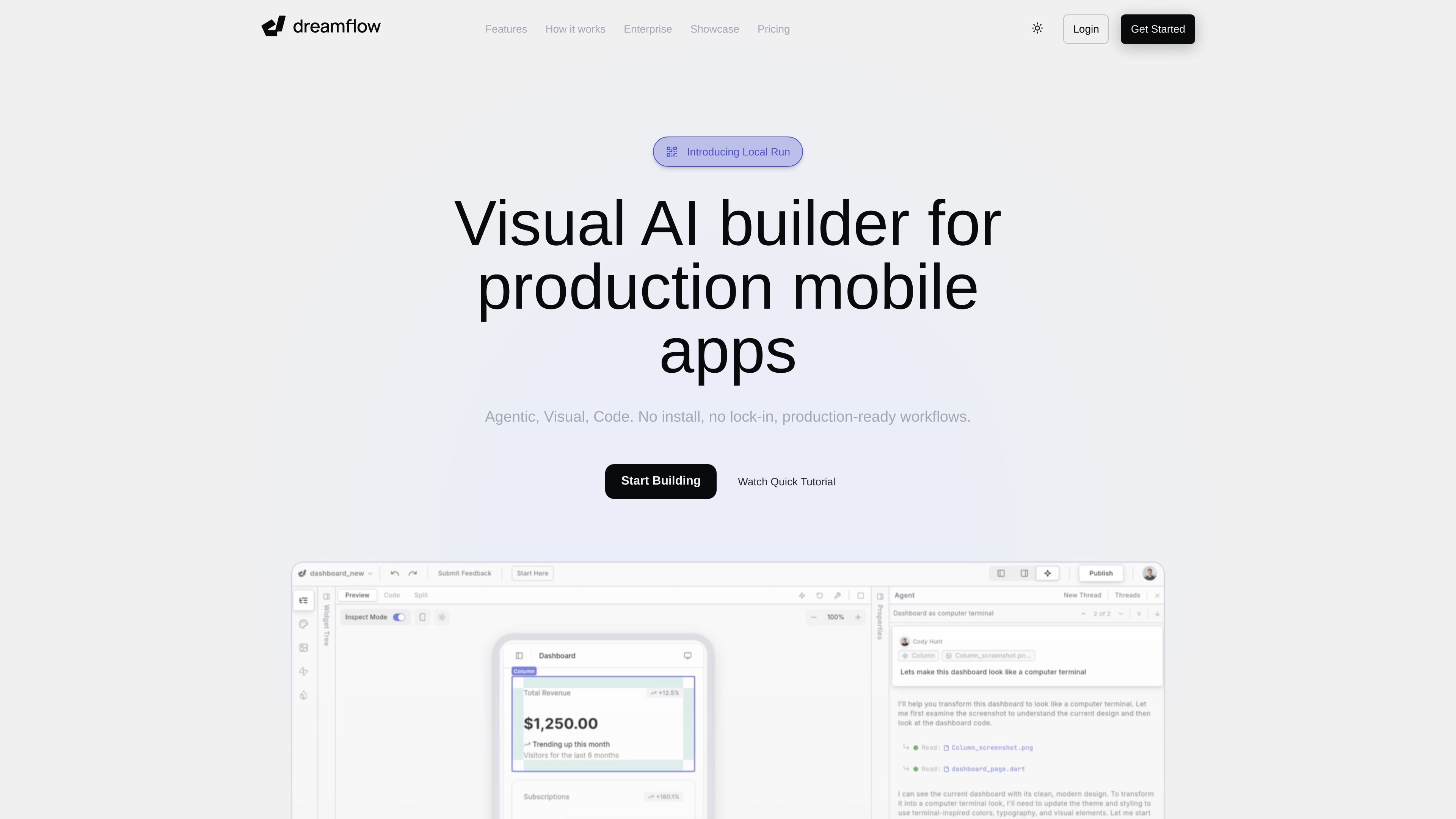
Dreamflow is a visual AI builder for production mobile apps. It combines AI prompting, a visual canvas, and code editing in one workflow so builders can move from idea to implementation without switching tools or losing project state.
The site positions Dreamflow around Flutter-based app development for iOS, Android, Web, and Desktop. It emphasizes production-ready workflows, one-click deployment, and the option to export the full Flutter project for ownership outside the platform.
Work across agentic, visual, and code surfaces while keeping the same project in sync. This lets builders move between AI prompts, canvas edits, and code without splitting the workflow.
Use context-aware generation to scaffold app features according to the patterns and best practices described in the source. The product also says you can define rules and constraints for AI output in the Dev page.
Build on Flutter with a single codebase for iOS, Android, Web, and Desktop. The site says apps share UI, logic, and state while still allowing platform-specific extensions when needed.
Ship with Firebase or Supabase integration out of the box. The home page describes these as backend integrations available from the start for full-stack apps.
Deploy to Web, App Store, and Play Store, or export the full Flutter project. The pricing and home pages both describe one-click deployment, while paid plans include full code export.
Convert projects into Git repositories with a deterministic file structure. The Dev page frames this as supporting version history, branching, pull requests, and ownership outside Dreamflow.
Use Dreamflow to turn a product idea into a working mobile app starting from natural-language prompts, then refine the interface and logic in the visual canvas or code editor.
Use the platform when you need one Flutter codebase to serve multiple targets, including iOS, Android, Web, and Desktop, without managing separate front ends.
Use Firebase or Supabase integrations to connect a backend early and move beyond a static prototype into a full-stack app with persistent data and app logic.
Use the Git-backed workflow and deterministic file structure when your team needs version history, branching, pull requests, and code ownership outside the hosted builder.
Use the Enterprise contact flow when you need standardized architecture, team onboarding, access control, private cloud deployment, or support for your own AI models.
Dreamflow builds production-ready mobile apps from natural-language prompts, visual editing, and code. It is designed for builders who want AI speed without giving up a real Flutter codebase.
The source shows support for iOS, Android, Web, and Desktop through a Flutter-based single codebase. The home page and pricing page also mention deployment to web, App Store, and Play Store.
Dreamflow can deploy directly or export the full Flutter project. The pricing page also mentions full code export on paid plans, and the dev page says projects can be converted into a Git repository with a deterministic file structure.
Pricing on the site includes Free, Hobby, Pro, and Enterprise options. The Free plan lets you start building with credits, while paid plans add more credits and additional workflow features such as broader deployment and code export.
The contact page is aimed at enterprise customers and mentions standardizing architecture or scaling across teams. Enterprise features listed on pricing include dedicated support, onboarding, advanced access control, bring-your-own AI models, SLA and uptime guarantees, and private cloud deployment.

EZsite AI is an AI website builder that turns a URL into a fullstack React or Vue.js app with hosting, custom domains, code export, and backend features.

Firebase Studio is a web-based workspace for full-stack app development with Gemini-assisted coding, app previews, cloud emulators, collaboration, and browser deployment.

Framer is an AI website builder for professional sites. It helps teams design, manage CMS content, optimize SEO, collaborate, and publish from a single no-code workflow.

Softr is a no-code platform for business apps, portals, and internal tools with AI-assisted creation, visual editing, and data connections.

UXbot turns plain-language product ideas into user flows, UI, interactive demos, and exportable code for websites and apps.

Orca is an Agent Development Environment for shipping with coding agents, running multiple CLI agents in parallel across isolated worktrees, with desktop and mobile workflows.