

Connected model workspace
Framia connects models including Google Gemini 3.0, Sora 2, Veo 3.1, Midjourney v7, Seedream 4, and others so users can generate different media types from one place.

Framia is an AI creative studio that combines specialized agents, a shared canvas, and connected models for video, image, music, and design work. It is positioned for solo creators and multimodal workflows that need generation and iterative editing in one place.
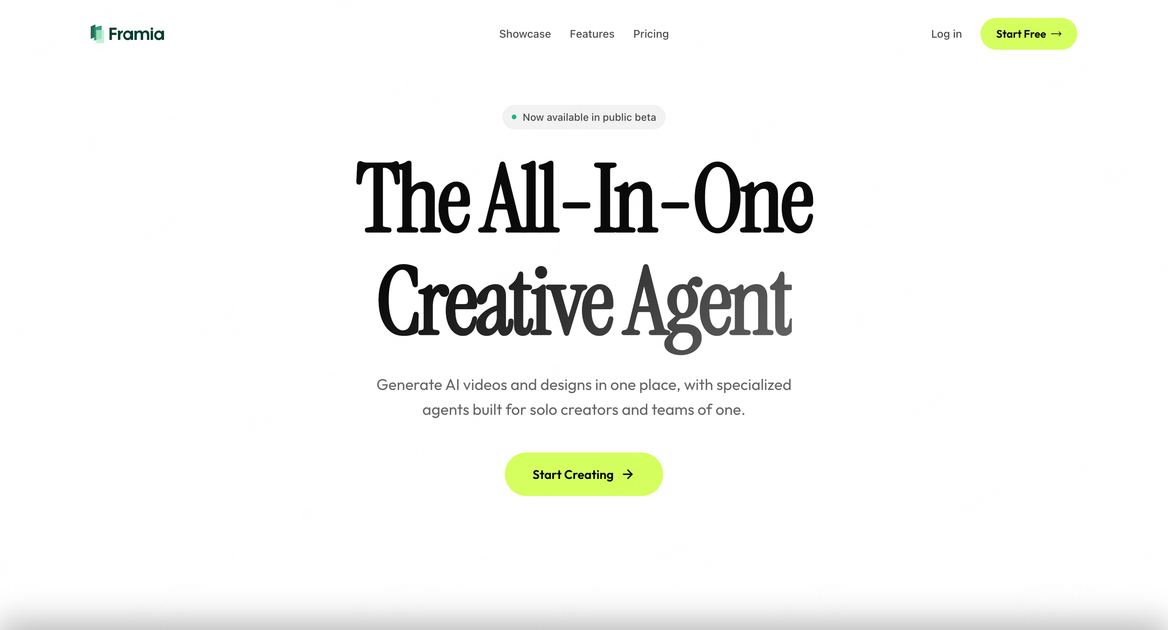
Framia is an AI-powered creative platform for solo creators and other users who want to produce video, image, music, and design work in one workflow. Its public pages describe it as an all-in-one creative and marketing studio built around specialized agents rather than disconnected tools.
The product connects models such as Google Gemini 3.0, Sora 2, Veo 3.1, and several image, video, music, and voice models inside a single canvas and editor. The site positions Framia as a place to generate assets, refine them interactively, and keep context while iterating on multimodal projects.
Framia connects models including Google Gemini 3.0, Sora 2, Veo 3.1, Midjourney v7, Seedream 4, and others so users can generate different media types from one place.
The product presents a canvas where users can generate images, videos, music, or other assets and then direct changes by pointing to specific areas.
Video agents are described as producing character-consistent ads, music videos, animations, shorts, and cinematic storytelling outputs.
Design agents create posters and social posts, with the site calling out precision control and seamless logo and product integration.
The timeline editor supports clip arrangement, shot regeneration, audio syncing, and real-time preview for co-creation with agents.
AI image editing turns generated designs into editable layers so users can move, resize, and adjust text, images, shapes, and other elements.
Produce character-consistent ads, music videos, animations, and cinematic clips using the video agents and timeline editor when you need a guided creative workflow.
Create posters and social posts with precision control, then adjust layers, text, and shapes without rebuilding the entire design.
Build short-form videos and voiced animations for quick social publishing using the Shorts Agent and other video-focused tools.
Use the canvas to direct changes to images, videos, or music assets in context when you want to iterate without switching between separate apps.
Generate and refine assets for branding, e-commerce, photography, and other creative prompts that appear in the site’s skill and gallery sections.
Framia is an AI-powered creative platform for generating and editing video, images, music, and design work in one workflow. It is positioned for solo creators and also describes a broader fit for professionals and first-time creators who need more coherent multimodal creation.
The site presents Framia as a single creative workspace built around agents and a canvas, with models such as Gemini 3.0, Sora 2, Veo 3.1, Midjourney v7, and others connected inside the product. It is intended to support direction, iteration, and multimodal control without switching between separate tools.
The source does not describe team collaboration features or seat-based workflows. The public copy emphasizes a personal creative workflow, so team use should be confirmed directly with the product.
The homepage and product pages show outputs such as character-consistent videos, ads, music videos, animations, posters, social posts, and editable AI-generated designs. The exact quality and suitability of each output depend on the task and model used.
The source shows a login flow and pricing information for a Converge AI plan, but it does not publish the actual price on the page text provided. Credits are described as working across products in the workspace.

Paper is a design tool that connects canvas, code, and AI agents so teams can create, share, and ship work in one workflow. Includes desktop app and MCP access.

Superside is an AI-powered creative service for enterprise and in-house teams, with global talent, AI-first workflows, and subscription-based support.

Postfity is a social media management tool for scheduling, planning, publishing, and tracking posts across connected accounts. Includes analytics, inbox management, AI tools, team workflows, and Free and paid plans.

AI Magicx is a unified AI workspace for chat, image, video, voice, music, email and developer tasks, helping teams and creators manage multiple models in one place.

Framer is an AI website builder for professional sites. It helps teams design, manage CMS content, optimize SEO, collaborate, and publish from a single no-code workflow.

RankSpot is an AI SEO platform that researches, writes, and publishes blog content automatically to boost organic visibility in Google and AI answers.