

Browser-based demo capture
Capture a website or app flow directly from the browser in a few clicks, then turn the recorded path into an interactive demo or guide.

Guideflow is an interactive demo platform for creating, personalizing, sharing, and tracking product demos and step-by-step guides. It is aimed at teams that need clickable product experiences for marketing, sales, support, onboarding, and training.
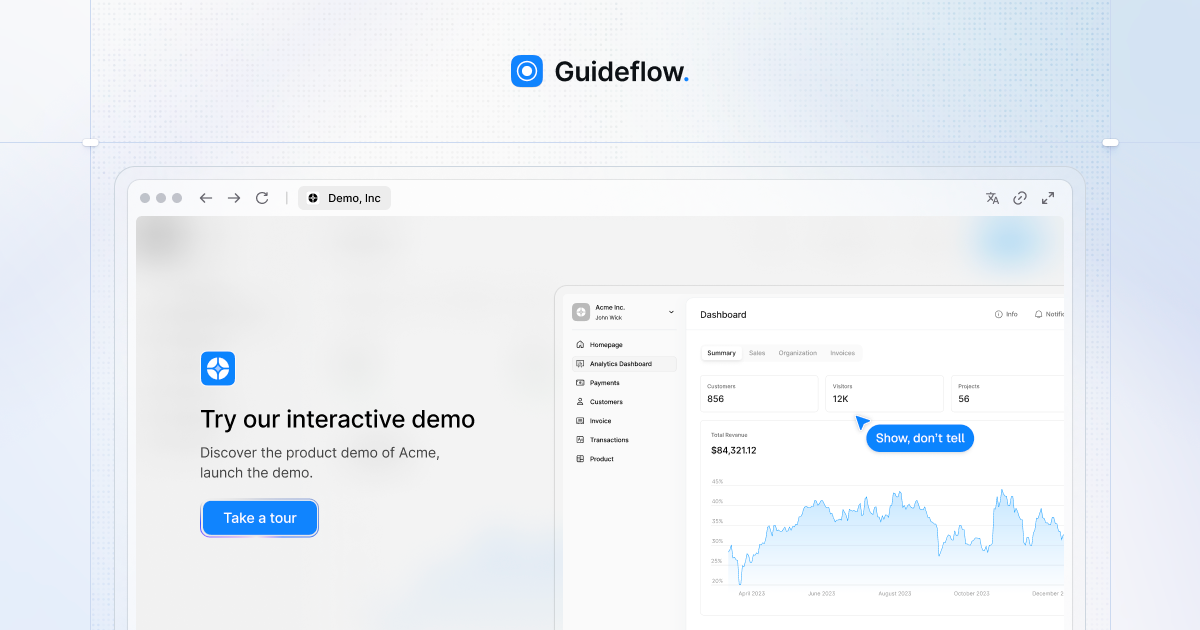
Guideflow is an interactive demo platform for creating product demos, step-by-step guides, sandbox environments, mobile demos, and demo hubs from browser-captured flows. It is positioned for teams that want to show product value without relying on live product access or engineering-heavy setup.
The source emphasizes a workflow that starts with capturing a flow, then editing and personalizing it, sharing it through links or embeds, and tracking how viewers engage. Guideflow also offers packaged solutions such as Sandbox and Demo Center, plus plan-based features for individuals, startups, growing teams, and enterprises.
Capture a website or app flow directly from the browser in a few clicks, then turn the recorded path into an interactive demo or guide.
Use the builder to add notes, branding colors, images, logos, text, and other edits so the demo matches the intended presentation.
Let AI adjust steps, popups, translations, voiceovers, avatars, and other content so demos can be refined faster for different audiences.
Personalize text, images, charts, and hidden or blurred elements for different leads while keeping the demo editable at scale.
Share demos through public links, embeds, email, Notion, and social channels, or place them inside a branded Demo Center.
Track impressions, completion rate, leads collected, and conversion-related activity with analytics and real-time insights.
Build guided product demos for landing pages or campaign pages so visitors can understand value without starting a full trial or speaking to sales.
Create tailored demo flows for prospects, handle objections during calls, and share repeatable assets with sales or pre-sales teams.
Package answers into clickable walkthroughs so customers can self-serve common questions and reduce the need for repetitive support explanations.
Document product updates, validate feature ideas, and present new workflows in a format that stakeholders can click through instead of reading static screenshots.
Onboard customers, partners, or internal teams with step-by-step demos that shorten time to proficiency and provide a consistent training reference.
Guideflow is designed for teams that need interactive demos, step-by-step guides, or clickable demo environments. The source highlights use across product marketing, sales, customer support, product, partnerships, and onboarding/training teams.
The source shows free and paid plans. The pricing page lists a Free tier and paid tiers for Solo, Startup/Growth, Advanced, and Enterprise, with some plans offering features like advanced analytics, AI demo content, HTML capture, Sandbox demos, and Demo Center as an add-on or included capability depending on plan.
Guideflow can capture a product flow from the browser, turn it into an interactive guide or demo, and then let teams edit, personalize, share, and track it. The site also describes products for Sandbox demos, a Demo Center, and mobile demos.
The source mentions public links, embeds, email, Notion, ads, and social sharing. It also notes integrations with tools such as HubSpot, Salesforce, Marketo, Slack, and Teams in plan descriptions and product pages.
The pricing page shows plan-based packaging with a Free tier, individual plans, team plans, and an Enterprise option with custom seat numbers and sales contact. It also indicates that some capabilities are plan-specific or available as add-ons.

Exalate is a bidirectional integration platform for syncing work items in real time across teams, systems and companies with controlled data flow.

Airtop is a no-code AI automation platform for sales and marketing teams, with browser-based agents for lead gen, data enrichment, outbound, and campaign workflows.

EZsite AI is an AI website builder that turns a URL into a fullstack React or Vue.js app with hosting, custom domains, code export, and backend features.

TakeCareOS is a web platform for home care, disability, and aged care agencies, with rostering, billing, compliance, and AI admin tools.

Framer is an AI website builder for professional sites. It helps teams design, manage CMS content, optimize SEO, collaborate, and publish from a single no-code workflow.

CREAO is an AI agent platform for turning recurring business work into reusable workflows, with schedules, approvals, and tool integrations.