

Long-to-short clipping
Generates short-form clips from longer videos, with the homepage describing the workflow as turning long videos into Shorts with AI.

HiClip is an AI video clipping tool that turns long videos into short-form clips for Shorts, Reels, and TikTok. It automates clipping, captions, and reframing.
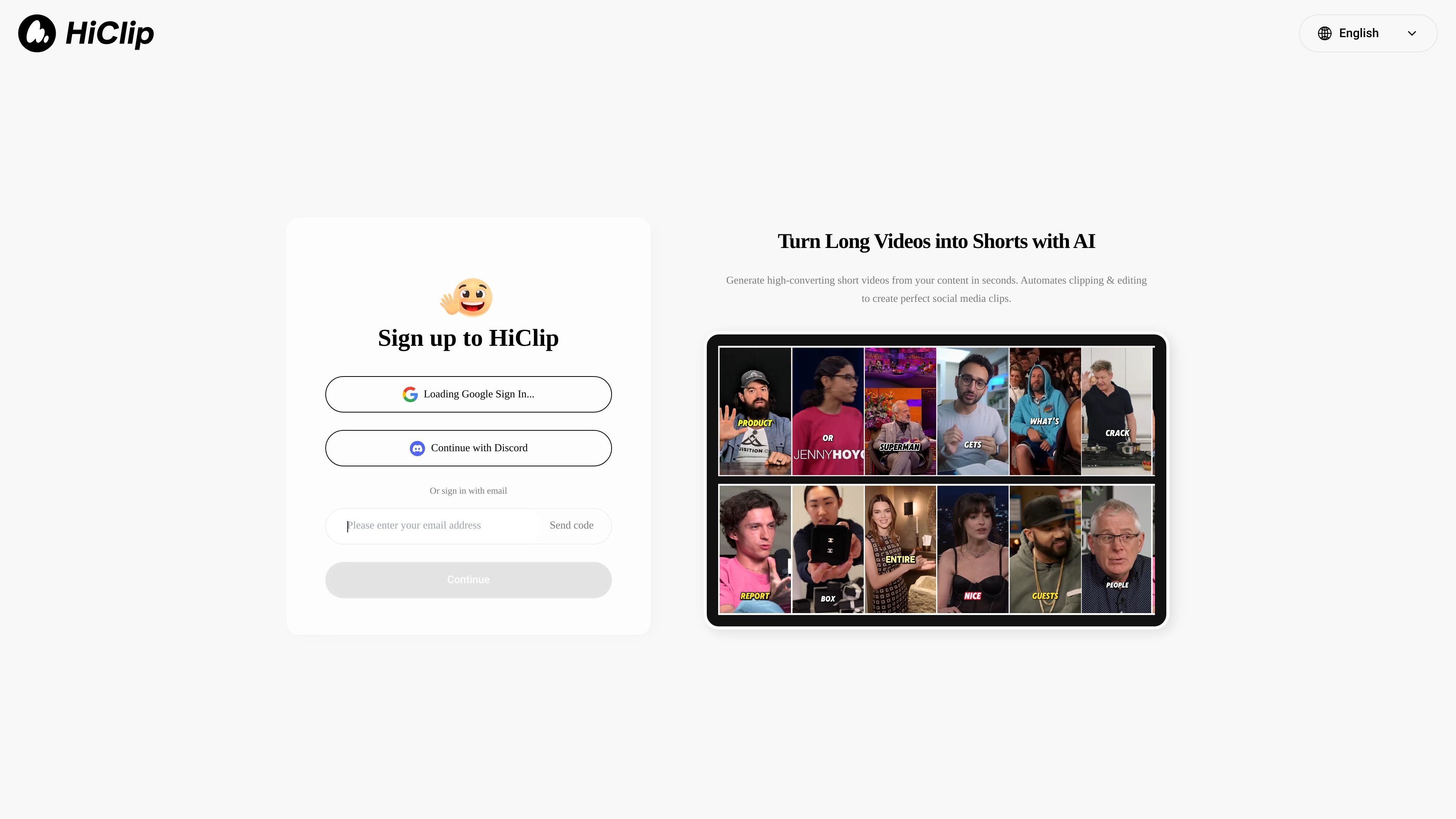
HiClip is an AI video clipping agent that turns long videos into short-form social content. The homepage says it can automatically find high-engagement moments, add captions, and reframe clips for platforms such as Shorts, Reels, and TikTok.
Its purpose is to reduce manual editing work for creators and teams that want to repurpose longer recordings into ready-to-publish social clips. The public page emphasizes speed and automation rather than a manual timeline-based editor.
Generates short-form clips from longer videos, with the homepage describing the workflow as turning long videos into Shorts with AI.
Looks for moments the product describes as high-engagement, indicating an automated selection step rather than manual trimming.
Adds captions to clips, which is useful for social viewing and for making short-form videos easier to follow without sound.
Reframes videos for different platforms, so the output is sized for social formats such as Shorts, Reels, and TikTok.
Supports sign-in through Google, Discord, or email, which gives users more than one way to access the service.
Convert podcast episodes, interviews, webinars, or livestream recordings into shorter clips that can be posted on social channels.
Prepare platform-specific short videos with captions and reframing so the same source footage can fit different social formats.
Reduce manual clipping work for creators or small teams that want faster production from existing footage.
HiClip is positioned as an AI video clipping agent that turns long videos into short-form clips for Shorts, Reels, and TikTok. The homepage says it can automatically find high-engagement moments, add captions, and reframe videos for different platforms.
The public homepage indicates a sign-up flow with Google sign-in, Discord sign-in, or email sign-in. Beyond that, the provided source does not describe a detailed setup process.
The available source content does not show a working pricing page. The pricing URL returned a 404, so pricing, free tiers, and plan limits are not confirmed from the provided evidence.
The homepage suggests HiClip is built for people who want to turn long-form content into social clips without manual editing. The source does not provide separate documentation for team workflows or collaboration features.
The source mentions support for generating clips for Shorts, Reels, and TikTok, and says the AI can reframe content for all platforms. It does not list additional integrations or export destinations beyond that.

Podfy.ai is a browser-based AI video tool that turns text, scripts, audio, and music into edited videos with narration, subtitles, effects, and soundtrack for faster short-form social content.

CoCoClip.AI is a web-based AI video editor for short-form content, with text-to-video, image-to-video, and audio-to-video workflows for YouTube Shorts, TikTok, and Instagram Reels.

Pika is an AI video generation platform for creating and editing short videos from prompts, images, and existing footage. It also offers plan-based commercial use, watermark-free downloads on higher tiers, and select partner API access.

Magnifi is a cloud-based AI video platform for automating highlights, tagging, resizing, and distribution from live or recorded content for media and sports teams.

Boolvideo is an AI video generator that turns prompts, scripts, product links, blog posts, images and clips into videos for creators, marketers, sellers and agencies.

Rizzle turns articles into editorial-grade video and distributes it across major channels with AI-assisted, human-reviewed workflows for publishers.