

AI image enlargement
Upscale images by 2x, 4x, or 8x with AI-based enlargement that aims to preserve structure, textures, and detail instead of stretching pixels.

Imglarger is a browser-based AI image tool for enlarging, enhancing, uncropping, editing, and converting images. Free plan with credits and paid tiers.
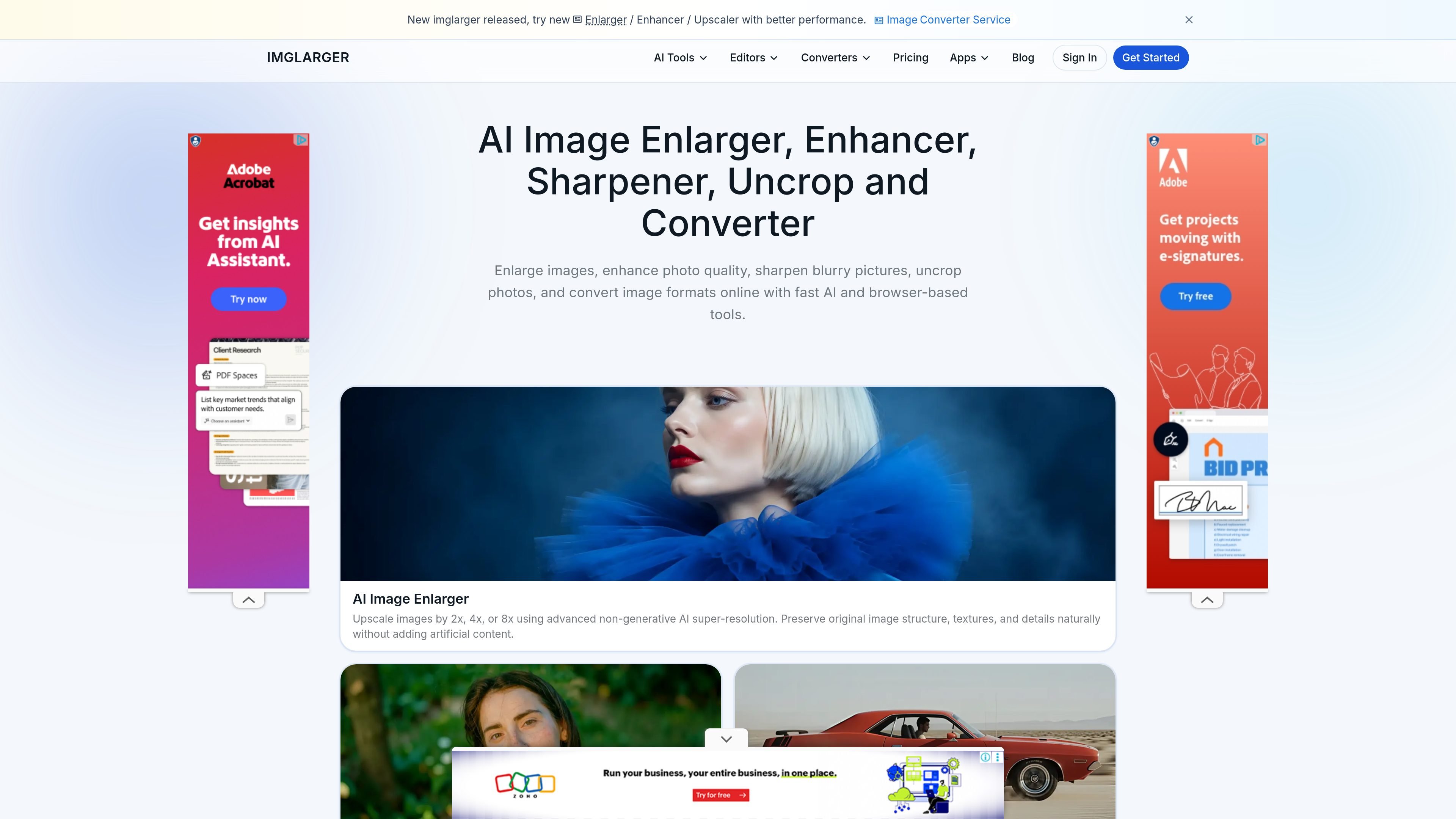
ImgLarger is a browser-based image AI toolset focused on enlarging, enhancing, extending, editing, and converting images online. The site positions the product as an all-in-one workflow for people who need cleaner upscales, sharper photos, uncropped images, and format conversion in one place.
Its core tools include AI image enlargement up to 8x, AI image extension for outpainting and aspect-ratio changes, AI photo enhancement for blurry or low-quality images, background removal, and a separate set of editing and conversion utilities. The pricing page shows a free plan with trial credits and paid plans for heavier use, including batch processing and higher output limits.
Upscale images by 2x, 4x, or 8x with AI-based enlargement that aims to preserve structure, textures, and detail instead of stretching pixels.
Extend photo boundaries with AI outpainting to uncrop images, change aspect ratios, and fill in missing areas with natural-looking content.
Improve blurry or low-quality photos using generative AI models that reduce blur and noise, sharpen textures, and restore detail.
Remove image backgrounds automatically for product photos, portraits, and other cutout-style tasks.
Edit images in the browser with tools for crop, resize, rotate, brightness, contrast, clarity, text, frames, filters, and batch resizing.
Convert images between formats such as JPG, PNG, WebP, JPEG, HEIC, AVIF, SVG, and TIFF without installing software.
Increase the size of low-resolution photos for prints, presentations, posters, or large-screen display while aiming to keep edges and textures clean.
Fix blurry, noisy, or softened photos by enhancing detail, sharpening textures, and improving the overall look of older or low-quality files.
Expand cropped portraits, landscapes, product shots, or artwork to change composition or aspect ratio using AI outpainting.
Process several images at once on paid plans when working with repeated enhancement or resizing tasks.
Convert files between common image formats and make quick browser-based edits such as cropping, resizing, filters, or text overlays.
Yes. The pricing page says you can cancel your subscription at any time from your account dashboard, and you keep access to remaining credits until the end of the current billing cycle.
ImgLarger uses credits for AI-powered tools. If you need more, you can upgrade your plan through the dashboard to get additional credits.
The site says payments are processed through Waffo with encrypted transmission, and that it does not store your card details.
The pricing FAQ says uploaded images must be under 10 MB and 4000 pixels on one side for subscribed usage; larger files are automatically resized or compressed to fit the requirements.
The enlarger supports JPG, PNG, and WebP files, and the site also lists broader converter support for formats such as JPEG, HEIC, AVIF, SVG, and TIFF.

Upsampler is an AI platform for creating, editing and upscaling images and videos in one workspace. Pay per credit, full API access, commercial use included.

AI HomeDesign is a web-based photo editing toolbox for real estate listings, with AI staging, item removal, day-to-dusk rendering, enhancement, and renovation tools. It is built for agents and other listing workflows that need editable, listing-ready images quickly.

Photoeraser is a web-based AI photo editor for removing backgrounds, erasing unwanted objects, and enhancing image quality with simple upload workflows.

AI Image Extender is a web-based AI tool for expanding photos beyond their original edges. It helps users reframe images for different aspect ratios, wallpapers, and social media layouts.

简单AI is Sohu’s online AI tool for AI image generation, AI writing, and online image editing—ideal for quickly creating images, copy, or basic retouching.

Photoroom is an AI visual editing platform for e-commerce that removes backgrounds, creates product images, and prepares listings from phone, web app, or API workflows.