

AI graphic design generation
Describe a poster, social post, carousel, flyer, or other graphic in plain English, and Krumzi generates the layout, typography, colors, and composition from scratch.

Krumzi is a web-based AI design tool that turns a text brief into editable marketing graphics and videos for social posts, thumbnails, banners, and more.
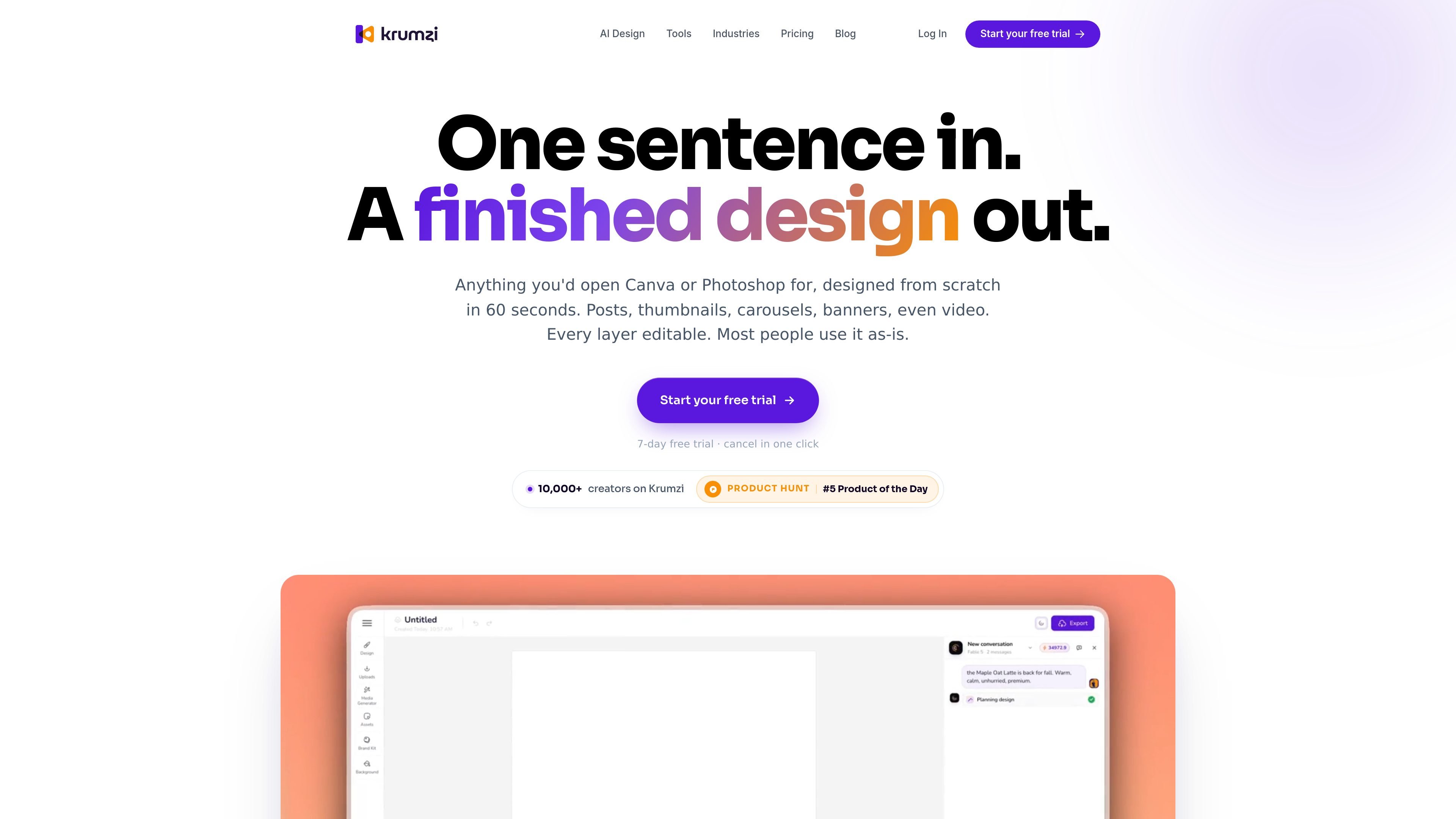
Krumzi is an AI graphic design tool that turns a written brief into editable marketing visuals. The site says it can create social posts, thumbnails, carousels, banners, flyers, and video in about 60 seconds, then lets you refine the result in the editor before exporting it.
Unlike image generators that return a single flat picture, Krumzi presents itself as a design workflow: you describe what you need, the system builds the layout, and every layer stays editable. It is aimed at people who want design output for marketing and content work without spending time assembling layouts manually.
Describe a poster, social post, carousel, flyer, or other graphic in plain English, and Krumzi generates the layout, typography, colors, and composition from scratch.
Create marketing images for social posts, landing pages, ads, articles, newsletters, and product launches, with optimal resolutions already set for common formats.
Build videos from scenes that combine clips, images, and text, then customize elements and animate them with one click.
Apply saved brand colors, fonts, and a logo across new designs so output stays consistent without re-entering the same settings.
Edit generated work after it is created, including text, shapes, photos, colors, size, rotation, opacity, and layout.
Export in high resolution for Instagram, LinkedIn, YouTube, print, or custom sizes, with video exports listed up to 4K on the pricing page.
Create a YouTube thumbnail, social post, or banner from a short prompt when you need something publishable quickly and do not want to assemble a layout by hand.
Generate campaign assets such as ad creatives, email headers, hero images, and branded social graphics that can reuse the same colors and typography.
Build assets for products, courses, webinars, and lead magnets, including course covers, webinar registrations, pitch slides, and promotion graphics.
Produce print-oriented pieces like flyers, cards, menus, and signage when you need a design that can move beyond social media sizes.
Create short marketing videos by arranging scenes, adjusting timing, and adding single-click animations and transitions.
Krumzi is built for describing a design in plain English, then editing or exporting the result. The source says the flow is three steps: describe what you want, watch Krumzi build it, then ship it or refine it in the editor.
Yes. The site positions Krumzi as usable without design experience and says you do not need a design degree to create graphics or videos from a brief.
The pricing page says plans include a 7-day free trial and monthly paid subscriptions starting at $19 per month.
The source says you can export high-resolution designs for social media, print, or digital display, and the pricing page lists watermarked-free image exports and up to 4K video exports on higher plans.
Yes. The pricing page includes a Brand Kit on the Pro plan, and the feature pages say you can set brand colors, fonts, and a logo so future designs stay consistent.

Paper is a design tool that connects canvas, code, and AI agents so teams can create, share, and ship work in one workflow. Includes desktop app and MCP access.

Superside is an AI-powered creative service for enterprise and in-house teams, with global talent, AI-first workflows, and subscription-based support.

简单AI is Sohu’s online AI tool for AI image generation, AI writing, and online image editing—ideal for quickly creating images, copy, or basic retouching.

Recraft is an AI image generation and design platform for designers, creatives, sellers, and teams. It supports raster and vector generation, custom styles, mockups, editing, and API-based workflows.

GraphicInfo is a web-based AI infographic maker that turns text or ideas into visuals in one click for faster, shareable infographics.

Postfity is a social media management tool for scheduling, planning, publishing, and tracking posts across connected accounts. Includes analytics, inbox management, AI tools, team workflows, and Free and paid plans.