

Client and matter-centric organization
Organize documents, email, and notes around clients and matters so firm information stays grouped the way legal work is actually handled.

LexWorkplace is a cloud-based document and email management system for law firms, helping teams organize matters, search documents and email, and manage legal workflows from Outlook.
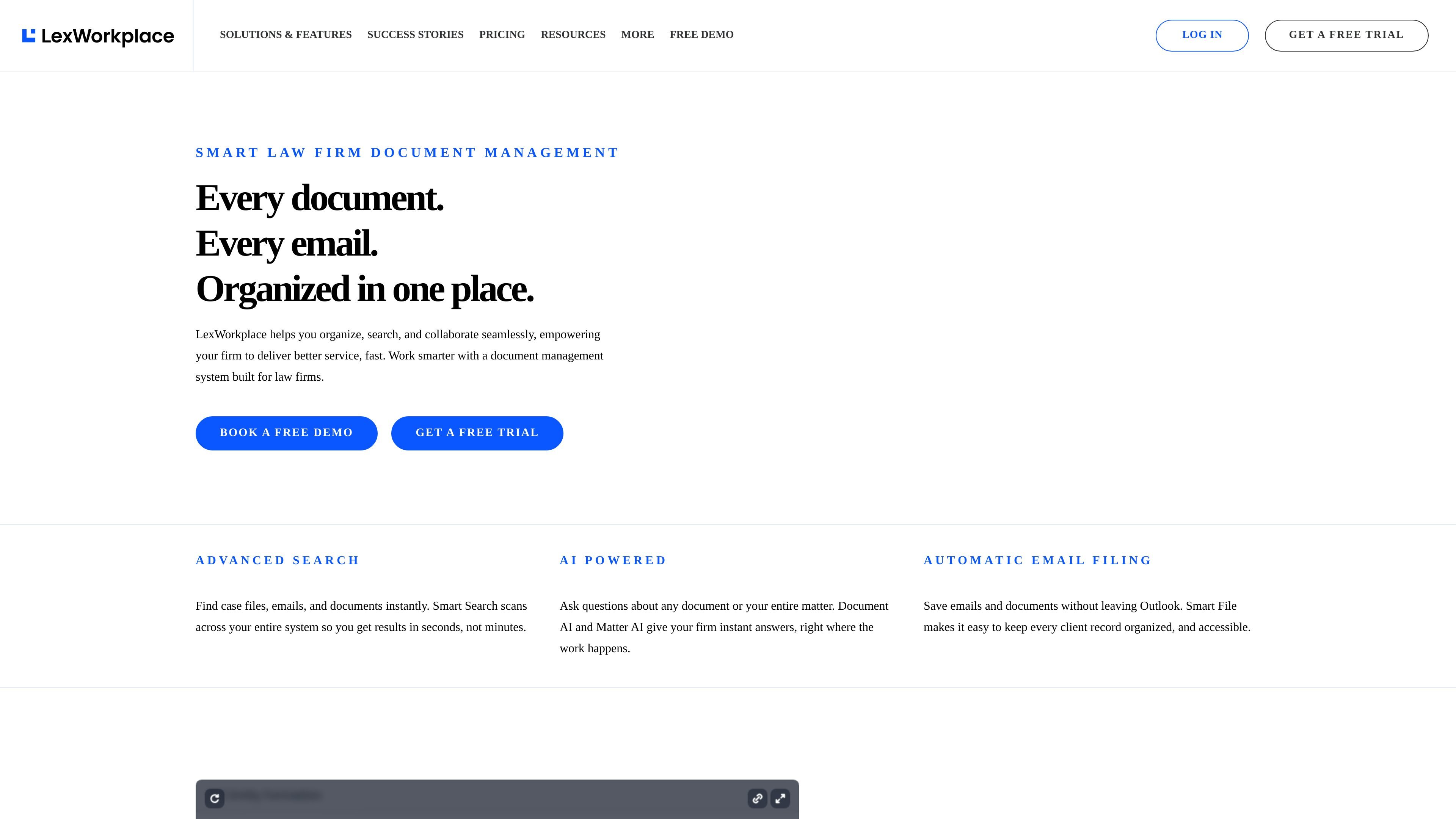
LexWorkplace is a cloud-based document and email management system built for law firms. It centralizes matter documents, emails, and notes so legal teams can organize client work in one place, search across it quickly, and collaborate without relying on basic folders alone.
The product emphasizes legal document management workflows such as version control, document profiling and tagging, OCR, document compare, and email filing from Outlook. Its AI features extend that model by letting users ask questions about a document or an entire matter and get answers drawn from the material stored in the file.
Organize documents, email, and notes around clients and matters so firm information stays grouped the way legal work is actually handled.
Search across documents and email to find matter files, pages, and messages quickly, with filters such as matter, document type, and date.
Ask questions about a document or an entire matter using Document AI and Matter AI, which are described as two separate legal-focused AI tools.
Save emails into matters from Outlook and use Smart-File to learn sender-to-matter associations for faster filing.
Use version management, document compare, tagging/profiling, check-in/check-out, unique document IDs, and OCR to manage a true DMS workflow.
Share documents internally and externally with permission controls for team members, clients, and outside parties.
Keep pleadings, correspondence, notes, and other matter materials together so attorneys and staff can work from a single client file instead of separate systems.
Use Outlook integration and Smart-File to save messages directly into the right matter and keep team members able to review or search them later.
Find specific documents, messages, or pages using search across the system, including filters for matter, document type, and date.
Compare document versions, apply tagging or profiling, and use check-in/check-out when multiple people need to coordinate edits and revisions.
Share selected documents with clients or outside parties while keeping access permissioned and organized within the firm’s system.
LexWorkplace is a cloud-based document and email management system for law firms. It centralizes client and matter files so teams can store, search, share, and organize work in one place.
The source describes support for document management, email management, sharing and collaboration, Document AI, integrated OCR, and Outlook-based email filing. The Advanced plan also adds Litera Compare integration and inline document compare.
LexWorkplace is presented as a law-firm product, with client/matter-centric organization, email filing from Outlook, and tools aimed at documents, email, notes, and matter files.
The pricing page shows a free Starter option, Core and Advanced paid plans, and separate onboarding options that range from free self-managed migration to paid managed onboarding.
The source does not provide a single public setup timeline. It does show multiple onboarding paths, including self-managed migration, Uptime-managed migration, and one-on-one firm training for larger onboarding packages.

Go Legal AI is an AI legal documents and contracts platform for templates, document review, expert access and signing workflows across 150+ jurisdictions.

Predictice is a legal research and analysis platform for legal professionals, with jurisprudence search, litigation analysis, assistant tools and document audit workflows.

小艺 is Huawei’s AI smart assistant for Q&A, writing, document reading, code help, image recognition, and file drag-and-drop.

MailerLite is an email marketing platform for sending campaigns, building automations, and creating landing pages, forms, and websites. It also supports digital products, paid newsletters, and recurring subscriptions.

AI Magicx is a unified AI workspace for chat, image, video, voice, music, email and developer tasks, helping teams and creators manage multiple models in one place.

Arcwise is an AI product for detecting meaningful metric changes and explaining them with data-grounded analysis. It turns warehouse and business-context data into decision-ready reports in app, docs, or slides.