

Multi-source flashcard generation
Create flashcards from PDFs, presentations, documents, notes, images, YouTube videos, and Wikipedia articles, which makes it usable across common study materials.

Limbiks is an AI flashcard generator that turns PDFs, presentations, notes, images, and online sources into study decks with built-in practice tools and Anki sync.
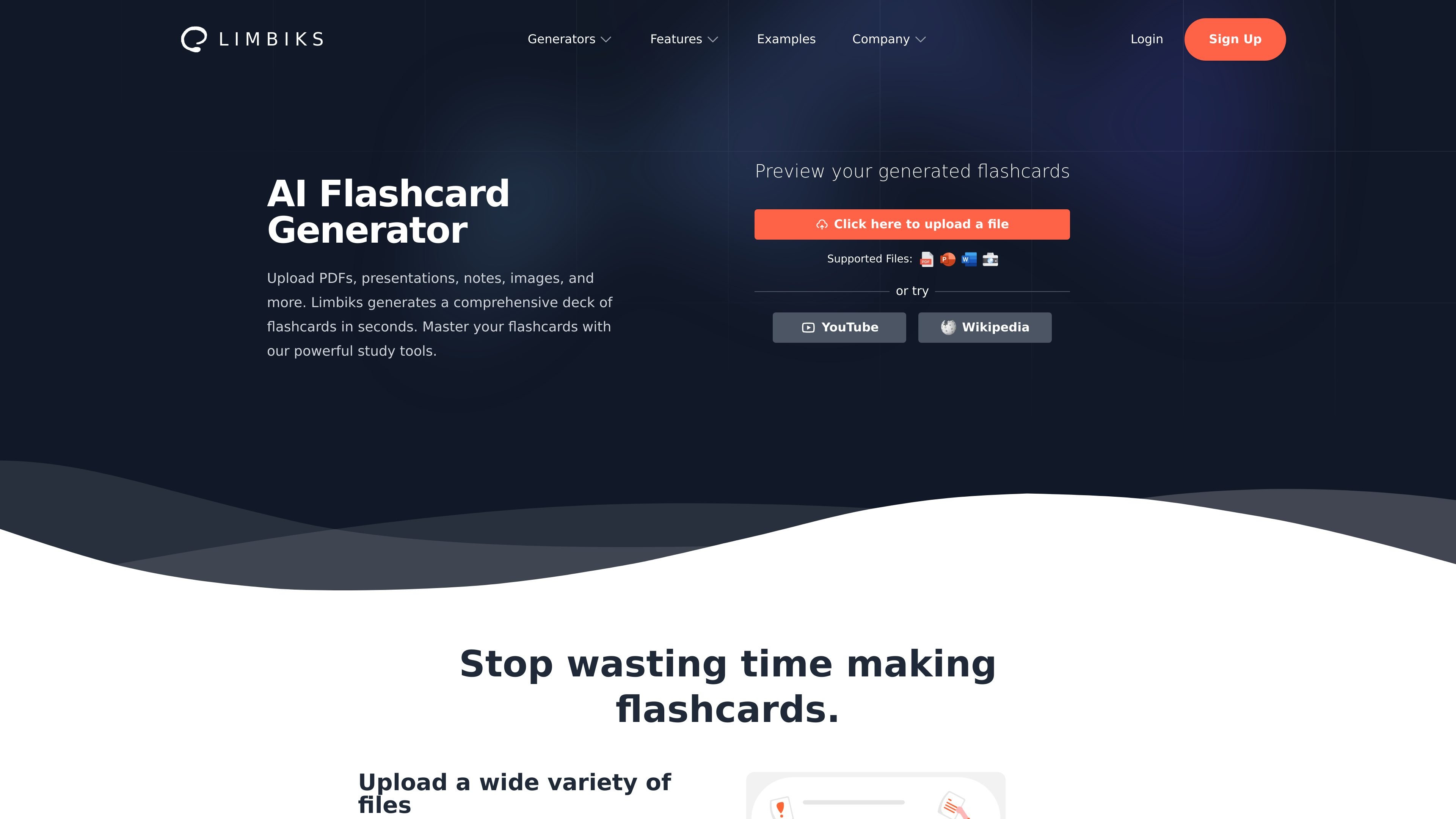
Limbiks is an AI flashcard generator that turns study materials into flashcards and related study tools. The homepage says it can create a comprehensive deck in seconds from PDFs, presentations, notes, images, and other sources.
The product is built for students and self-directed learners who want to move from source material to study mode quickly. It supports flashcards, quiz questions, practice tests, study guides, spaced repetition, and export options such as Anki sync and flashcard downloads.
Create flashcards from PDFs, presentations, documents, notes, images, YouTube videos, and Wikipedia articles, which makes it usable across common study materials.
Start studying from the generated deck right away with built-in flashcards, quiz questions, practice tests, study guides, and spaced repetition.
Export flashcards for use in other study apps, including Anki, Quizlet, Tinycards, and Cram, or sync directly to Anki.
The Pro plan adds learning objectives and custom instructions so users can shape the output around their course or exam.
Practice modes include multiple choice questions, practice tests, hints, and explanations, with the pricing page showing higher or unlimited limits on Pro.
Limbiks supports 21 languages, including English, Spanish, French, German, Japanese, Korean, and Chinese, according to the homepage.
Upload lecture slides, chapter notes, or a PDF reading and generate flashcards for quick review before class or an exam.
Use the built-in practice tests, multiple choice questions, hints, and explanations to rehearse concepts instead of only reviewing cards.
Generate flashcards from a document, then download them or sync them to Anki if you prefer to keep studying in an existing system.
Use YouTube videos or Wikipedia articles as source material when you need to study from non-file content rather than a local upload.
Add learning objectives and custom instructions on Pro when you want the deck to reflect a specific exam focus or content constraint.
Limbiks can generate flashcards from uploaded PDFs, PowerPoint presentations, Word documents, notes, images of text, YouTube videos, and Wikipedia articles.
The pricing page shows a free plan with limited uploads and generations, plus a Pro plan that unlocks higher limits and additional features such as learning objectives, custom instructions, study guides, and unlimited practice tests and multiple choice questions.
Yes. The site says flashcards can be downloaded and imported into Anki, Quizlet, Tinycards, Cram, and other study tools, and the pricing page specifically mentions syncing to Anki.
The examples page shows generated flashcards from a PowerPoint, a PDF, and a Word document, with sample questions displayed alongside the original files.
The source pages do not describe team accounts, but they do show a self-serve signup flow for individual users.
Answers AI is an AI-powered education platform for students and educators, offering answers, study help, and assignment support across web, mobile, and Chrome tools.

Flashcard Generator turns documents, notes, images, audio, video, and YouTube links into study cards. Free plan, edit and share decks.

Quenti is an online learning platform for flashcards, practice tests, matching games, and AI-assisted grading for students, teachers, schools, and organizations.

Tich Academy is a learning platform for students with workshops, flashcards, diagnostics, and personalized document-based study tools. Free trial available.

Heptabase is a visual knowledge base for students, researchers, and lifelong learners. It combines whiteboards, connected notes, source capture, and AI Tutor for structured learning.

Conch AI is a browser-based writing and study assistant for students, researchers, and academic writers, with drafting, rewriting, notes, flashcards, mind maps, and citation help.