

Intent-aware dictation
Monologue is positioned as voice dictation that aims to write what you meant, not just what you said. The homepage says it understands your intent so the output can match your wording in context.

Monologue is an AI voice dictation app that helps people write by speaking naturally, with support for transcripts, summaries, and Apple devices. It is aimed at users who want faster drafting without losing their intended meaning.
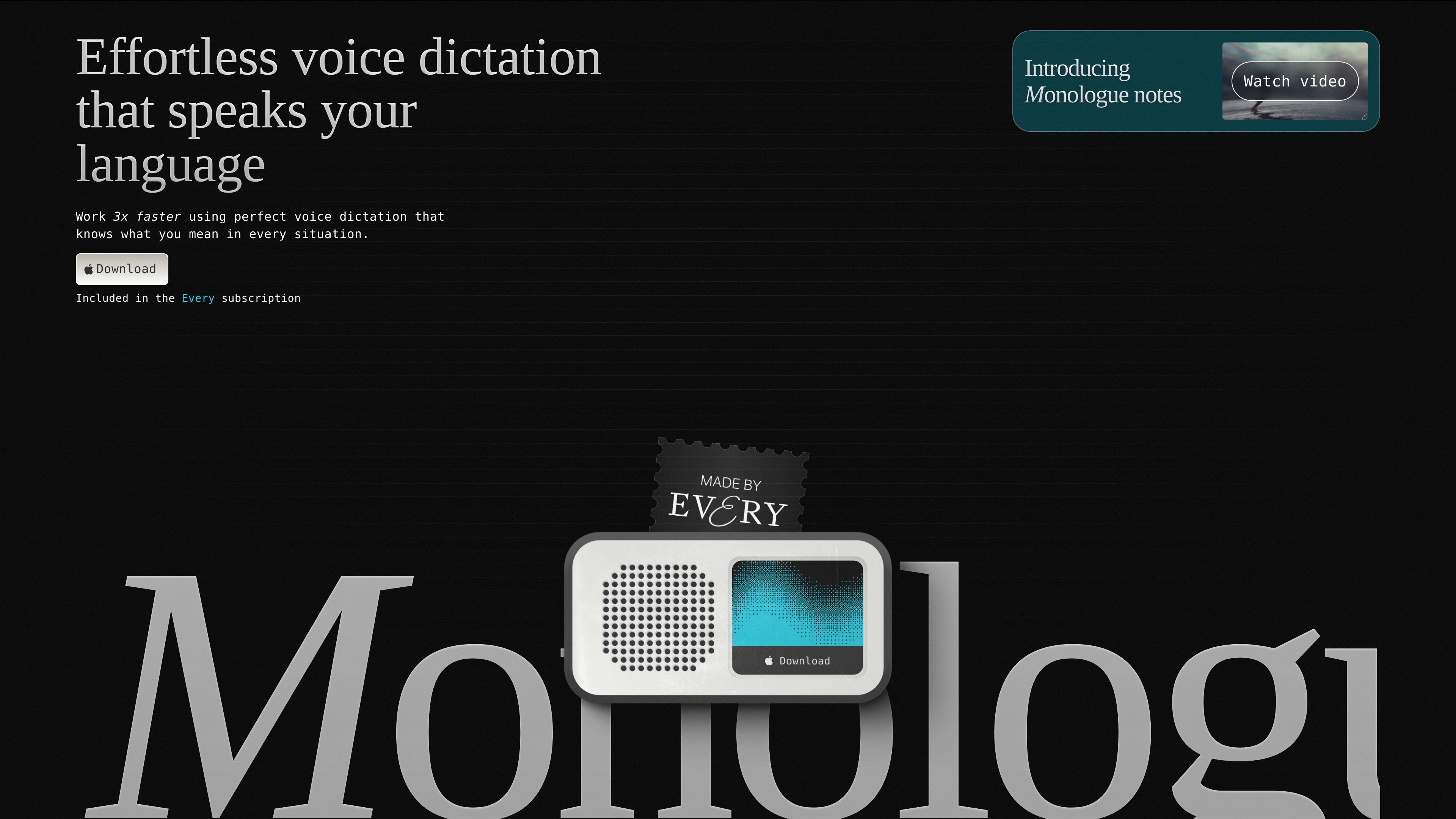
Monologue is an AI voice dictation product built to turn speech into written text with as little friction as possible. The homepage describes it as “effortless voice dictation” and says it is meant to help people work faster by writing in the way they intended, rather than forcing them to edit after every dictated sentence.
The product also includes Monologue notes, which extends the same speech-to-text workflow into meetings, calls, and idea capture. According to the site, it can produce full transcripts and summaries, sync across devices, and fit into Apple device workflows, while the privacy page says audio files, transcripts, and deep context screenshots are not kept on Monologue’s servers.
Monologue is positioned as voice dictation that aims to write what you meant, not just what you said. The homepage says it understands your intent so the output can match your wording in context.
The product says it adapts to your work, writing style, and vocabulary, which points to personalized dictation rather than a fixed transcription model.
Monologue notes can capture, transcribe, and summarize meetings, calls, and ideas, and the homepage explicitly mentions full transcripts and summaries as outputs.
The homepage says Monologue supports 100+ languages, with examples including Spanish, English, Portuguese, Cantonese, Japanese, Korean, Russian, Italian, German, French, Arabic, Hindi, Bengali, Punjabi, Marathi, Telugu, Tamil, and Gujarati.
The site lists availability on Apple Watch, iPhone, iPad, and Mac, so the product is designed to work across Apple devices.
The homepage also mentions MCP, CLI, and API support, which indicates it can be used in technical or automated workflows beyond the app itself.
Use Monologue for drafting emails, documents, notes, or messages by speaking naturally and letting the system write text in your intended style.
Use Monologue notes to capture meetings or calls, then review the transcript and summary instead of manually reconstructing what was said.
Use it when you work in multiple languages, since the homepage highlights support for more than 100 languages across several scripts and regions.
Use it across Apple devices if you want a dictation workflow that follows you from phone to tablet to desktop and watch.
Use the MCP, CLI, or API support in technical or automated setups where dictation output needs to be connected to other tools.
Monologue is designed for speech-first drafting and dictation. The site emphasizes that it understands your work, writing style, and vocabulary, so it is meant for people who want to speak naturally and have text written the way they intended.
The site shows Monologue available on iPhone, iPad, Mac, and Apple Watch, and also mentions MCP, CLI, and API support. That suggests it can fit both individual device use and more technical workflows.
Monologue notes is presented as a companion workflow for capturing, transcribing, and summarizing meetings, calls, and ideas. It also says the output includes full transcripts and summaries.
The privacy page says no audio files or transcripts are saved on Monologue's servers, deep context screenshots are deleted immediately, zero LLM data retention is used, and custom modes and dictionaries stay on your device.
The pricing page was not available in the collected sources, so the site materials here do not confirm plan names, pricing, or limits.

讯飞会议 cloud video conferencing for enterprise collaboration, with video meetings, AI transcription and translation, and automatic meeting notes. Public and private cloud.
Answers AI is an AI-powered education platform for students and educators, offering answers, study help, and assignment support across web, mobile, and Chrome tools.
Twine AI Launcher is an Android launcher with AI assistant access, bringing ChatGPT-style help to your homescreen for quick answers, notes, tasks, reminders, and people memory.

AI Magicx is a unified AI workspace for chat, image, video, voice, music, email and developer tasks, helping teams and creators manage multiple models in one place.

阶跃AI is a personal efficiency assistant from 阶跃星辰 for knowledge search, writing, coding, and daily automation. Download on desktop and mobile, and trigger web, files, and reminders by voice.

TakeCareOS is a web platform for home care, disability, and aged care agencies, with rostering, billing, compliance, and AI admin tools.