

AI assistant with text and voice
Add tasks, plan the week, and stay ahead by typing or speaking in plain language. The AI assistant can turn a sentence into the right task, event, or list item.

OneHaus is a shared household management app for tasks, calendars, shopping lists, reminders and home admin, keeping families, couples and housemates in sync.
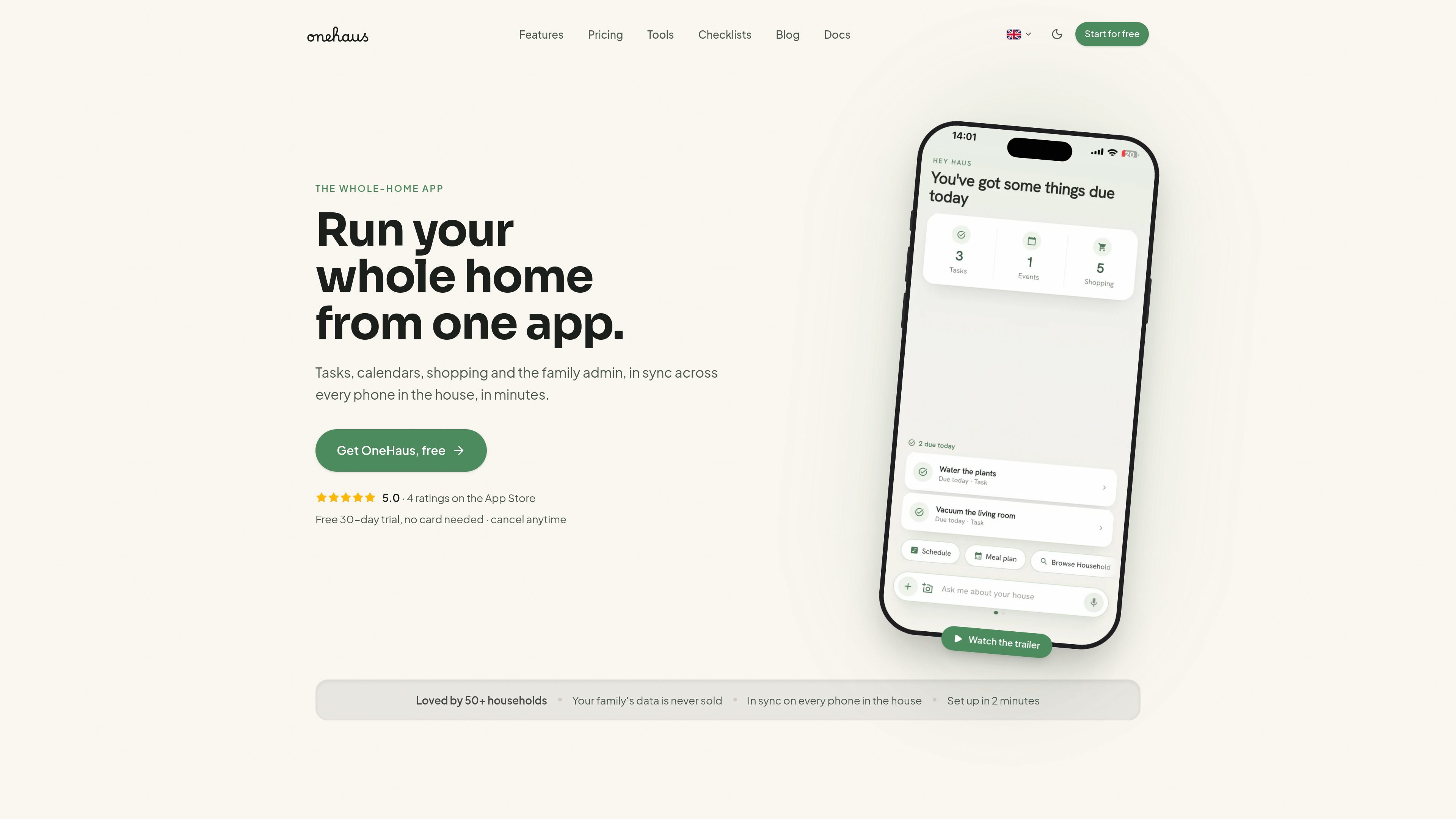
OneHaus is a shared household management app for tasks, calendars, shopping lists, reminders, and home admin. Its core job is to turn messages, screenshots, and plain-language requests into organized items that everyone in the home can see and act on.
The product is built around one shared source of truth for families, couples, and other households. It supports day-to-day coordination across phones, and the site also describes calendar sync, shared chores, home inventory, and AI-assisted filing as part of the workflow.
Add tasks, plan the week, and stay ahead by typing or speaking in plain language. The AI assistant can turn a sentence into the right task, event, or list item.
Everyone in the household sees the same lists, events, and chores, so the work is visible across devices instead of living in one person’s head.
OneHaus syncs with your device calendar, and the families page says it can sync with Google, Apple, and Outlook calendars so schedules stay aligned.
Use shopping lists, home inventory, documents, reminders, contacts, and weather in one place. The pricing page also lists home inventory items such as appliances, vehicles, pets, and documents.
The pricing page says Pro includes a Chrome extension for saving recipes, events, and other web content, and the download page says you can share links and pages into OneHaus.
OneHaus is available on mobile and also connects with assistants such as ChatGPT, Claude, and other tools that support remote MCP servers.
Parents can keep school dates, permission slips, chores, and pickups in one shared calendar and task list instead of managing them across separate phones and notes.
Two people can share plans, errands, and the weekly shop while assigning and rotating tasks so the mental load is visible to both partners.
Housemates can keep rotas, shopping, and shared costs in one place so everyone sees what is due and what needs replenishing.
Busy households can forward screenshots, chat messages, or web links into OneHaus and let the app file them into tasks, events, or lists.
People managing household admin can keep documents, reminders, inventory items, and recurring jobs together rather than spread across separate apps.
Every household gets a 30-day free trial with no card needed. After that, OneHaus charges £4.99 per month or £49.99 per year, and one subscription covers everyone in the home.
OneHaus currently supports iPhone, iPad, Apple Watch and Android, and the download page also says it is free to download on iPhone and Android.
The pricing page says Pro keeps features such as the AI assistant, meal planning and recipes, repeating tasks and events, search across your whole household, the AI house review, and sharing links and pages into OneHaus.
Yes. One subscription covers every person in your home, and the pricing FAQ says you can invite your partner, kids, flatmates or family under the same plan.
OneHaus says household data is encrypted, never sold, and never used for ads.

TakeCareOS is a web platform for home care, disability, and aged care agencies, with rostering, billing, compliance, and AI admin tools.

Speakflow online teleprompter for writing and organizing scripts, voice scrolling, team collaboration, and cross-device syncing. Free and paid plans available.
Twine AI Launcher is an Android launcher with AI assistant access, bringing ChatGPT-style help to your homescreen for quick answers, notes, tasks, reminders, and people memory.

Hurree is an AI-powered reporting and analytics platform that centralizes company data, shared dashboards, and Riva summaries, recommendations, and forecasts.

Firebase Studio is a web-based workspace for full-stack app development with Gemini-assisted coding, app previews, cloud emulators, collaboration, and browser deployment.

AI Magicx is a unified AI workspace for chat, image, video, voice, music, email and developer tasks, helping teams and creators manage multiple models in one place.