

Paper annotations
Create and manage annotations for research papers. The pricing page treats annotations as a core capability across plans.

Open Paper is a web app for annotating and understanding research papers, with a free Base plan, paid Researcher plan, and Teams coming soon.
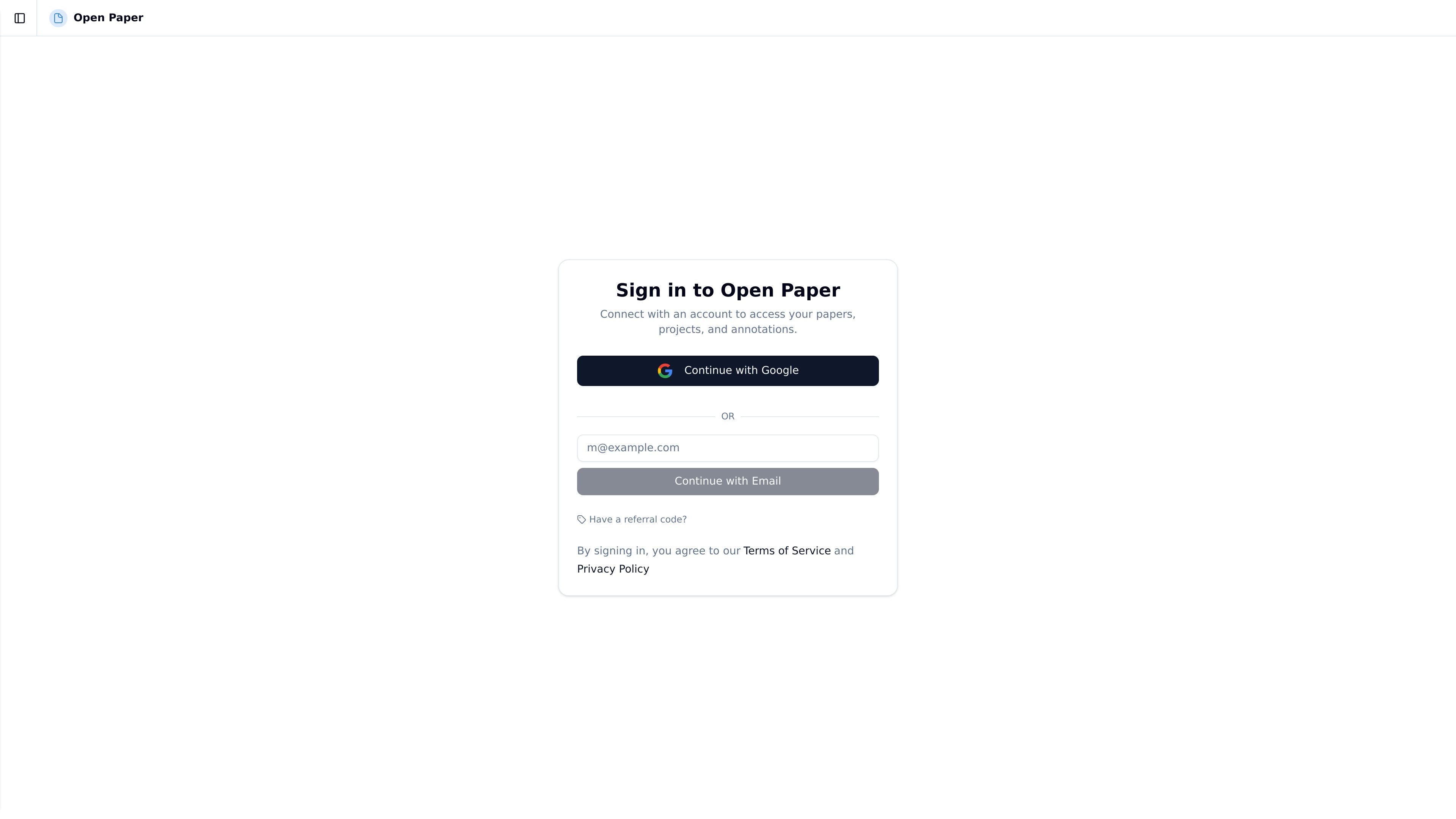
Open Paper is a web product for annotating and understanding research papers. Its public pages position it as a place to sign in, access papers and projects, and work with annotations.
The pricing page shows that the product is organized around a research workflow: upload papers, annotate them, use chat credits and audio overviews for deeper review, and manage material in a knowledge base and projects. The site also lists a free Base plan, a paid Researcher plan for independent researchers and academics, and a Teams plan marked as coming soon.
Create and manage annotations for research papers. The pricing page treats annotations as a core capability across plans.
Upload research papers to the platform. The plan comparison shows different upload limits by plan.
Use a knowledge base to collect and organize source material alongside papers. The pricing page lists different knowledge base sizes by plan.
Chat with papers using weekly chat credits. The pricing page includes separate chat credit allowances for each plan.
Generate audio overviews from papers. The pricing page lists weekly audio overview allowances.
Group work into projects for organizing papers and annotations. Projects are included in the plan comparison and sign-in flow.
A researcher uploads a paper, marks key passages, and returns to those annotations while reviewing the argument or methods.
An independent researcher keeps several papers and notes together in a project so the material stays organized around one topic.
A reader uses chat credits and audio overviews to work through a paper in a different format when a quick summary or guided review is useful.
A person building a small reading library uses the knowledge base to store related material alongside uploaded papers.
Open Paper provides sign-in access to papers, projects, and annotations. The pricing page also shows plans for annotations, paper uploads, a knowledge base, chat credits, audio overviews, projects, and data tables.
The site supports signing in with Google or email. The sign-in screen is presented as the entry point for accessing papers, projects, and annotations.
The pricing page lists a free Base plan, a paid Researcher plan for independent researchers and academics, and a Teams plan marked as coming soon.
The public pages do not describe detailed setup steps, import sources, export formats, or collaboration controls, so those details are not confirmed on the site content provided.

书生 is a general-purpose large model suite for language, multimodal, weather, ocean, industrial design, 3D, finance, and scientific discovery tasks.

Predictice is a legal research and analysis platform for legal professionals, with jurisprudence search, litigation analysis, assistant tools and document audit workflows.

小艺 is Huawei’s AI smart assistant for Q&A, writing, document reading, code help, image recognition, and file drag-and-drop.

GetESP analyzes CSV email lists to identify recipient ESPs and spam protection tools, helping segment lists and choose the right provider for better deliverability.

Rayyan is an AI-powered platform for systematic and literature reviews, helping teams manage screening, extraction, bias assessment and reporting in one shared workflow.

Finlo is a web-based stock portfolio platform with curated, strategy-based portfolios, monthly updates, and premium research tools for long-term investors.