

Worth-it transaction review
Rate each transaction with a simple worth-it-or-not check-in instead of choosing from accountancy-style categories. That input is used to learn what you value over time.

Peek is a personal finance app that helps iPhone users understand their spending by rating transactions as “worth it” or not. It turns that input into personal recaps and practical budget guidance based on actual behavior.
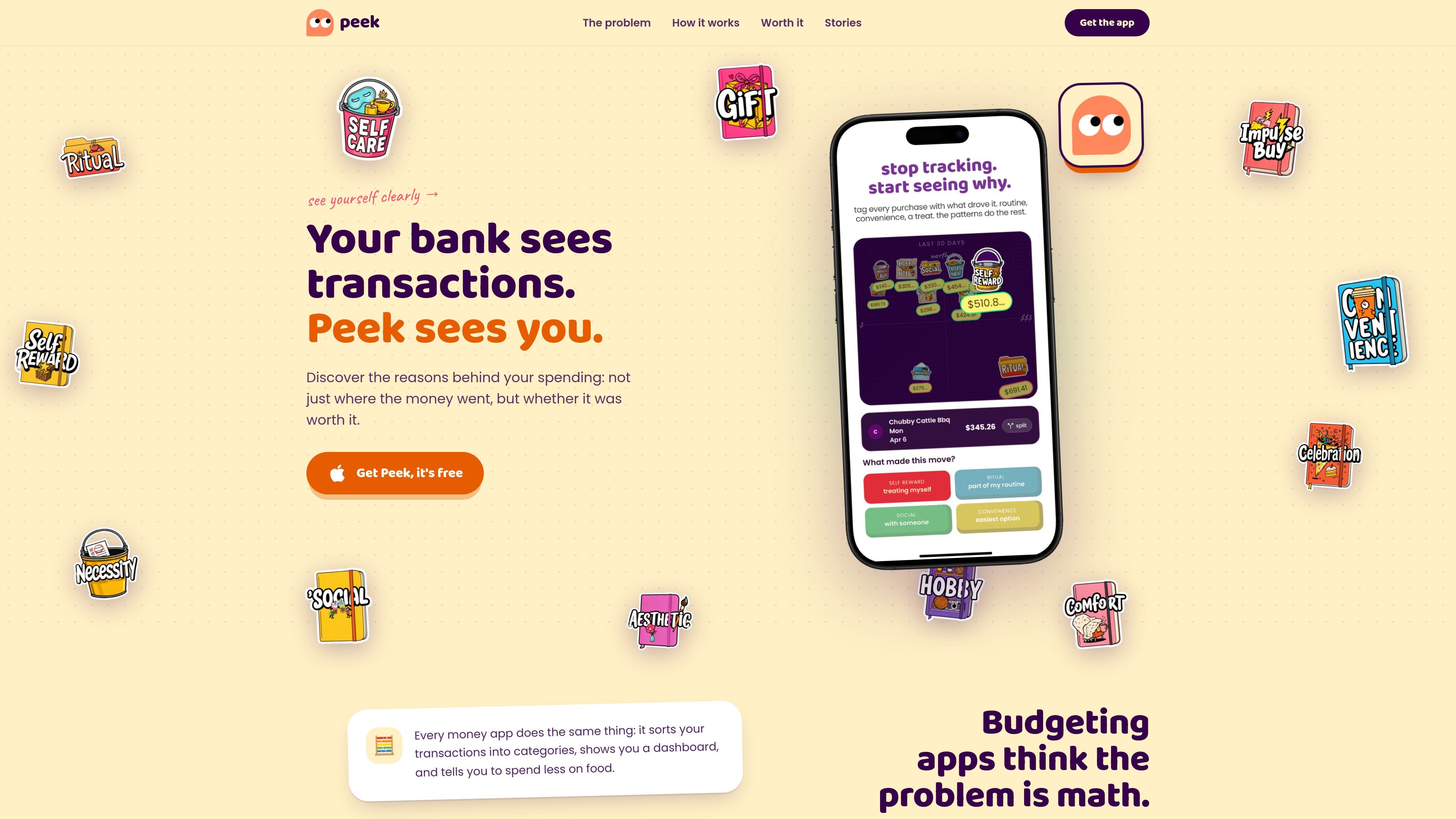
Peek is a personal finance app focused on spending reflection rather than category-based budgeting. It asks users to judge transactions as “worth it” or not, then uses that feedback to surface patterns in how they actually spend.
The app presents spending as personal recaps and story-like summaries, with the goal of helping users understand the gap between what they intend to do and what they do with money. It is promoted as a free iPhone app.
Rate each transaction with a simple worth-it-or-not check-in instead of choosing from accountancy-style categories. That input is used to learn what you value over time.
Turns spending into personal recaps that read more like a narrative summary than a spreadsheet, helping users spot patterns in context.
Suggests realistic numbers for planning based on actual spending and on the user’s own evaluation of purchases, rather than a blank-slate budget.
Checks in mid-month so the plan can adjust to what has already happened instead of relying on a static set-it-and-forget-it budget.
Lets users annotate transactions and build their own story from patterns they recognize in the data.
For people who know their spending feels off but do not want to manage a detailed category budget, Peek offers a lighter way to review transactions one by one.
For users who want to understand why they spend on certain things, the app helps separate purchases they value from purchases they regret or repeat out of habit.
For someone trying to set a more realistic monthly plan, Peek uses prior spending and the user’s own judgments to suggest numbers that fit actual behavior.
For users who want periodic accountability during the month, the app’s mid-month check-ins help them compare the plan with what has already happened.
Peek is a spending app that asks you to rate transactions as “worth it” or not, then uses those responses to build a more personal view of your finances.
Peek is presented as a free iPhone app on the website.
The source shows Peek’s app is free to download, but it does not provide additional plan details or pricing tiers.
The source does not mention bank integrations, connected apps, or support for shared accounts.

CaptivateIQ is sales commission and sales planning software for incentive compensation, quota and territory planning, reporting, and payout workflows. SmartGrid models plans and calculates commissions in real time.

JustPaid is an AI revenue operations platform for billing, invoicing, collections, and accounts receivable. Automate invoice workflows, payment tracking, and reconciliation across connected systems.

Quanta provides SaaS accounting services backed by software that keeps financial work traceable and current. It helps finance teams close faster, explain changes, and monitor key metrics in real time.

Syft Analytics is an interactive financial reporting tool for businesses, accountants, and non-profits. It focuses on dashboards, consolidations, forecasts, and reports.

Basis is an AI accounting platform for firms and in-house teams, handling CAS, tax, audit, and advisory workflows for accountant review.

Digits is AI-native accounting software for bookkeeping, reconciliations, invoicing, bill pay, and live financial reporting in one system.