

Pikzels Score™
Upload a thumbnail and title to get a data-backed Pikzels Score with analysis across Virality, Clarity, Idea, Curiosity, and Emotion.

Pikzels is an AI thumbnail generator for YouTube that helps creators create, analyze, and iterate thumbnails and titles in one web workflow.
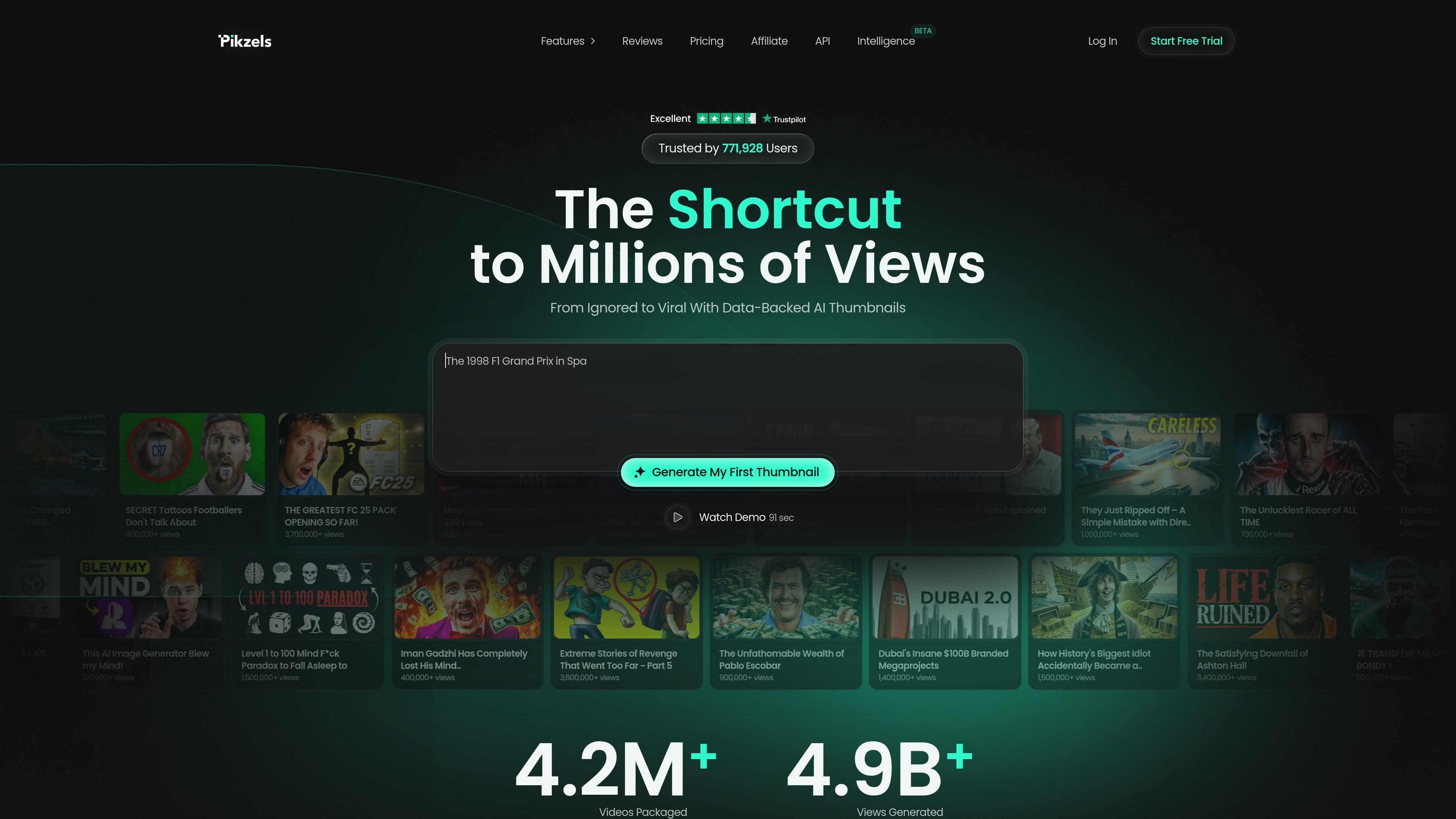
Pikzels is an AI thumbnail generator for YouTube that focuses on the packaging step around thumbnails and titles. It combines generation, analysis, and iteration tools so creators can build, test, and refine the visual and textual elements that influence clicks.
The site positions the product as a workflow for turning ideas into thumbnails quickly, recreating existing thumbnail formats, checking what is weak in current packaging, and improving it with data-backed guidance. It also includes title generation, saved Personas and Styles, and language support beyond English.
Upload a thumbnail and title to get a data-backed Pikzels Score with analysis across Virality, Clarity, Idea, Curiosity, and Emotion.
Let the system automatically apply improvements to weak packaging so you can move from a low-performing thumbnail toward a stronger version in one click.
Describe a concept in one prompt and Pikzels generates a thumbnail that is ready to test in seconds.
Paste a YouTube link and Pikzels recreates the thumbnail format so you can iterate from an existing example.
Use Pikzels when you want a thumbnail from a short concept instead of starting in a design tool.
Use the score and five-pillar analysis to inspect a thumbnail and title before publishing.
Use Recreate to mirror the structure of a thumbnail that already performs well, then adapt it to your own video.
Use Personas and Styles to keep repeated uploads visually consistent without reshooting or redoing the same look each time.
Use the title tool alongside a thumbnail so the headline and image are aligned for click-through.
Pikzels lets you upload a thumbnail and title, then returns a data-backed score and analysis across five packaging pillars: Virality, Clarity, Idea, Curiosity, and Emotion.
The source shows a paid subscription with monthly and annual billing options. Annual plans include more credits upfront, while the pricing page says you can cancel anytime.
Pikzels supports prompt-based thumbnail creation, recreating a YouTube thumbnail from a pasted link, editing with simple notes, analyzing packaging, applying one-click fixes, generating titles, and using saved Personas and Styles.
The site says Pikzels works in any language and accepts prompts in English, French, Spanish, or other languages.
The pricing page does not provide detailed integration information beyond paste/upload flows, so the site does not clearly document broader tool integrations.

Paper is a design tool that connects canvas, code, and AI agents so teams can create, share, and ship work in one workflow. Includes desktop app and MCP access.

Superside is an AI-powered creative service for enterprise and in-house teams, with global talent, AI-first workflows, and subscription-based support.

豆绘AI is an online AI image generation and editing platform for ecommerce and design, supporting white background, scene, interior rendering and post-processing.

Image Fx is a web-based AI image generator that turns text prompts into images, with free basic access, no sign-up, and paid credit-based premium models.

Framer is an AI website builder for professional sites. It helps teams design, manage CMS content, optimize SEO, collaborate, and publish from a single no-code workflow.

Upsampler is an AI platform for creating, editing and upscaling images and videos in one workspace. Pay per credit, full API access, commercial use included.