

Text-to-video creation
Podfy.ai can turn text or scripts into finished videos, which the homepage presents as a quick way to create content from written ideas.

Podfy.ai is an AI video creation tool that turns text and audio into finished short-form social videos with narration, subtitles, captions, and effects.
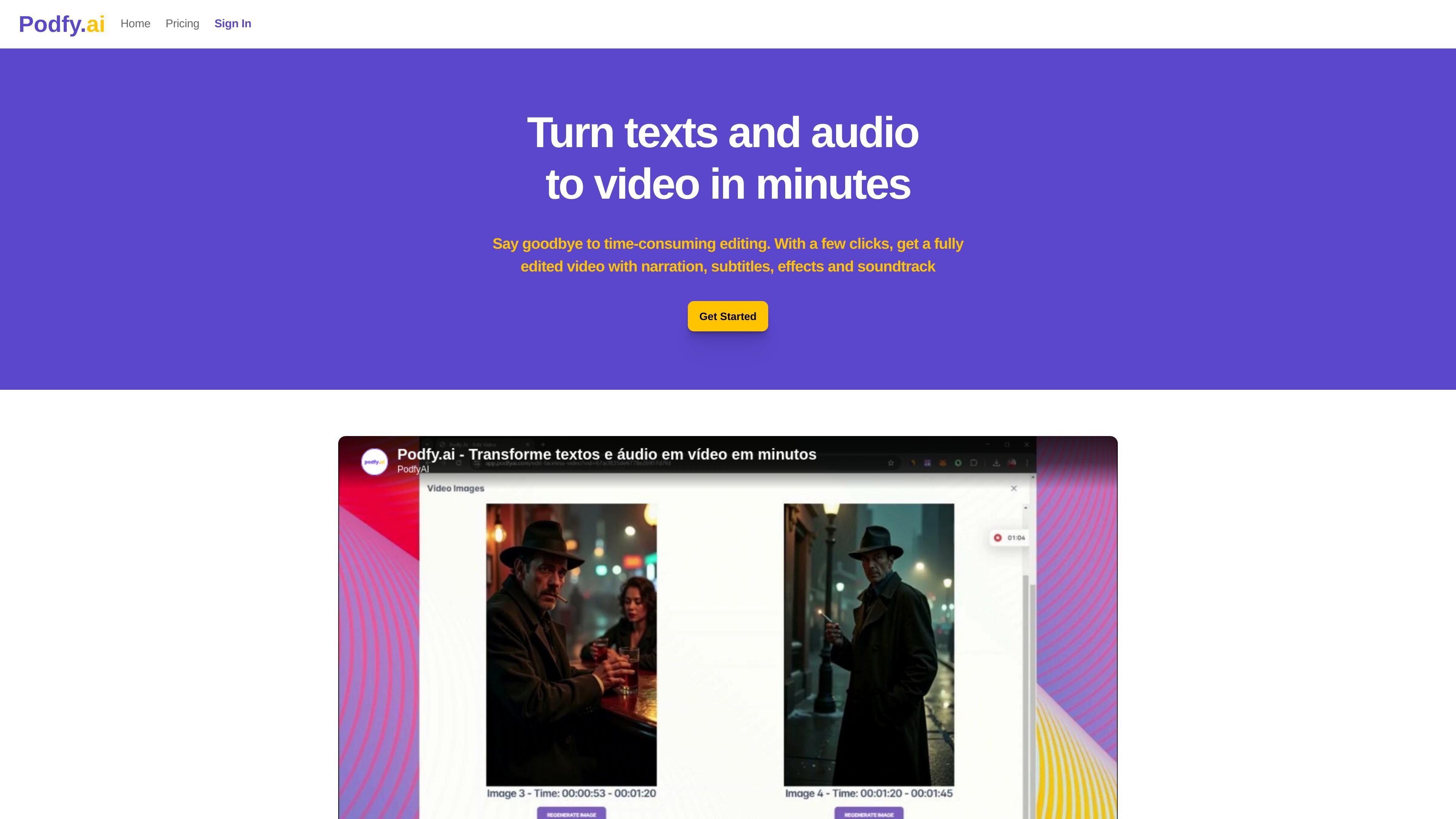
Podfy.ai is an AI video creation tool that turns text and audio into finished videos. The homepage presents it as a way to replace time-consuming editing with a faster workflow that produces videos with narration, subtitles, soundtrack, captions, and effects.
The product is aimed at creators who want to produce short-form content and faceless videos for platforms such as YouTube, TikTok, and Instagram. Its site copy emphasizes converting a topic, script, audio, or music into a publishable video with only a few clicks.
Podfy.ai can turn text or scripts into finished videos, which the homepage presents as a quick way to create content from written ideas.
The site says users can create videos from audio or music, making it suitable for repurposing spoken content into a visual format.
Output descriptions mention narration, subtitles, soundtrack, captions, animated images, transitions, and effects, indicating the platform assembles multiple production elements automatically.
The homepage highlights smart script generation from a topic, idea, or subject, which helps users start from a concept instead of a full script.
Dedicated pages describe videos for TikTok, Shorts, Reels, and YouTube, suggesting the tool formats content for short-form social publishing.
The site also lists text-to-voice and text-to-image capabilities, allowing users to generate voice narration and visual assets from written input.
Creators can turn a script, article draft, or rough idea into a video without starting from a blank editing timeline. The product’s smart script and text-to-video flow are positioned for fast content production.
The dedicated faceless YouTube page describes using Podfy.ai to make monetizable videos without appearing on camera, using visuals, narration, captions, and transitions instead of live footage.
The TikTok page presents the tool as a way to create short, faceless videos for a fast-moving feed, where captions, animations, and optimized formatting help content stay readable and engaging.
The homepage says the platform can turn audio or music into video, which fits podcasts, voice recordings, or audio snippets that need a visual wrapper for publishing.
The site also positions the product for short-form clips such as Reels and Shorts, making it useful when one piece of content needs to be adapted for multiple social platforms.
Podfy.ai is presented as a web-based tool that turns text and audio into videos, so it appears designed to work online rather than as downloadable desktop software. The source does not specify whether a separate app or installation is required.
The site says Podfy.ai can create videos from a topic, idea, subject, script, text, audio, or music, and it highlights formats for YouTube, TikTok, and Instagram-style short videos. It also mentions narration, subtitles, soundtrack, captions, animated images, transitions, and effects.
The source includes a pricing link, but the pricing page currently returns a page-not-found error. No plan names, limits, or prices are available from the provided pages.
The site includes a question about monetization in its FAQ and dedicated pages for faceless YouTube and TikTok content. However, the provided content does not confirm specific licensing terms, so users should verify rights for their intended use before publishing.
The source indicates support for customization and says videos can be created with a few clicks, but it does not describe a detailed editing timeline or team workflow. It appears aimed at individual creators rather than a managed production service.

Podfy.ai is a browser-based AI video tool that turns text, scripts, audio, and music into edited videos with narration, subtitles, effects, and soundtrack for faster short-form social content.

Pika is an AI video generation platform for creating and editing short videos from prompts, images, and existing footage. It also offers plan-based commercial use, watermark-free downloads on higher tiers, and select partner API access.

Rizzle turns articles into editorial-grade video and distributes it across major channels with AI-assisted, human-reviewed workflows for publishers.

CoCoClip.AI is a web-based AI video editor for short-form content, with text-to-video, image-to-video, and audio-to-video workflows for YouTube Shorts, TikTok, and Instagram Reels.

Nim Video is a web-based AI video and image creation platform for turning prompts, images, and source footage into editable visuals. It offers a free tier and paid subscriptions with added credits, higher output options, and commercial-use features.

SkyReels is an AI video generation platform and API for cinematic videos from text, images, and reference media, with avatar, lip-sync, extension, and restyling workflows.