

Managed isolated browsers
Every workflow runs in a controlled virtual browser with live view, replay, and clean session boundaries, which helps teams monitor runs and separate sessions.

RamAIn is an AI agent platform that automates manual UI tasks across web portals, legacy systems, and desktop apps without custom code.
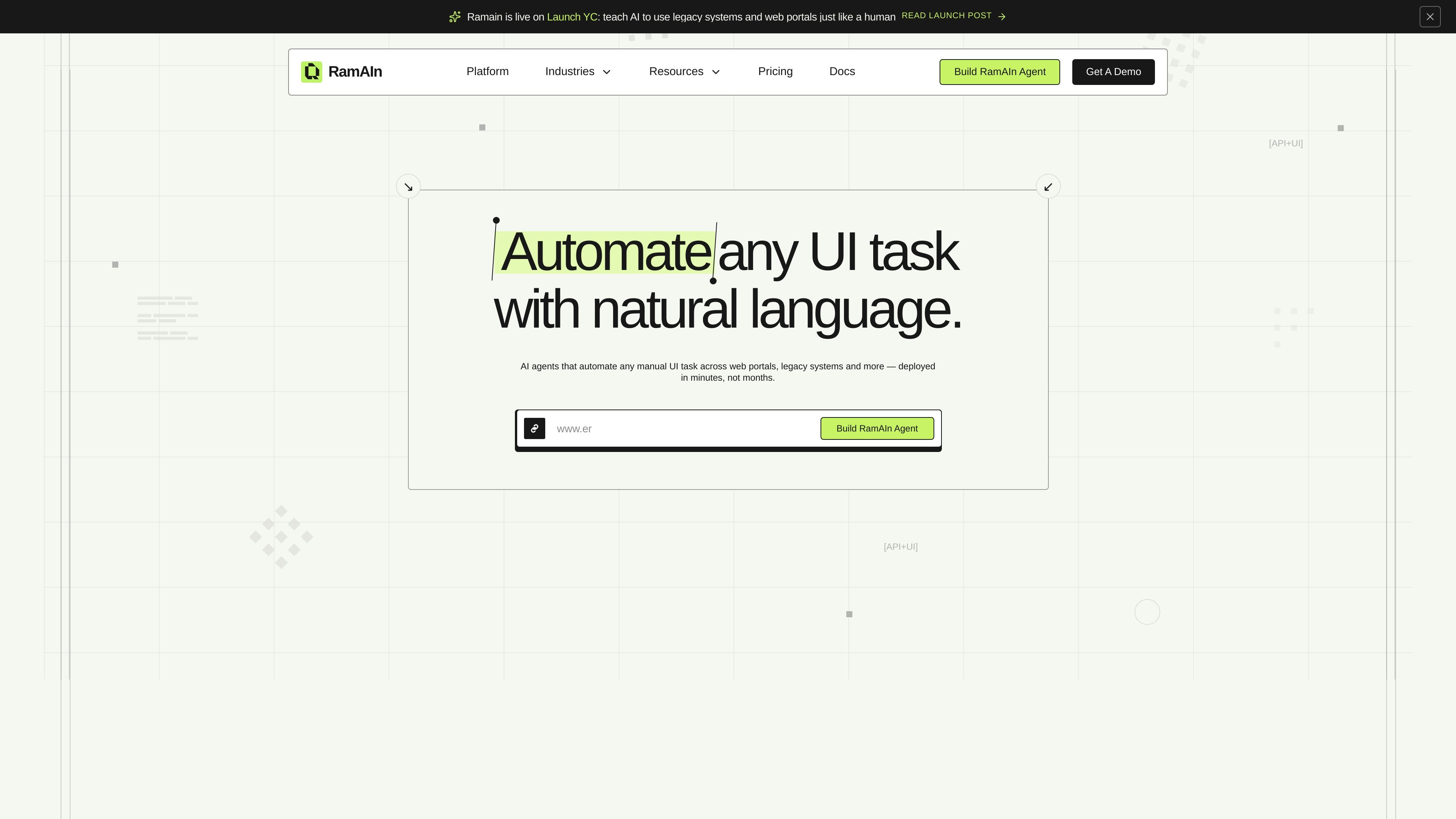
RamAIn is an AI agent platform for automating manual UI work across web portals, legacy systems, and desktop applications. It is designed for tasks where screens, forms, and handoffs still require a person to copy data, click through interfaces, or move between systems that do not share a direct integration.
The product lets a user describe a task, watch the agent execute it in a browser stream, save the run as a reusable workflow, edit the workflow before publishing, and then add inputs, triggers, or API access. The site positions it as a way to run process automation on top of existing tools without requiring custom code or platform re-architecture.
Every workflow runs in a controlled virtual browser with live view, replay, and clean session boundaries, which helps teams monitor runs and separate sessions.
The platform can persist login state, cookies, proxy mode, and traffic routing so automations behave like trusted workspace users across repeated runs.
Secrets, account credentials, cookies, and session state can be stored in profiles rather than hard-coded into workflows.
Agents can handle common blockers such as CAPTCHAs and escalate when a human decision or OTP is required.
Workflows can start from inbox events, API calls, or manual launch, which gives teams several ways to trigger the same automation.
RamAIn records sessions, run logs, recordings, errors, recovered steps, and final outputs for audit and replay.
Use RamAIn when staff need to move data between tools that do not share a native integration, such as checking one portal and updating another.
Use it for workflows that require logging into browser portals repeatedly, where stored profiles and credentials can preserve session state across runs.
Use it to capture a live demonstration of a manual process, convert that run into a reusable workflow graph, and then adjust the steps before publishing.
Use it for routines that need monitoring and review, since the platform keeps run logs, screenshots, errors, recovered steps, and final outputs.
Use it for workflows that may encounter CAPTCHAs, OTP prompts, or other blockers that need human escalation instead of a hard failure.
RamAIn connects to applications through both UI-level automation and APIs when available. It reads screens, interacts with elements like a human user, and can also add inputs, triggers, and API access to a workflow.
No major process changes are required. The product is designed to run on top of existing tools without re-architecture, plugin installs, or vendor coordination.
RamAIn logs actions with context such as inputs, decisions, screenshots, and outcomes, which supports review, approval, and audit of workflow runs.
The site says most agents are deployed within minutes, not months, and that RamAIn works with teams from scoping through go-live without custom code.
The site says data is encrypted in transit and at rest, not used for model training, and that RamAIn operates with ISO 27001 controls and SOC 2-ready processes.

CREAO is an AI agent platform for turning recurring business work into reusable workflows, with schedules, approvals, and tool integrations.

Exalate is a bidirectional integration platform for syncing work items in real time across teams, systems and companies with controlled data flow.

AI Magicx is a unified AI workspace for chat, image, video, voice, music, email and developer tasks, helping teams and creators manage multiple models in one place.

TakeCareOS is a web platform for home care, disability, and aged care agencies, with rostering, billing, compliance, and AI admin tools.
Twine AI Launcher is an Android launcher with AI assistant access, bringing ChatGPT-style help to your homescreen for quick answers, notes, tasks, reminders, and people memory.

Orca is an Agent Development Environment for shipping with coding agents, running multiple CLI agents in parallel across isolated worktrees, with desktop and mobile workflows.