SocialKaptan icon

SocialKaptan

Rivendica

SocialKaptan is a desktop app for LinkedIn and Instagram growth on your own machine, with local AI engagement, networking, and post publishing.

SocialKaptan

What SocialKaptan is

SocialKaptan is a desktop app for LinkedIn and Instagram growth that runs on your own machine. It combines AI-assisted engagement, warm networking, and post publishing so you can stay active without spending hours manually scrolling, commenting, and sending follow-ups.

The product is positioned for people who want consistent outreach and content routines while keeping their accounts on their own device. It runs in your browser session locally, offers live logs and daily limits, and includes a post generator plus scheduling features on higher plans.

Core features

LinkedIn comment automation

Find relevant LinkedIn posts by keyword search, feed browsing, or direct post URL, then generate likes and AI-written replies in your product voice. The app supports a single-run preview before daily automation if you want to check tone first.

LinkedIn Networking Bot

Run a warm outreach loop that follows a specific sequence: engage with a post, send a no-pitch connection note, wait about two days after acceptance, then send one opening DM and one soft follow-up if needed. Plan pages describe capacity tiers for 5, 15, or 40 people at a time.

Instagram engagement

Comment on Instagram posts found by hashtag or direct URL, with AI replies aligned to your brand voice and separate daily limits from LinkedIn. The pricing page also lists likes plus comments for Instagram within each plan.

AI post generation and scheduling

Create AI-drafted LinkedIn and Instagram posts from a topic queue, with captions and images generated through Gemini or ChatGPT. Starter supports manual approval, while Pro and above add auto-scheduling.

Local desktop workflow and safety controls

Operate on your own desktop Chrome session rather than shared cloud infrastructure, with live logs, preview mode, daily caps, and the ability to reconnect or switch accounts from the dashboard. The site emphasizes that logins stay on your device.

Where it fits

  • Solo founder visibility

    A solo founder can keep showing up in relevant LinkedIn conversations without spending the day in the feed. The workflow is built around finding posts, leaving contextual comments, and publishing from a queue while the founder works on sales or product.

  • B2B prospect warming

    A sales team can use the warm outreach sequence to research targets, engage before connecting, and send a more specific opening DM after acceptance. The plan pages show capacity limits that are meant to bound how much outreach runs at once.

  • Content queue and scheduled publishing

    A content marketer can draft LinkedIn or Instagram posts in batches, import topics from CSV, JSON, or Excel, and use the scheduler on higher plans to publish while other work is happening.

  • Client account management

    An agency can manage multiple client devices and higher daily limits on the Agency plan while keeping activity logs and safety controls visible for each run. The product is positioned around control rather than opaque cloud automation.

  • Reviewed automation

    Someone who prefers to review output before it posts can use preview mode on comments and manual approval for publishing on entry-level plans. This keeps the workflow closer to assisted drafting than fully unattended automation.

Pros and Cons

Pros

  • Runs locally on the user’s own device, so logins stay in the user’s browser session rather than on shared cloud servers.
  • Covers both engagement and publishing in one app instead of splitting those jobs across separate tools.
  • Includes a warm outreach sequence that is more structured than generic connection-request automation.
  • Provides live logs, preview mode, and plan-based daily caps so actions are visible and bounded.
  • Includes AI credits in every plan, so users do not need a separate AI subscription for supported workflows.

Cons

  • The strongest automation features are gated by plan tier, including higher device counts, more credits, and auto-scheduling on Pro and Agency.
  • The source does not provide full documentation for every workflow edge case, so some setup and platform compatibility details remain unclear from the available pages.
  • The product is designed around local use on your own machine, which may not suit teams that want a fully cloud-managed workflow.

FAQ

Does SocialKaptan store my password or use shared cloud logins?

Yes. The product logs you into your own LinkedIn or Instagram account on your own machine, then reuses that session locally. The pricing page says credentials never touch its servers, and the app can run both platforms in parallel within your plan limits.

What platforms does it run on?

The pricing page says the app is native on Mac and Windows. The browser session is kept on your device, so you activate the license and log in on your own machine.

What does SocialKaptan automate?

The source describes two main modes: engagement bots that find posts by keyword, hashtag, feed, or direct URL and perform likes, AI replies, comments, connection requests, and DMs; and a post generator/scheduler that creates AI-drafted posts and can publish from a queue.

Can I use it on multiple devices or with a team?

Starter includes one device license and manual/approved posting flow, while Pro and Agency add more device licenses and the Auto-Scheduler. The pricing page also says one license equals one active device.

Do I need my own AI account or API key?

The pricing page says every plan includes AI credits, updates, and support. It also says credits renew each license month and AI credits are included with no separate OpenAI bill.

Quick Facts

Category
AI social growth / automation
Platforms
LinkedIn and Instagram; pricing page also mentions Reddit bot features
Desktop OS
Mac and Windows
Deployment model
Runs locally on your own machine
Source domain
socialkaptan.com
Pricing shape
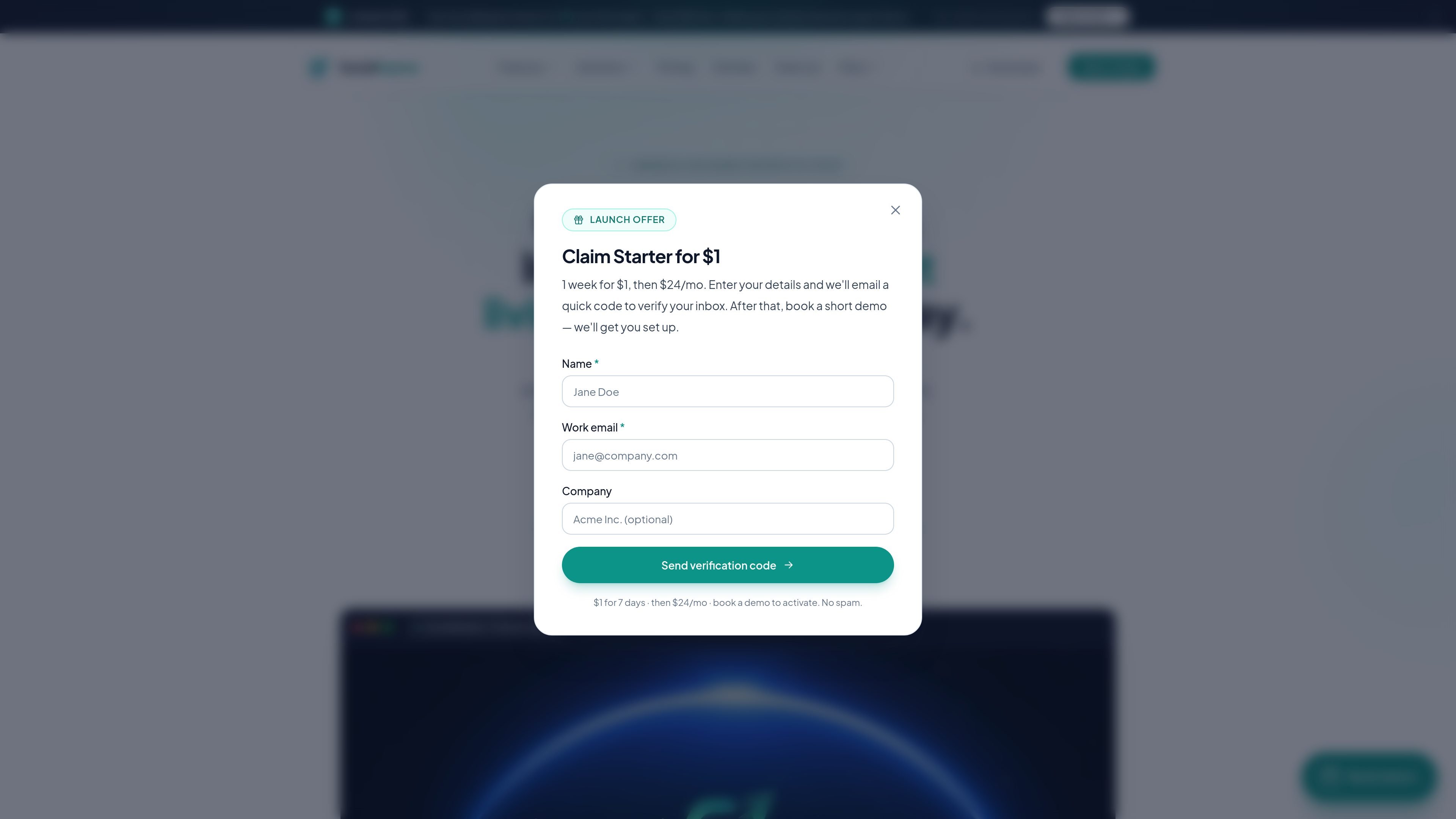
Paid plans with a $1 launch offer and monthly/annual tiers

Analisi di SocialKaptan

I dati sul traffico sono solo a scopo di riferimento.

Traffico e classifiche

Visite mensili
0
Durata media visita
00:00
Pagine per visita
0.00

Trend del traffico

Principali regioni

Le analisi del traffico non sono ancora disponibili.

Fonti di traffico

  • Diretto: 0.00%
  • Ricerca: 0.00%
  • Referral: 0.00%
  • Social: 0.00%
  • E-mail: 0.00%
  • Annunci display: 0.00%