

Photo-to-video creation
Turn a single clear pet photo into a short AI video without filming a new scene or using video editing software.
TalkingPets.ai turns one pet photo into a short AI video with speech or song for shareable posts, greetings, and playful messages on web or iPhone.
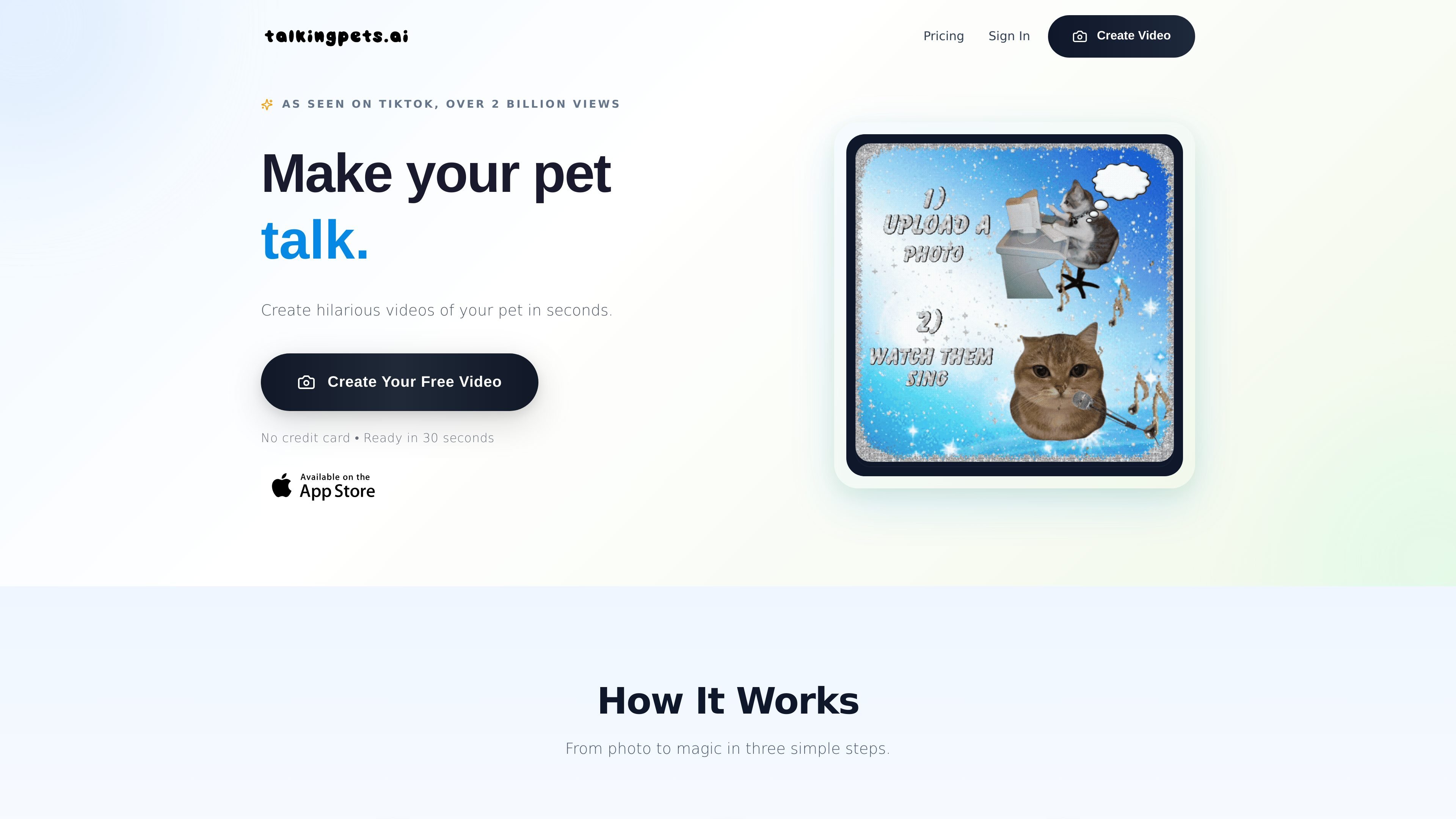
TalkingPets.ai is an AI pet video maker that turns a single photo of a cat or dog into a short talking or singing clip. The site positions it as a quick way to make humorous pet videos for sharing online or sending to other people.
The workflow is straightforward: upload a clear pet photo, add a message, voice recording, or popular song, and the app generates a video in seconds. The source also says users can create on the web, try the iPhone app, and start free without a credit card.
Turn a single clear pet photo into a short AI video without filming a new scene or using video editing software.
Add spoken or sung audio by typing a message, recording your voice, or choosing a popular song.
Create a video in a few steps: upload a photo, add audio, and share the result.
Start creating on the web and try the iPhone app, according to the site’s product copy.
Export clips that are positioned for TikTok, Instagram Reels, YouTube Shorts, X, or direct messages.
Create a short clip of a cat or dog “speaking” a message for birthdays, thank-you notes, or get-well-soon greetings.
Make festive or holiday greetings with a pet voice or song instead of a standard card.
Produce attention-grabbing pet content for TikTok, Instagram Reels, YouTube Shorts, or X.
Turn a pet portrait into a quick announcement video for a launch, invite, or special update.
Create playful pet clips for brands, creators, or animal-related pages that want simple, shareable content.
TalkingPets.ai lets you upload a pet photo, then add a message, record your voice, or choose a popular song to generate a short talking-pet video. The source describes the output as ready in seconds.
The source says you can create on the web and try the iPhone app. It also says the product is free to start and offers a video creation flow with no credit card required.
The source pages show a free-to-start flow and a pricing page, but they do not list detailed plan names or prices in the provided text.
The site describes exports that are ready for TikTok, Instagram Reels, YouTube Shorts, X, or direct messages.
The provided pages do not mention collaboration features or team workspaces. The product copy focuses on individual creation from a single pet photo.

Pika is an AI video generation platform for creating and editing short videos from prompts, images, and existing footage. It also offers plan-based commercial use, watermark-free downloads on higher tiers, and select partner API access.

Old Photo AI animates old photos into short videos with realistic motion, effect templates, and paid fast-generation options.

HappyHorse is a web-based AI video generator for turning text prompts, images, and video references into short clips. It offers free starting credits plus paid plans and credit packs for creators who need more output.

CoCoClip.AI is a web-based AI video editor for short-form content, with text-to-video, image-to-video, and audio-to-video workflows for YouTube Shorts, TikTok, and Instagram Reels.

Podfy.ai is a browser-based AI video tool that turns text, scripts, audio, and music into edited videos with narration, subtitles, effects, and soundtrack for faster short-form social content.

Nim Video is a web-based AI video and image creation platform for turning prompts, images, and source footage into editable visuals. It offers a free tier and paid subscriptions with added credits, higher output options, and commercial-use features.