

3D tattoo try-on
Upload a photo or choose a tattoo design and preview how it looks on your body using the simulator’s 3D virtual try-on flow.

Tatship is a tattoo try-on and design platform for previewing tattoos on body photos, turning images into stencils, and creating text or AI-assisted designs.
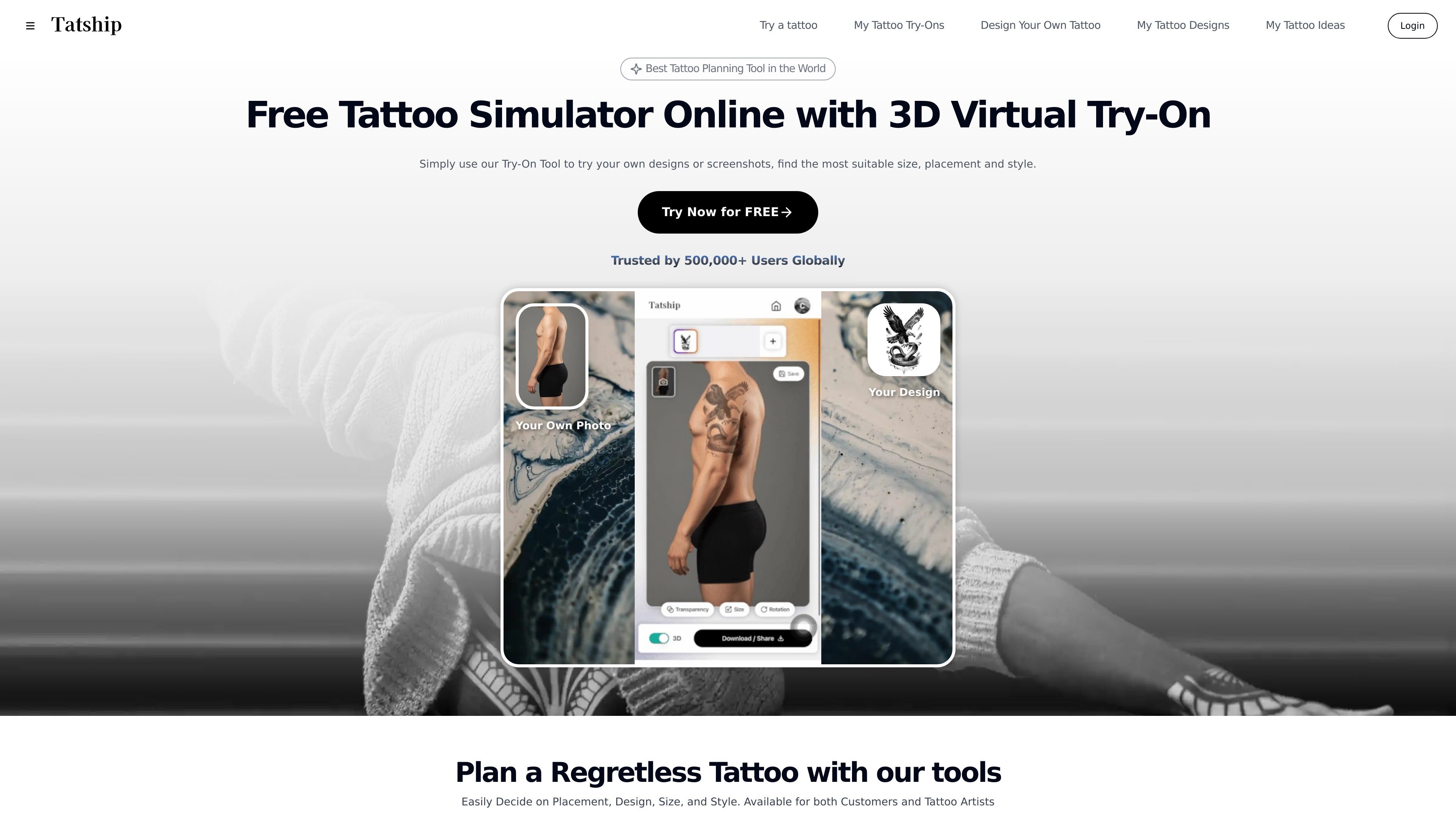
Tatship is a tattoo try-on and design platform for previewing tattoos on a body photo before making a permanent decision. It combines a virtual tattoo simulator with design tools for photo conversion, text tattoos, and AI-generated concepts.
The product is aimed at both tattoo customers and tattoo artists. Users can upload photos, select or generate tattoo designs, adjust placement and size, and export a stencil or preview image to use when planning a tattoo or discussing it with an artist.
Upload a photo or choose a tattoo design and preview how it looks on your body using the simulator’s 3D virtual try-on flow.
Create tattoo concepts from uploaded photos, AI-generated designs, and web or Pinterest images, then combine them into one design.
Convert photos into tattoo-ready line work or stencils, with support for adjusting style, size, and placement before downloading.
Turn words, names, or phrases into tattoo text designs with multiple font styles, including script and gothic options.
Preview designs with skin tone, lighting, and body curvature in mind, and use the result to communicate clearly with a tattoo artist.
Use the web tool or mobile apps, with free-trial access and paid plans that add advanced AI generation, custom edits, and unlimited downloads.
Upload a body photo, test different designs, and compare placement, size, and style before choosing a tattoo.
Turn reference photos, screenshots, or image ideas into a stencil or design file that can be shared with a tattoo artist.
Generate tattoo-ready text from names, quotes, or phrases, then test how different fonts look on skin.
Combine uploaded photos, AI-generated elements, and web images into a single tattoo concept for a custom design direction.
Use the mobile apps to try tattoos on the go and continue exploring designs during the free trial period.
Tatship is available as a web tool and as mobile apps on the Apple App Store and Google Play. The site says you can use it online or download the app to try tattoos on yourself.
Yes. The site says you can upload or select a tattoo design, apply it to a photo of your body, and preview the result realistically before committing.
Yes. The photo-to-tattoo flow lets you upload a photo, convert it into a tattoo stencil, and download the result to share with a tattoo artist. The site also says no sign-up is required to start.
Yes. Tatship includes AI tattoo generation and a tattoo design tool for combining uploaded photos, AI-generated designs, and images from the web or Pinterest into a tattoo concept.
The site says personal photos stay offline without going to the internet, and it offers a free trial with unlimited tattoo try-ons plus upgrade options for premium features.

简单AI is Sohu’s online AI tool for AI image generation, AI writing, and online image editing—ideal for quickly creating images, copy, or basic retouching.

Photoroom is an AI visual editing platform for e-commerce that removes backgrounds, creates product images, and prepares listings from phone, web app, or API workflows.

Paper is a design tool that connects canvas, code, and AI agents so teams can create, share, and ship work in one workflow. Includes desktop app and MCP access.

Superside is an AI-powered creative service for enterprise and in-house teams, with global talent, AI-first workflows, and subscription-based support.

豆绘AI is an online AI image generation and editing platform for ecommerce and design, supporting white background, scene, interior rendering and post-processing.

Upsampler is an AI platform for creating, editing and upscaling images and videos in one workspace. Pay per credit, full API access, commercial use included.