

Thumbnail generation from multiple inputs
Generate thumbnails from a prompt, upload, transcript, or a YouTube URL. The product also supports recreating an existing thumbnail as a starting point.

Thumblytics is a YouTube thumbnail and title tool for creators to generate options, score packaging quality, preview layouts, and refine before publishing.
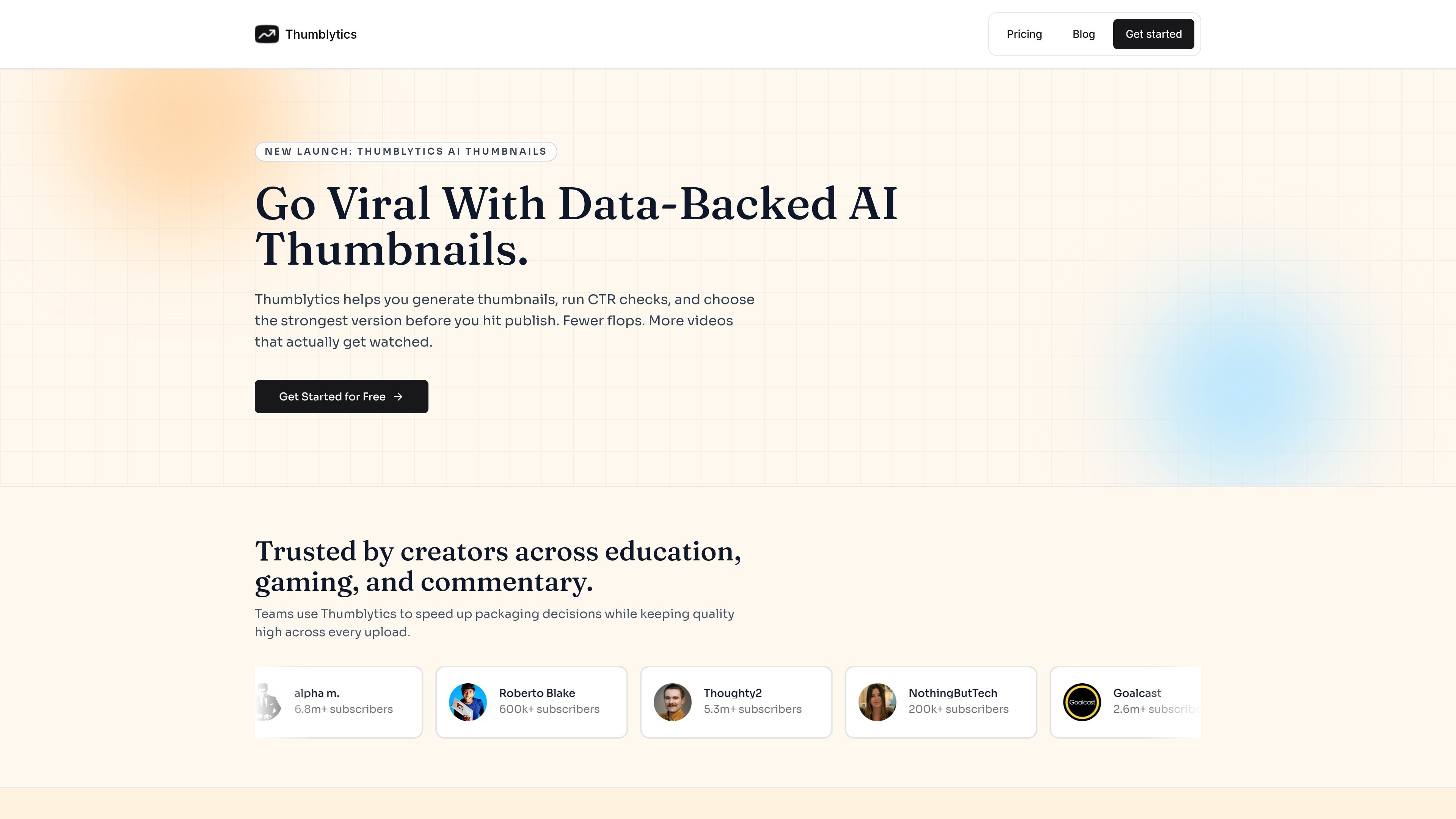
Thumblytics is a YouTube thumbnail and title workflow tool built around generation, scoring, previewing, and iteration. It helps creators produce thumbnail options from prompts, uploads, transcripts, or YouTube links, then evaluate those options before publishing.
The product focuses on packaging decisions: you can generate multiple variants, check thumbnail-title combinations with a clear rubric, preview how a video will appear in a YouTube-style feed, and use recommendations to refine the strongest option. The pricing page shows a free evaluation tier plus paid plans for higher monthly capacity.
Generate thumbnails from a prompt, upload, transcript, or a YouTube URL. The product also supports recreating an existing thumbnail as a starting point.
Review a thumbnail, a title, or both with a 0-100 score and breakdowns for readability, contrast, hook strength, and related factors.
Use recommendations to tighten weak areas before publishing so the next revision is more deliberate than guesswork.
Follow a visible workflow from queued to generating to scoring to complete, which makes the production process easier to track.
Save winning concepts in a library and download them instantly for reuse across future uploads.
Preview thumbnails and titles in a YouTube-style layout to see how they appear in context across different device formats.
Creators can turn a rough video idea into several thumbnail options, compare them, and pick the version that best matches the video before publishing.
Channels that publish often can use the generation and scoring loop to reduce revision cycles and keep uploads moving without relying on slow manual back-and-forth.
Teams or collaborators can use the score breakdown and preview view to align on what needs improvement before a thumbnail goes live.
A creator who already has an existing thumbnail can test a revised version, compare layout and readability, and keep the stronger concept for future reuse.
Users who want a quick sanity check can preview thumbnails and titles in a YouTube-style feed to see how they look on different screen sizes.
Thumblytics helps you generate thumbnails, score title-thumbnail packaging, and use recommendations to refine weak areas before publishing.
Yes. The site says you can create thumbnails from a prompt, an upload, or a YouTube URL, and it also offers a free YouTube thumbnail and title mockup tool.
The pricing page says every plan includes AI thumbnail generations and CTR checks. The Free plan is limited for evaluation, while Starter and Pro increase monthly capacity.
The source does not list team-specific controls or collaboration features, but the homepage says teams use Thumblytics to speed up packaging decisions.
The score is described as a 0-100 rubric with breakdowns such as readability, contrast, and hook strength. The site presents it as a guide for deciding which version to publish and where to improve.

VForms lets you place questionnaires directly inside YouTube videos so viewers answer in context instead of switching to a separate form. It is aimed at collecting feedback and insights through timestamped, embeddable video forms.

ShortsNinja is an AI-powered faceless video generator for TikTok and YouTube. Create, edit in-browser, and auto-publish short videos.

Robolly is an image generation API and template editor for personalized images, videos and PDFs at scale, with browser-based templates and cloud rendering.

InstantChapters generates YouTube chapters from a pasted video URL with a 7-day free trial and monthly plan for copy-ready timestamps.

Skipit AI summarizes YouTube videos and answers questions about their content—fast takeaways from long videos without watching in full.

Viewstats is a YouTube analytics and creator research platform for finding video ideas, comparing channels, tracking trends, and studying thumbnails.