

Automatic YouTube chapters
Generate chapter titles and timestamps from a YouTube video, then copy them into the description as ready-to-paste text.

TimeSkip is a Chrome extension and web tool for SEO-optimized YouTube chapters and timestamps for long videos, helping creators paste searchable sections into descriptions.
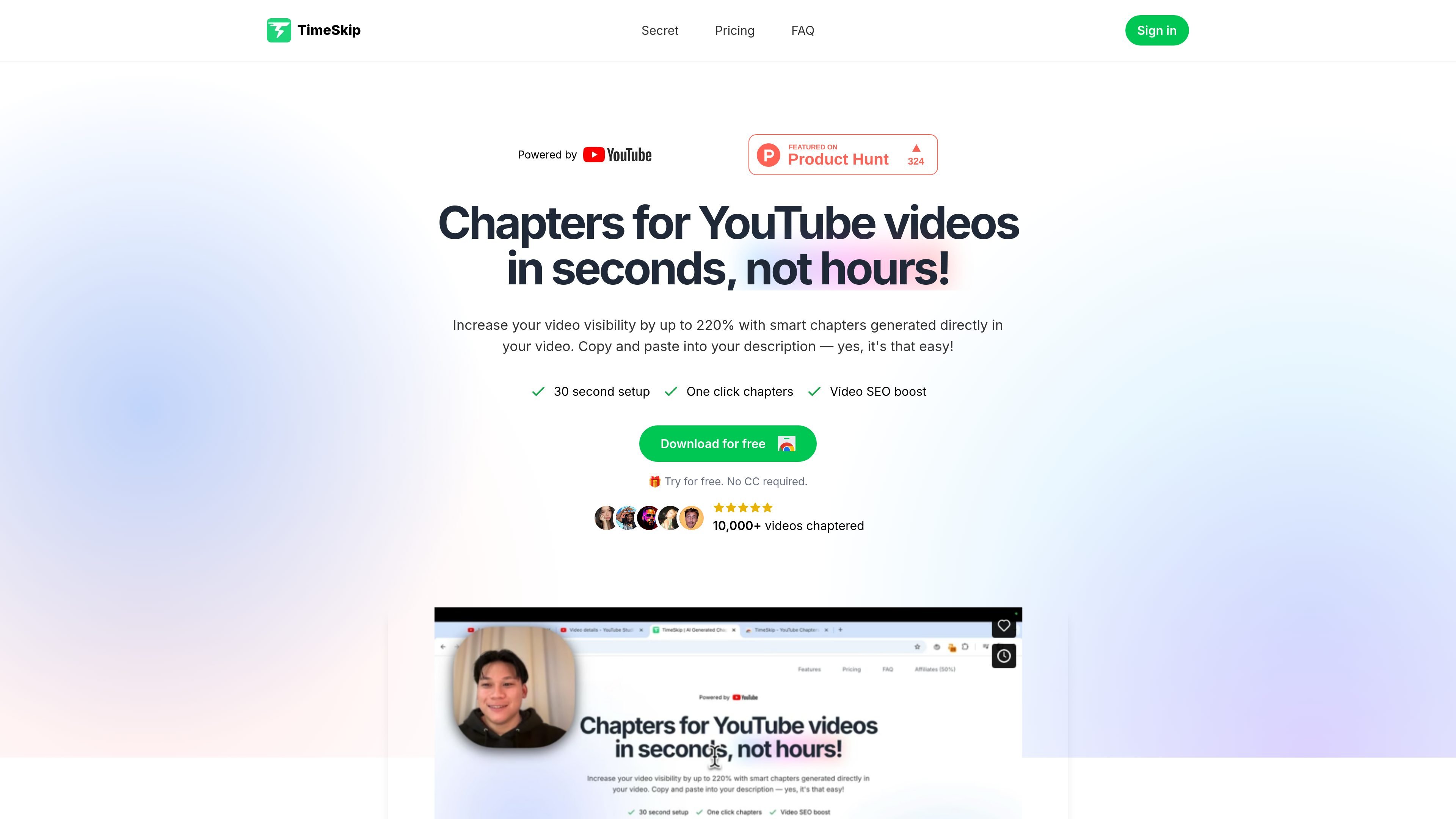
TimeSkip is a Chrome extension and YouTube chapter generator that helps creators produce SEO-optimized timestamps for videos. The core workflow is to generate chapter titles from a video, preview them, and paste them into the YouTube description so viewers can jump to sections more easily.
The product is positioned for long-form content where manual timestamping is slow, including podcasts, webinars, tutorials, interviews, lectures, and similar uploads. The site says TimeSkip works directly in the YouTube player and also offers a free chapter generator page for public videos.
The home page and tool pages frame the product around improving discoverability, navigation, and engagement through structured chapters. The site also lists related tools for descriptions, titles, tags, keywords, and description extraction, which suggests a broader YouTube metadata workflow around the main chapter generator.
Generate chapter titles and timestamps from a YouTube video, then copy them into the description as ready-to-paste text.
Create chapters inside the YouTube player with a one-click extension workflow rather than manually scrubbing through the timeline.
Target long-form content such as podcasts, webinars, tutorials, interviews, and lectures, including videos the site says can run 12+ hours.
Use SEO-oriented chapter titles designed to be clear to viewers and more searchable in YouTube and Google results.
Preview the generated chapters before copying them, so you can review the structure before publishing.
Access related free tools for YouTube descriptions and description extraction from the same site.
Create chapter markers for long uploads such as podcasts, interviews, or webinars when manual timestamping would take too long.
Improve navigation on tutorials, lectures, and educational videos by breaking a video into searchable sections.
Prepare chapter titles that are meant to support YouTube SEO and help viewers find specific topics inside a video.
Use the free chapter generator page to produce copy-ready timestamps for public videos without working entirely inside a description editor.
Pair chapters with the site’s other YouTube metadata tools, such as description generation or description extraction, as part of a broader publishing workflow.
TimeSkip is a Chrome extension that generates SEO-optimized video chapters directly in the YouTube player. You install the extension, open a supported video, and copy the generated timestamps into the description.
The source shows TimeSkip as fitting long-form YouTube content such as podcasts, webinars, tutorials, interviews, lectures, and other videos with closed captions. The chapter generator page also notes support for long videos, including 12+ hour uploads.
The workflow shown on the site is to install the Chrome extension, generate chapters from the video player, preview the result, and paste the timestamps into the video description. The public chapter generator page also supports generating chapters from a video URL.
Yes. The site offers a free chapter generator page and other free YouTube tools, while the main product page and pricing page indicate paid plans are also available. The pricing page itself is unavailable and returns a 404, so the exact pricing details should be checked on the home page.
The site describes TimeSkip as a Chrome extension and a YouTube chapter generator. The source does not provide a detailed browser compatibility matrix or other integration list beyond YouTube and the Chrome Web Store.
Twine AI Launcher is an Android launcher with AI assistant access, bringing ChatGPT-style help to your homescreen for quick answers, notes, tasks, reminders, and people memory.

AI Magicx is a unified AI workspace for chat, image, video, voice, music, email and developer tasks, helping teams and creators manage multiple models in one place.

阶跃AI is a personal efficiency assistant from 阶跃星辰 for knowledge search, writing, coding, and daily automation. Download on desktop and mobile, and trigger web, files, and reminders by voice.

TakeCareOS is a web platform for home care, disability, and aged care agencies, with rostering, billing, compliance, and AI admin tools.

Speakflow online teleprompter for writing and organizing scripts, voice scrolling, team collaboration, and cross-device syncing. Free and paid plans available.

Framer is an AI website builder for professional sites. It helps teams design, manage CMS content, optimize SEO, collaborate, and publish from a single no-code workflow.