

In-browser 3D model viewer
Upload STL, OBJ, STEP, IGES, GLB, or FBX files and inspect them immediately in a WebGL viewer with orbit, wireframe, transparent, and bounding-box modes.

Ventorah is a browser-based CFD tool for virtual wind tunnel analysis on uploaded 3D models, with run, review, and export workflows.
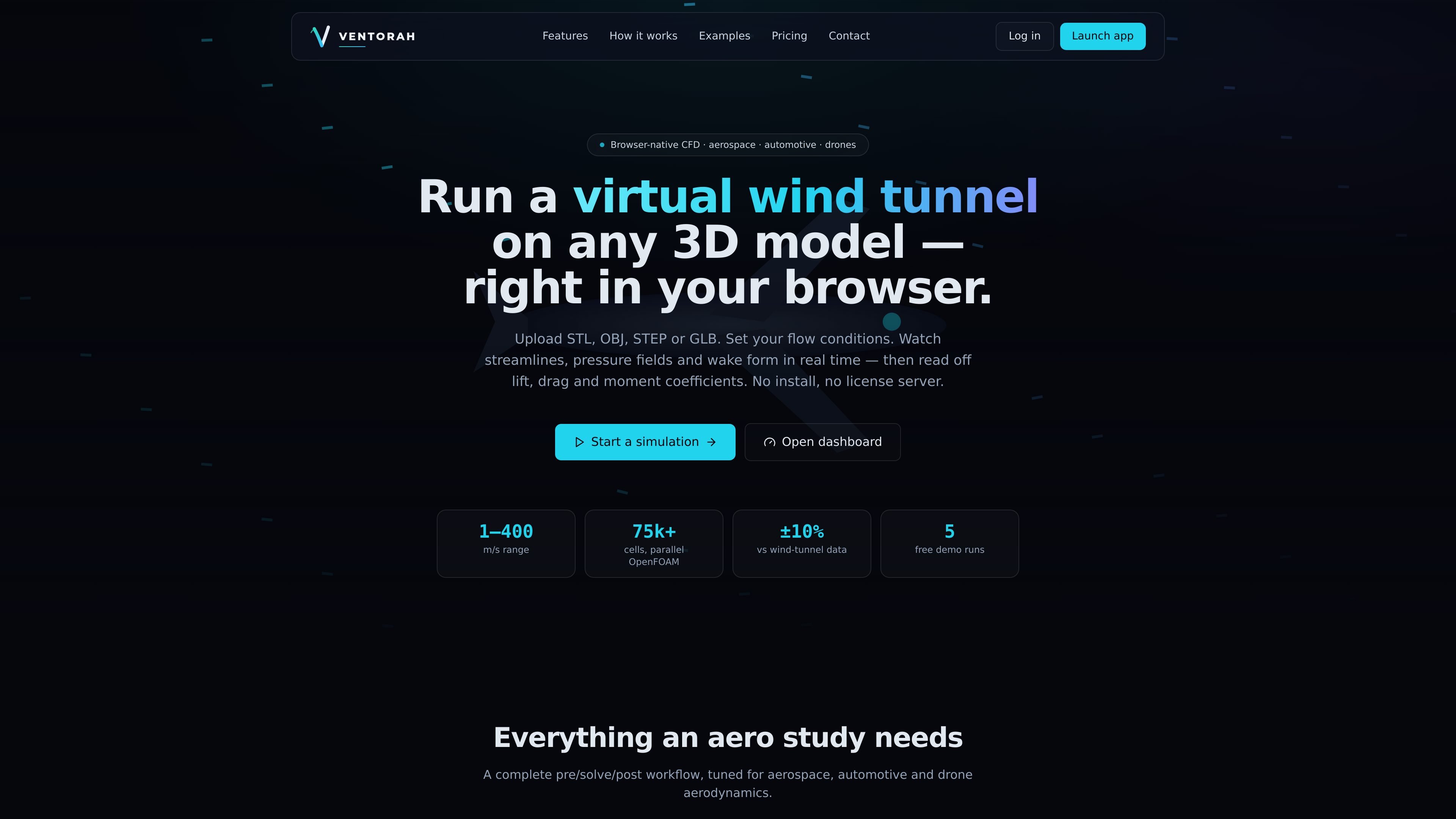
Ventorah is a browser-based CFD product for running virtual wind tunnel studies on uploaded 3D geometry. The site describes it as “Browser CFD” and supports common model formats including STL, OBJ, STEP, IGES, GLB, and FBX.
The workflow covers geometry upload, flow-condition setup, meshing and solving, and review of flow fields and engineering outputs in the browser. Results include streamlines, pressure fields, lift and drag, coefficients, charts, and exportable reports, which makes the product useful for aerospace, automotive, and drone aerodynamics work.
Upload STL, OBJ, STEP, IGES, GLB, or FBX files and inspect them immediately in a WebGL viewer with orbit, wireframe, transparent, and bounding-box modes.
Set wind speed, direction, density, temperature, pressure, humidity, altitude, fluid, turbulence model, and mesh resolution before starting a solve.
Run simulations that produce streamlines, velocity vectors, pressure and velocity contours, vorticity, wake, and flow separation as the solve progresses.
Read lift, drag, and moment coefficients, Reynolds and Mach numbers, forces, centre of pressure, and surface maps, with CSV and PDF export options.
Compare two runs side by side, overlay pressure and airflow, and inspect a difference table for performance changes.
Use the built-in AI aero assistant to ask about drag, lift, flow separation, and design recommendations, with AI features running on the user’s Anthropic API key.
Evaluate lift, drag, and flow separation on airfoils, bodies, and other geometry without setting up a local CFD environment.
Review exterior airflow and pressure distribution on car-shaped models or components during early design iterations.
Assess drag and wake behavior on drone frames or other small aircraft parts before moving to physical testing.
Run multiple simulations with different flow conditions, then compare the resulting coefficients and pressure overlays side by side.
Generate CSV or PDF outputs that can be shared with teammates or used in engineering documentation.
Ventorah is a browser-based CFD tool. You upload a 3D model, set flow conditions, run a simulation, and review streamlines, pressure fields, forces, and coefficients in the browser.
The source shows support for STL, OBJ, STEP, IGES, GLB, and FBX uploads. The model appears in an in-browser WebGL viewer before simulation.
Yes. The site says new accounts include 5 free demo simulations and no card is required to start. It also lists paid options for saving results, using your own API key and OpenFOAM worker, or running managed solves.
The rendered workflow includes exporting engineering results to CSV and PDF, and the comparison tool lets you review two runs side by side.
The site provides browser sign-in, account creation, and dashboard settings for connecting an Anthropic API key. It does not show a public pricing page or detailed team plan information in the collected sources.

北极九章 is an enterprise AI data insight engine for natural-language data analysis. Ask by typing or voice and get charted results in workflows.

Codesphere is a virtual cloud platform for development, deployment and operations across on-prem, cloud and hybrid infrastructure, with portability and security.

AppVision is a boutique app studio for iOS and Android, offering design, development, and growth with weekly releases and data-driven iteration.
Intract is a cross-border payments platform for businesses, with real-time settlement, multi-currency support, compliance handling, and transparent rates.

Newfront is a business insurance brokerage and software platform for commercial insurance, employee benefits, and retirement services.
ChartAI is a web-based AI tool for charts, diagrams, infographics, and visuals for presentations, papers, and projects.