

Online video editing tools
Edit videos in the browser with tools for trimming, merging, cropping, resizing, compressing, converting, and splitting files.

Video Candy is a web-based video editor for trimming, merging, compressing, converting, screen recording, cloud imports from Dropbox and Google Drive, and watermark-free paid exports.
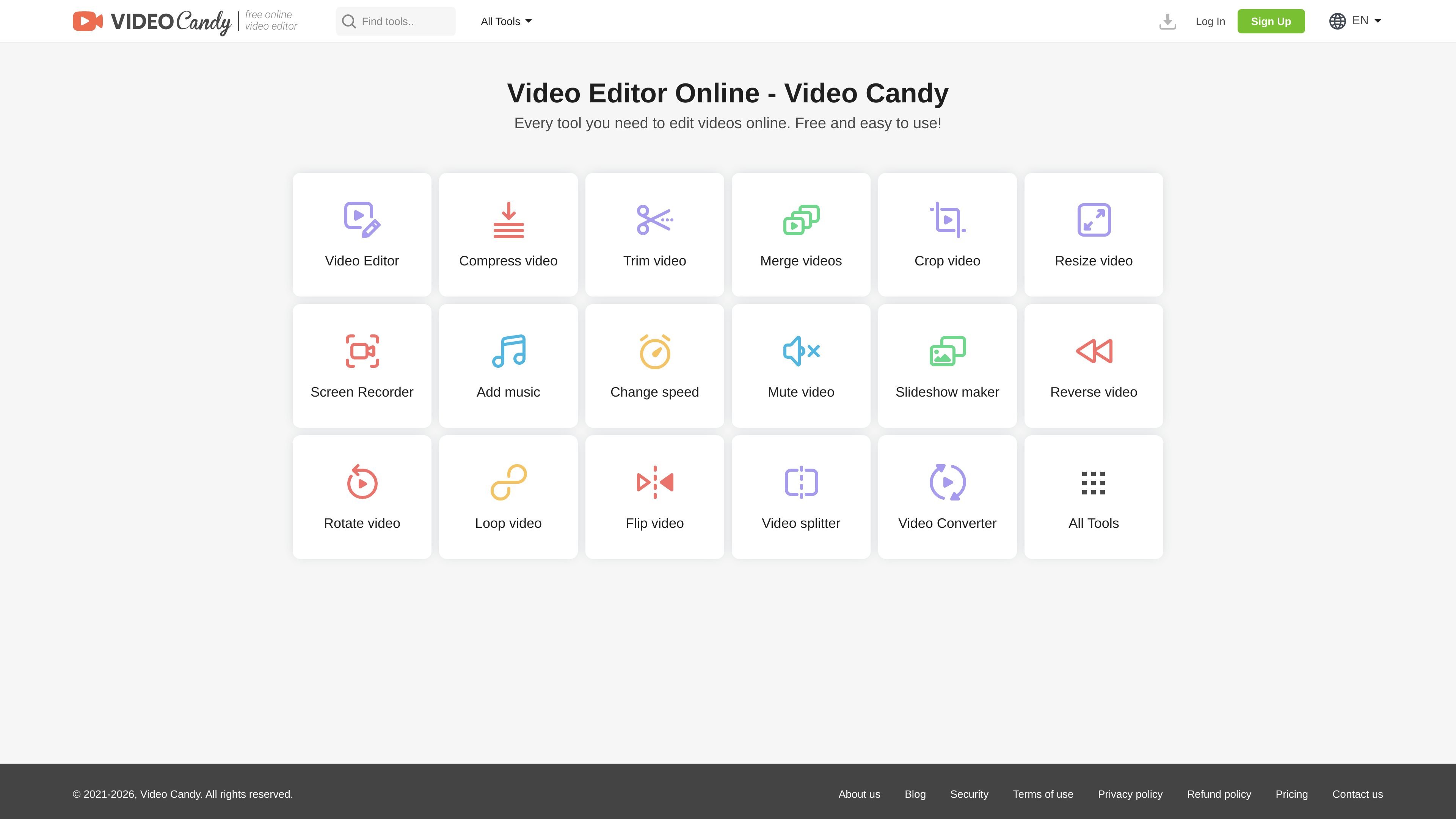
Video Candy is an online video editor with a broad set of browser-based tools for working on video files. The home page describes it as free and easy to use, with tools for merging, compressing, trimming, cropping, resizing, converting, recording, and other common editing tasks.
The product is built for fast file-based editing rather than a desktop-style timeline workflow. Its pages say files can be dragged and dropped or imported from Dropbox and Google Drive, and the service removes uploaded files from its servers within two hours. Paid plans are available for users who need watermark removal, larger uploads, unlimited downloads, and faster processing.
Edit videos in the browser with tools for trimming, merging, cropping, resizing, compressing, converting, and splitting files.
Use additional editing actions such as adding music, changing speed, muting audio, reversing, rotating, flipping, and brightening video.
Record your screen directly in the product for capture-based workflows.
Start with drag-and-drop uploads or import files from Dropbox or Google Drive for a simpler workflow.
Access paid-plan benefits such as no watermark, unlimited downloads, uploads up to 8 GB, and high-priority processing.
Trim, crop, resize, compress, or merge clips without installing desktop software.
Prepare a file for sharing by reducing size, converting it, or removing audio before export.
Record part of a screen and then edit the result in the same service.
Import footage from Dropbox or Google Drive when source files are already stored in cloud drives.
Choose a paid plan when you need watermark-free exports, larger uploads, or faster processing.
Video Candy is an online video editor with tools for common editing tasks such as trimming, merging, compressing, cropping, resizing, and converting video files. It also includes extras like screen recording, adding music, changing speed, muting audio, reversing, rotating, flipping, and creating slideshows.
The site presents Video Candy as free to use, while also offering paid plans that remove the watermark and add benefits such as unlimited downloads, uploads up to 8 GB, and high-priority processing.
Yes. The site states that you can drag and drop files onto a tool page or import files directly from Dropbox or Google Drive.
Uploaded or generated files are removed from Video Candy’s servers within two hours, and the security page says files are transferred over HTTPS and protected with 256-bit AES encryption during transmission and storage.
The company says it provides technical support through its Help Center and that the support team responds within 2 business days if the automated help does not resolve the issue.

Diffusion Studio is a browser-based video editor with an infinite canvas, timeline editing, AI workflows, 4K export, and a free plan with unlimited projects, no watermark, and commercial use.

Rizzle turns articles into editorial-grade video and distributes it across major channels with AI-assisted, human-reviewed workflows for publishers.

AnyClip is a visual intelligence platform for video that automates enrichment, improves discovery, and supports engagement and monetization.

Upsampler is an AI platform for creating, editing and upscaling images and videos in one workspace. Pay per credit, full API access, commercial use included.

HiringPartner.ai is an autonomous AI recruiting platform for sourcing, screening, and interviewing candidates 24/7. It supports ATS-connected workflows, bulk resume uploads, and reviewable interview outputs for hiring teams.

CoCoClip.AI is a web-based AI video editor for short-form content, with text-to-video, image-to-video, and audio-to-video workflows for YouTube Shorts, TikTok, and Instagram Reels.