

Browser-based events
Run live meetings and webinars without requiring attendees to install software. The browser-based format is positioned as suitable for live events, classes, demos, and meetings.

ClickMeeting is a browser-based webinar and online meeting platform for live, automated, and on-demand events. It helps educators, marketers, sales teams, creators, and other teams run interactive sessions, promote them, and monetize selected formats.
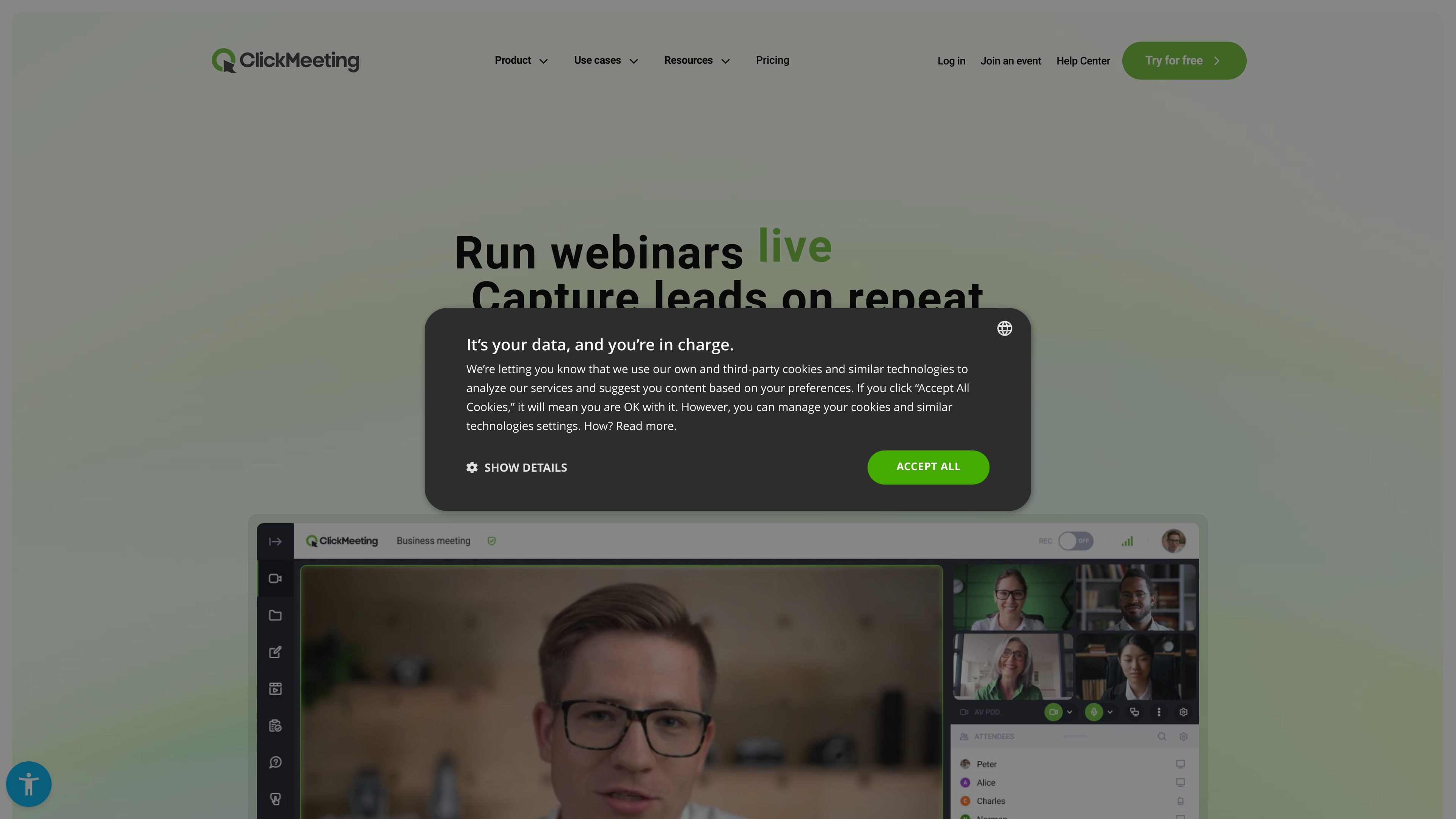
ClickMeeting is a browser-based webinar and online meeting platform for running live, automated, and on-demand events. The site presents it as software for webinars, online meetings, and virtual classrooms, with no installation required for hosts or participants.
The product is positioned for educators, marketers, sales teams, consultants, creators, NGOs, and trainers who need to present, teach, generate leads, or sell tickets online. Its core workflow combines registration, live interaction, replay or automation options, and tools for promotion and monetization.
Run live meetings and webinars without requiring attendees to install software. The browser-based format is positioned as suitable for live events, classes, demos, and meetings.
Support automated and on-demand webinars, including reminders, follow-up messages, and publishing recorded events for later viewing.
Use interactive tools such as polls, Q&A, whiteboard, and CTAs to structure sessions and collect responses during the event.
Broadcast events to YouTube, Facebook, or LinkedIn from the platform, extending distribution beyond the webinar room.
Monetize events with paid webinars, virtual tickets, discount codes, secure payments, and donations where supported by the product pages.
Customize the platform appearance and landing pages, and use add-ons for more presenters or larger events on higher plans.
Run classes, lectures, onboarding, and workshops in a browser-based virtual classroom, with interactive tools to keep participants engaged.
Host product demos, lead-generation webinars, and sales events with registration forms, promotional tools, and follow-up automation.
Use webinars to sell tickets, accept donations, and monetize recorded sessions or live expertise.
Run meetings, mentoring sessions, and confidential business events, including workflows that mention E2EE encryption on the site.
Use webinars for NGOs or public-sector communication to promote ideas, build an audience, and collect support or donations.
Yes. The pricing page states that you can create a free trial account for 14 days to test webinars and meetings, and no payment details are required for the trial.
The source says ClickMeeting is browser-based and does not require installation for hosts or participants.
The host is the account owner with access to billing, account settings, and add-ons. Presenters are invited into an event room and can help run webinars or meetings, but they do not access the account panel.
The pricing page says the platform supports live meetings and webinars, automated and on-demand webinars, breakout rooms, polls, Q&A, whiteboard tools, CTAs, statistics, and streaming to YouTube, Facebook, or LinkedIn.
The source explicitly says you can create free trial accounts without payment details, and that paid subscriptions are billed up front monthly or yearly if you choose a subscription package.
Answers AIは、学生と教育者向けのAI教育プラットフォームです。Web、モバイル、Chrome拡張で回答取得、学習資料作成、課題サポート、採点や進捗管理まで対応します。

小艺は華为が自社開発したAI智慧アシスタント。知識Q&A、文章作成、文書閲覧、コード補助、画像認識に対応し、日常検索やコンテンツ処理、HarmonyOS開発まで幅広く活用できます。

Super Teacherは、小学校向けの読み書きと算数を会話形式で段階的に教える個別指導アプリ。教室利用、家庭学習、学校の進捗確認に対応。

Flashcard Generator は、文書・ノート・画像・動画・音声・YouTubeリンクから学習カードを作成するWebベースのAIフラッシュカード作成ツールです。無料プラン、デッキ編集・共有にも対応。

ChordChordは、ブラウザで使えるコード進行ジェネレーター。編集可能な進行、アレンジ機能、MIDI・WAV・MP3・PDF出力に対応し、学校向けの教育プランも用意。

讯飞会议は、AI文字起こし・翻訳と議事録自動生成に対応するクラウド型ビデオ会議コラボレーションプラットフォーム。企業の遠隔会議や多人数会議に最適。