


Cartoonizer and specialty effects
Turn photos into cartoons, sketches, paintings, digital-style effects, and avatar characters with one-click effects.
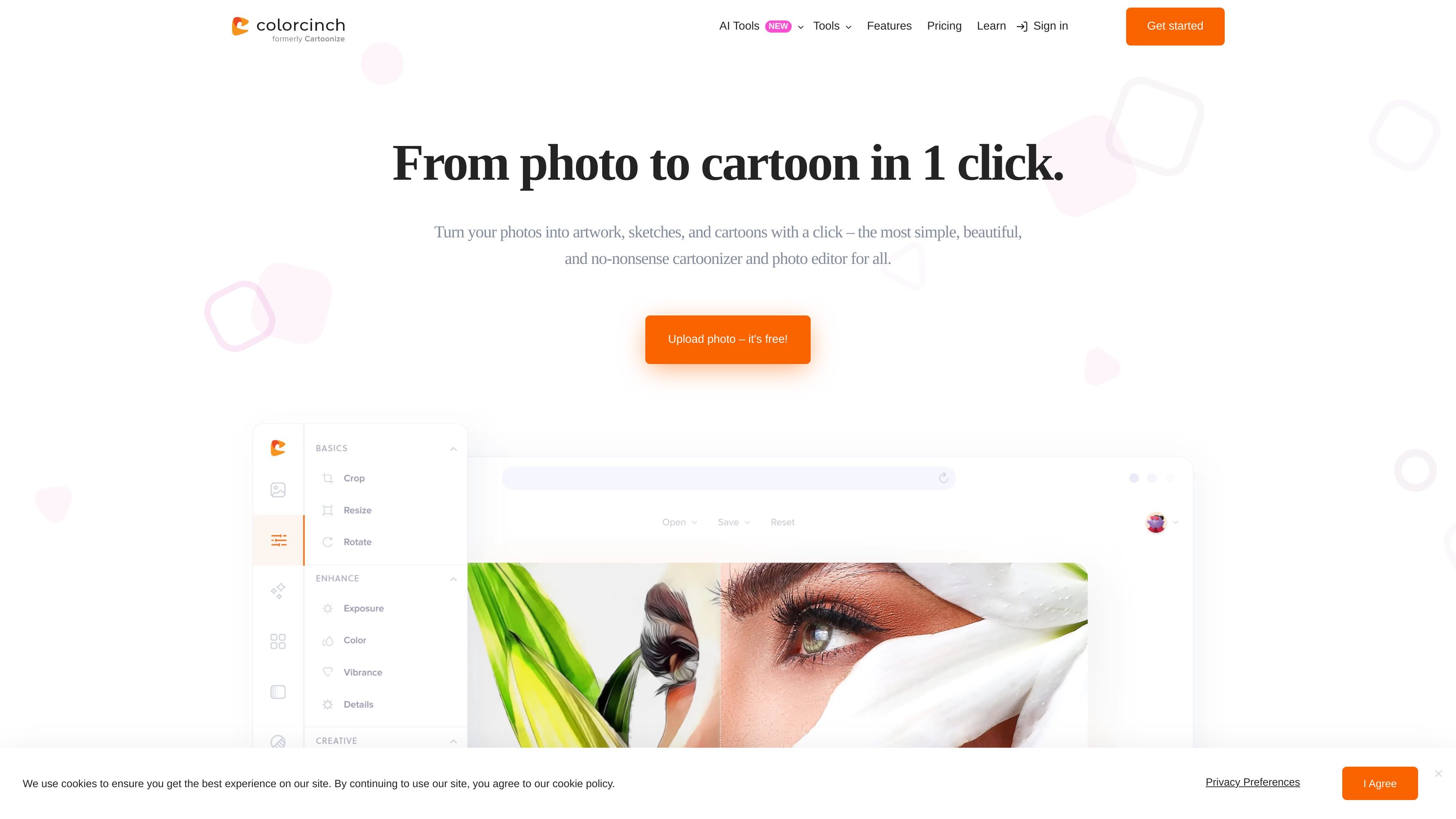
Colorcinch is an online photo editor built around a one-click cartoonizer. It turns uploaded photos into cartoons, sketches, paintings, and other stylized artwork, with separate tools for editing, compositing, and exporting the finished image.
The site positions the product as simple to use: users can start without a sign-up on the Basic plan, apply effects from the editor or cartoonizer workflow, and then download or share the result. Pricing information also shows a paid Plus plan with additional features, graphics, and higher-resolution export options.
Turn photos into cartoons, sketches, paintings, digital-style effects, and avatar characters with one-click effects.
Adjust effect intensity, clarity, and overall look so the result matches the source image and your preferred style.
Remove backgrounds, crop and resize images, adjust exposure and color, sharpen or blur, and straighten, flip, or rotate photos.
Add text, use text masking, draw with brushes, combine layers, and build collages, memes, and overlays.
Export projects as JPG, PNG, or PDF and the site states exports can reach up to 400 DPI for print use.
Use the web platform online or offline through the PWA app, and access the mobile app on iOS and Android.
Upload a portrait or selfie and convert it into a cartoon-style profile image, with the option to adjust the effect before saving it.
Use the editor’s sketch, painting, and other stylized effects to turn a photo into artwork for sharing or personal projects.
Remove a background, add text, or combine multiple images into a collage when the cartoon effect is only one part of the final composition.
Use the web app or PWA to continue editing across devices, including offline mode when internet access is limited.
Start with the free Basic plan for simple cartoon edits, then move to Plus if you need premium effects, graphics, or higher-resolution export options.
Colorcinch Basic is free to use and does not require registration. Colorcinch Plus is a paid plan with monthly and annual billing options.
Yes. The pricing page says you can cancel monthly or annual subscriptions at any time from your account.
Colorcinch is described as a web-based platform that works on Mac, Windows PC, and Linux, and it also offers a mobile app for iOS and Android.
The site says you can upload a photo, choose a cartoon filter or effect, adjust intensity or clarity if needed, and then download the result.
The site says that if you own the rights to the original image, you own the rights to the cartoon version you create. It also says you can download and share the result.

Creativio AIは、基本画像を洗練された商品写真や販促ビジュアルに変えるAI搭載のプロダクトフォトツール。EC出品、広告、SNS向けに素早く作成できます。

Image to Cartoonは、写真を漫画・アニメ・コミック・3D風画像に変換できる無料のAIツール。ブラウザ上で素早く編集でき、登録不要。

Recraft is an AI image generation and design platform for designers, creatives, sellers, and teams. It supports raster and vector generation, custom styles, mockups, editing, and API-based workflows.

Photoroomは、EC向けのAI画像編集プラットフォーム。背景削除、商品画像作成、掲載準備をスマホ、Webアプリ、APIで手軽に行えます。

豆绘AIは、電商・デザイン向けのオンラインAI出図と編集プラットフォーム。白底図、場景図、室内效果図、画像の後期処理まで一括対応。

Upsamplerは、画像と動画の生成・編集・拡大を1つのワークスペースで行えるAIプラットフォーム。従量課金制、全プランでAPI利用と商用利用ライセンス付き。