

Works with your AI coding stack
Use Claude Code, Codex, Cursor, Devin, Warp, Antigravity, or similar tools to build on your existing stack, while Fimo turns the output into an editable website.

Fimo is an autonomous website platform that combines a repo-connected CMS, visual editing, and AI agents for ongoing site tasks. It helps teams build and maintain websites with their existing coding tools while keeping code ownership and Git-based review.
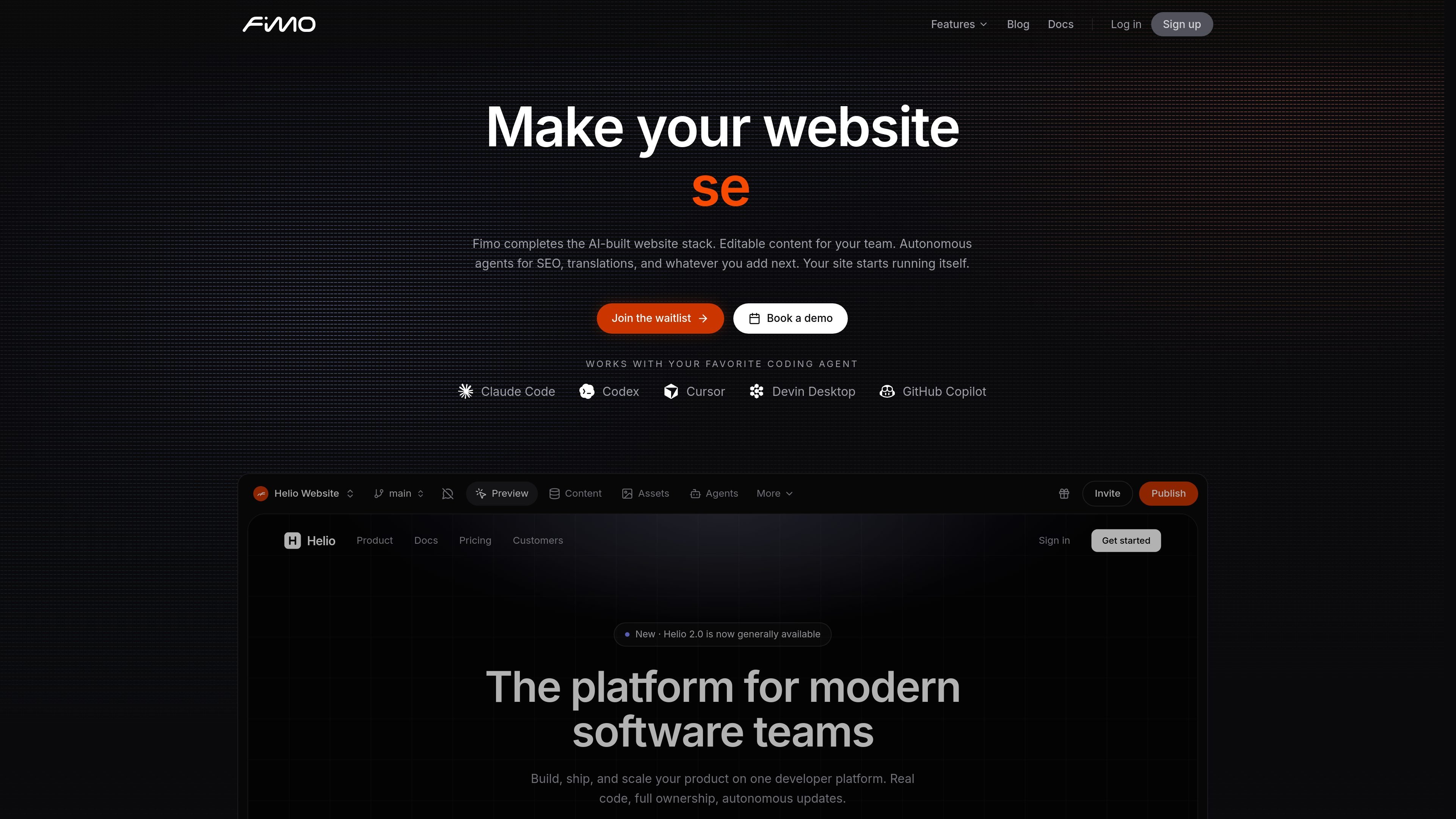
Fimo is an autonomous website platform that combines a CMS, AI agents, and deployment tools. It is positioned for teams that want editable websites with code ownership, while using agents to handle ongoing tasks such as SEO, translations, content updates, and related maintenance.
The product is designed to work with existing AI coding tools and existing git-based workflows. The source describes Fimo as a layer over your repo, reviews, and CI, with agents that run beside the site in isolated environments and merge changes back through pull requests.
Use Claude Code, Codex, Cursor, Devin, Warp, Antigravity, or similar tools to build on your existing stack, while Fimo turns the output into an editable website.
Create agents for SEO, translations, content refresh, competitor analysis, media generation, and other repeatable workflows, then set when they run.
Edit content and page structure visually on top of real code, with changes reflected back into the repository.
Run agents in isolated environments with a dedicated server, database, and asset bucket so changes can be reviewed before they reach production.
Ship updates through Git-based branches and pull requests so every change stays reviewable and reversible.
Deploy websites with hosting, SSL, CDN, and custom domains included, and use agents that can keep improving the site after launch.
Keep landing pages, blog content, and structured site copy current without rebuilding the site each time content changes.
Run agents for SEO audits, broken-link checks, content refreshes, and translation updates on a schedule.
Let developers build with Claude Code, Cursor, Codex, or similar tools while the CMS keeps the result editable for the rest of the team.
Review changes in isolated environments and merge approved updates through pull requests before production.
Deploy and host autonomous websites with SSL, CDN, and custom domains included in the platform.
Fimo is attached to your site rather than a specific coding tool. The site can be edited with Claude Code, Codex, Cursor, Devin Desktop, GitHub Copilot, and similar tools, while the CMS keeps the content editable for the team.
Yes. The source says teammates can edit content visually, and changes land as commits while agents continue to keep pages current. The workflow is designed for teams, not only developers.
Agents run beside the deployed site in isolated environments with a sandbox, database branch, and asset copy. They can run on a schedule on Pro and Business plans, or be run manually on Free.
The pricing page says plans are organized at the organization level with no per-seat pricing. One plan covers all members and projects in the organization.
Fimo supports branches and pull requests, and the site keeps its own git history. The source emphasizes that your code stays yours and the workflow does not require migrating away from your existing process.

AI Magicxは、チャット、画像、動画、音声、音楽、メール、開発タスクを1か所で扱える統合AIワークスペース。複数モデルを使い分ける手間を減らします。

Framer is an AI website builder for professional sites. It helps teams design, manage CMS content, optimize SEO, collaborate, and publish from a single no-code workflow.

KastraはAIシステム向け認可基盤。プロンプト、ツール呼び出し、シェルコマンド、APIリクエスト、ブラウザ操作を実行前に確認し、ポリシー適用と署名付き監査証跡でローカル/企業AIを統制します。

Orcaは、コードエージェントでの開発・実装を支援するAgent Development Environment。分離されたworktree上で複数のCLIエージェントを並列実行し、デスクトップとモバイルの連携ワークフローに対応します。

Firebase Studioは、Gemini支援のコーディング、アプリプレビュー、クラウドエミュレータを備えたブラウザベースのフルスタック開発用ワークスペースです。既存リポジトリの取り込み、新規アプリの試作、共同作業、ブラウザからのデプロイに対応します。

EZsite AIは、URLをフルスタックのReactまたはVue.jsアプリに変換するAIサイトビルダー。ホスティング、独自ドメイン、コード書き出し、バックエンド機能を搭載。