

Image input options
Upload a file or provide an image URL, then generate a text prompt from the source image.

Image to Prompt is a web-based tool that converts images into text prompts for reuse in AI image generation workflows. It supports file uploads or image URLs and is presented as free, with no login required.
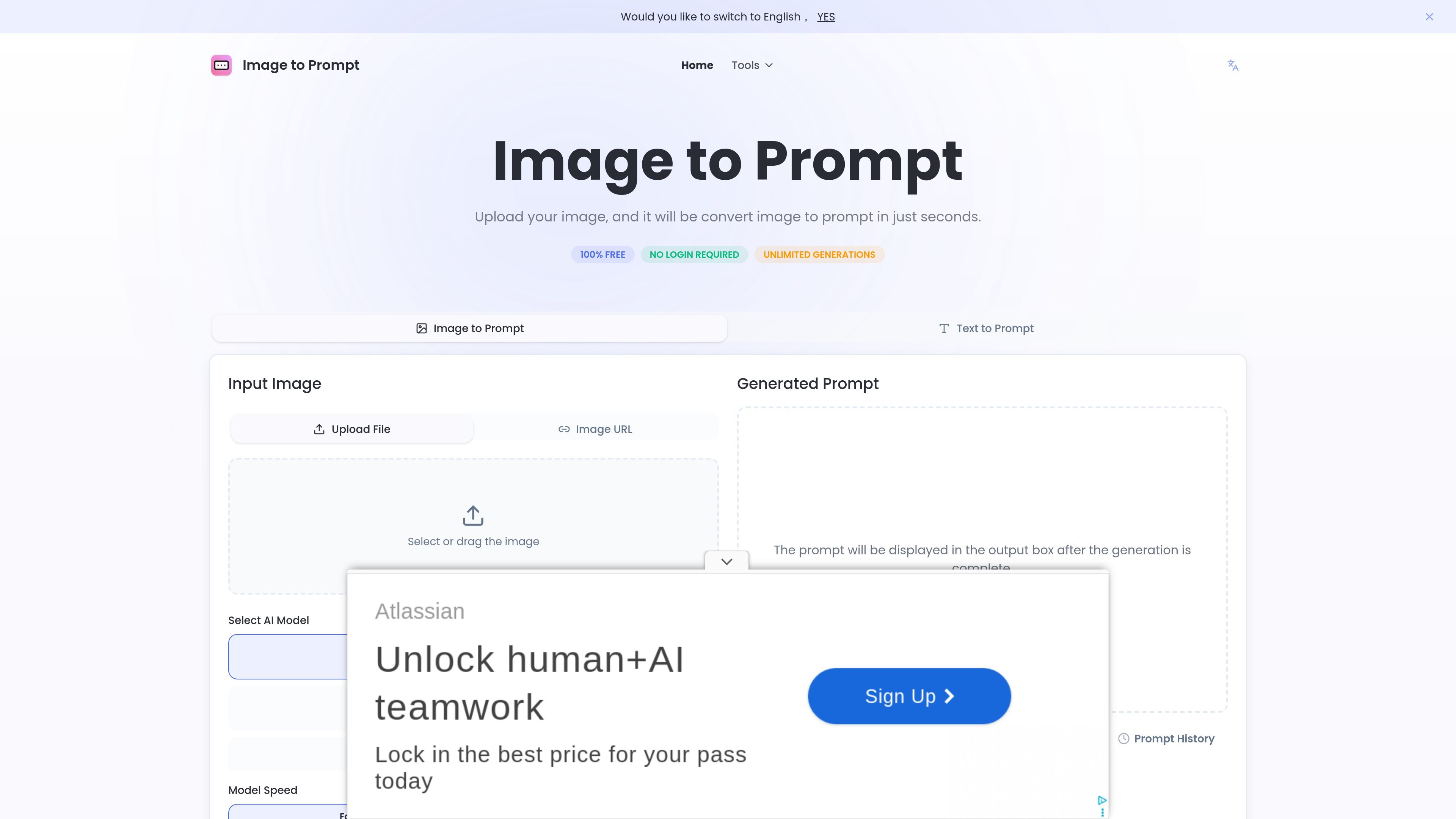
Image to Prompt is a web tool that turns an uploaded image into a text prompt. The homepage positions it as a way to describe images in words and generate prompts that can be reused in other AI image tools.
The workflow is simple: upload an image or use an image URL, choose a prompt mode and model target, and generate a result in seconds. The site presents the service as free, with no login required and unlimited generations stated on the homepage.
Upload a file or provide an image URL, then generate a text prompt from the source image.
Choose from General Prompt, Nano Banana, Flux, Midjourney, or Stable Diffusion to shape the output for different generation targets.
Switch between Fast and Advance modes to trade speed against more detailed output.
Select English as the output language; the page notes that the major models currently offer the most friendly support for English prompts.
Copy the generated prompt from the output box after generation completes, and review prompt history on the page.
Turn a reference image into a prompt that can be reused in another AI image model, especially when you want a text description before generating variations.
Create model-specific prompts for platforms such as Midjourney, Flux, or Stable Diffusion using the page’s dedicated prompt modes.
Work from a shared image link instead of uploading a local file when the source image is already hosted online.
Generate a quick text description for a design sketch or visual concept when you need a readable prompt for discussion or iteration.
Generate prompts without signing in when you want a low-friction, browser-based workflow for one-off conversions.
It is an AI tool that converts an uploaded image into a text prompt. The generated prompt can then be used with other image-generation tools.
The site says it supports clear images with well-defined subjects. It also mentions JPEG and PNG as supported formats.
The generated prompts can be used on AI platforms and tools such as Flux1, Stable Diffusion, and Midjourney.
According to the site, uploaded images are not stored. They are deleted immediately after the prompt is generated.
The service is described as free to use, with no login or registration required, and no limits on the number of generations are stated on the site.

小艺は華为が自社開発したAI智慧アシスタント。知識Q&A、文章作成、文書閲覧、コード補助、画像認識に対応し、日常検索やコンテンツ処理、HarmonyOS開発まで幅広く活用できます。

Paperは、キャンバス、コード、AIエージェントをつなぎ、チームが1つのワークフローで作成・共有・出荷できるデザインツール。デスクトップアプリ、MCP対応のエージェントアクセス、実コンテンツとデザイントークンのワークフローに対応。

Supersideは、グローバル人材、AIファーストのワークフロー、プロジェクト管理ツールを組み合わせた、企業・社内チーム向けAIクリエイティブサービスです。

SupPixel AIは、写真や各種ビジュアルの解像度・鮮明さ・ディテールを向上させるWebベースの画像補正・拡大ツールです。バックグラウンド処理、クレジット制、サブスクリプションに対応。

Framer is an AI website builder for professional sites. It helps teams design, manage CMS content, optimize SEO, collaborate, and publish from a single no-code workflow.

PixelPrompt is a browser-based AI image and video workspace for prompt optimization, text-to-image, and text-to-video generation. It supports ecommerce visuals, ad creatives, and short-form UGC-style content without requiring a local GPU.