


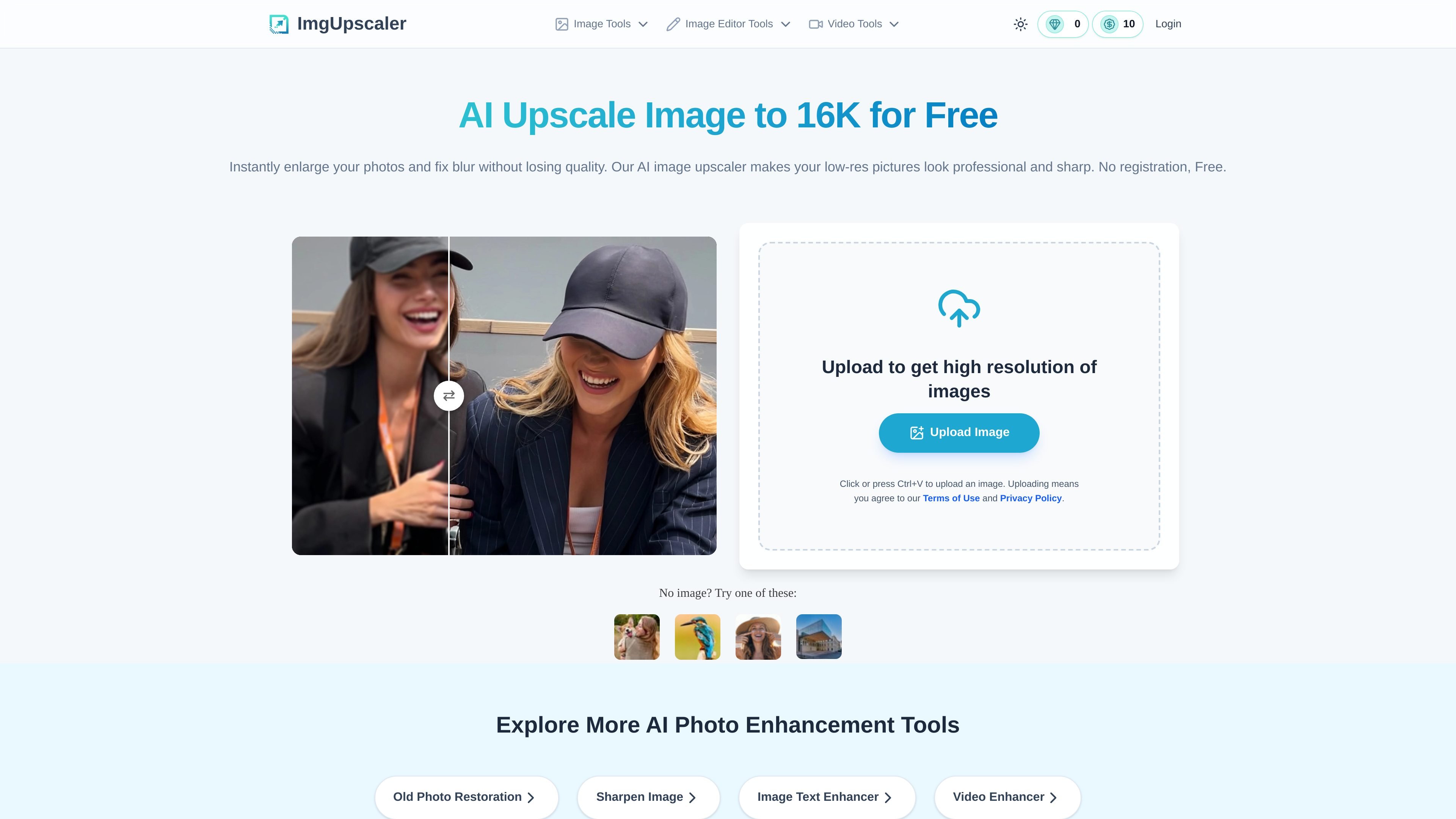
AI image upscaling to 16K
Upscales photos to higher resolution, with the homepage stating support up to 16K for users who need large, detailed outputs.
Imgupscaler.ai is an AI image upscaling and enhancement tool that runs in the browser. Its main job is to increase image resolution, reduce blur, and keep photos looking natural rather than stretched or overprocessed.
The homepage positions the product for people who need clearer images for printing, presentations, e-commerce listings, social posts, wallpapers, family photos, and screenshots. It also offers related workflows for old photo restoration, sharpening, and image text enhancement, with pricing that includes a free plan and paid credit options.
Upscales photos to higher resolution, with the homepage stating support up to 16K for users who need large, detailed outputs.
Targets blur, grain, and pixelation by using AI processing to recover clarity instead of simply stretching pixels.
Supports sharper faces, fine textures, and edges, which is useful for portraits and detail-sensitive images.
Processes JPG, PNG, and WebP uploads in the browser, with drag-and-drop and clipboard paste supported on the homepage.
Offers related enhancement workflows on separate pages, including old photo restoration, image sharpening, and image text enhancement.
Provides a free entry flow plus paid credit options, including subscriptions and one-time credit packs on the pricing page.
Increase resolution for prints that need clean edges and more detail, such as posters, posters-sized graphics, or other large-format output.
Improve product photos so small details are easier to see in online storefronts and marketplace listings.
Restore clarity in old, faded, scratched, or blurry family photos while keeping the image close to the original look.
Sharpen low-quality screenshots, scans, or text-heavy images so words and interface details are easier to read.
Enlarge AI-generated art or wallpapers for higher-resolution display use without relying on simple resizing.
Yes. The homepage states that Imgupscaler.ai is free to use and does not require a login, and the pricing page includes a free plan with periodically refreshing credits.
The homepage says you can upload an image and choose 16K output for ultra-high-resolution results. The tool automatically processes the image and then lets you download the enhanced file.
Yes. The site says the upscaler can fix blurry, pixelated, and grainy images, and the sharpening page describes AI sharpening for soft or out-of-focus photos.
The homepage says the tool is designed to preserve natural colors and textures, while the sharpening page emphasizes avoiding over-sharpening and distortion.
The homepage says the tool works in the browser on Windows, Mac, and mobile devices. The site also provides separate pages for old photo restoration, sharpening, and image text enhancement.

SupPixel AIは、写真や各種ビジュアルの解像度・鮮明さ・ディテールを向上させるWebベースの画像補正・拡大ツールです。バックグラウンド処理、クレジット制、サブスクリプションに対応。

搜狐旗下のオンラインAIツール简单AI。AI画像生成、AIライティング、オンライン画像処理に対応し、画像・文案・基本レタッチを素早く作成したい方に。

Image UpScalerは、画像を拡大するWebベースのAIツール。一般向け拡大、顔復元、透過画像対応のモデルを選べます。無料の毎日枠、少量利用は登録不要です。

iFotoは、背景除去、画像補正、クリーンアップ、復元、EC向け商品写真に対応したWebベースのAI写真編集ツールです。PDFツールや無料のオンライン機能も利用できます。

Image Upscaler is a web-based AI photo editing tool for enlarging images, removing blur, and cleaning up backgrounds. It supports free credits to start, with paid plans and business API options available on the pricing page.

Upsamplerは、画像と動画の生成・編集・拡大を1つのワークスペースで行えるAIプラットフォーム。従量課金制、全プランでAPI利用と商用利用ライセンス付き。