

Unified creative workspace
Kolbo brings images, video, music, audio, 3D models, chat, and code workflows into a single workspace so project context stays in one place.

Kolbo.AI is an AI content creation platform for generating images, videos, music, audio, 3D, chat, and code workflows in one workspace. It includes desktop, MCP, and terminal options for creators, teams, and agent-based setups.
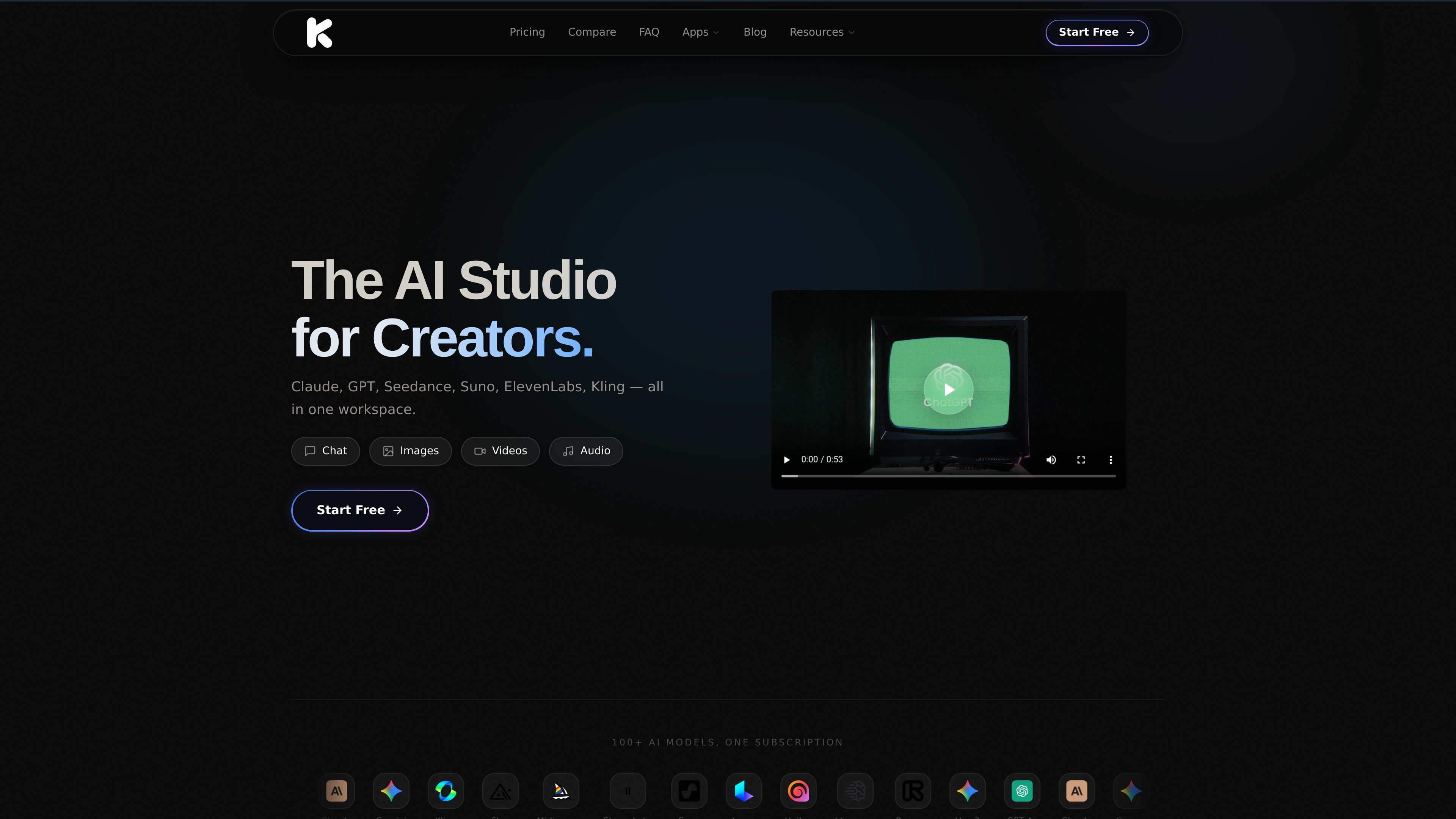
Kolbo.AI is an AI creative platform that combines image, video, music, audio, 3D, chat, and code-related generation tools in one workspace. The source describes it as a project-based environment where shared context follows the work across models and tools.
The site also presents Kolbo Studio, Kolbo MCP, and Kolbo Code as connected ways to use the same creative system on desktop, in agents, or from the terminal. Together, these products are positioned for creators and teams who want to generate and manage media without moving between separate apps or recreating context manually.
Kolbo brings images, video, music, audio, 3D models, chat, and code workflows into a single workspace so project context stays in one place.
The platform advertises 100+ AI models, including models for text, image, video, audio, and specialized creative tasks.
Auto Select Model can choose a model or tool automatically based on the task, reducing manual model selection.
Kolbo Studio provides a native desktop app with file management, drag-and-drop export, and editing tools for media work.
Kolbo MCP and Kolbo Code connect Kolbo tools to agents and terminals so users can generate content from Claude, Cursor, and other compatible tools.
The source describes custom model training, multi-model comparison, and project-based collaboration features for organized creative work.
Create campaign assets across image, video, and audio formats while keeping the same project context and shared references in one workspace.
Use Kolbo Studio to generate media on a desktop machine, manage files locally, and move results directly into editing software such as Premiere Pro or DaVinci Resolve.
Connect Kolbo to Claude, Cursor, or another MCP-compatible app to let an agent create images, video, music, and audio from chat.
Run Kolbo Code from a terminal to build autonomous creative pipelines, research-driven content, or batch generation workflows.
Train custom models and reuse them for recurring styles, characters, or products when consistency matters across repeated outputs.
Yes. The source says Kolbo Studio is a native desktop app for Mac and Windows, and Kolbo AI also offers browser-based access.
No. The source states that Kolbo AI can be used without API keys and that setup is not required to start creating.
Kolbo AI supports images, videos, music, audio, 3D models, chat, code-related workflows, and other creative outputs through its model library and MCP tools.
The MCP page says generated images, video, and audio sync to your Kolbo library, where you can continue on the web or download the originals.
The source says Kolbo Studio is free to download, Kolbo Code installs with one command, and the MCP connector can be added without an API key for browser-based agents.

AI Magicxは、チャット、画像、動画、音声、音楽、メール、開発タスクを1か所で扱える統合AIワークスペース。複数モデルを使い分ける手間を減らします。

Orcaは、コードエージェントでの開発・実装を支援するAgent Development Environment。分離されたworktree上で複数のCLIエージェントを並列実行し、デスクトップとモバイルの連携ワークフローに対応します。

Firebase Studioは、Gemini支援のコーディング、アプリプレビュー、クラウドエミュレータを備えたブラウザベースのフルスタック開発用ワークスペースです。既存リポジトリの取り込み、新規アプリの試作、共同作業、ブラウザからのデプロイに対応します。

小艺は華为が自社開発したAI智慧アシスタント。知識Q&A、文章作成、文書閲覧、コード補助、画像認識に対応し、日常検索やコンテンツ処理、HarmonyOS開発まで幅広く活用できます。

Paperは、キャンバス、コード、AIエージェントをつなぎ、チームが1つのワークフローで作成・共有・出荷できるデザインツール。デスクトップアプリ、MCP対応のエージェントアクセス、実コンテンツとデザイントークンのワークフローに対応。

blop は、リポジトリ内でブラウザテストをコードとして記述し、CIで実行、失敗をクラスタリングし、壊れたテスト修正用のPRも開けるQA agentです。