

Task-specific models
Morph routes coding-agent workloads through specialized models for search, edits, context compaction, and semantic trace signals instead of forcing one model to do every job.

Morph is a developer tool for coding agents that pairs general models with specialized services for search, edit application, context compaction, and semantic trace analysis. It offers an OpenAI-compatible API and supports use through API, SDK, or MCP.
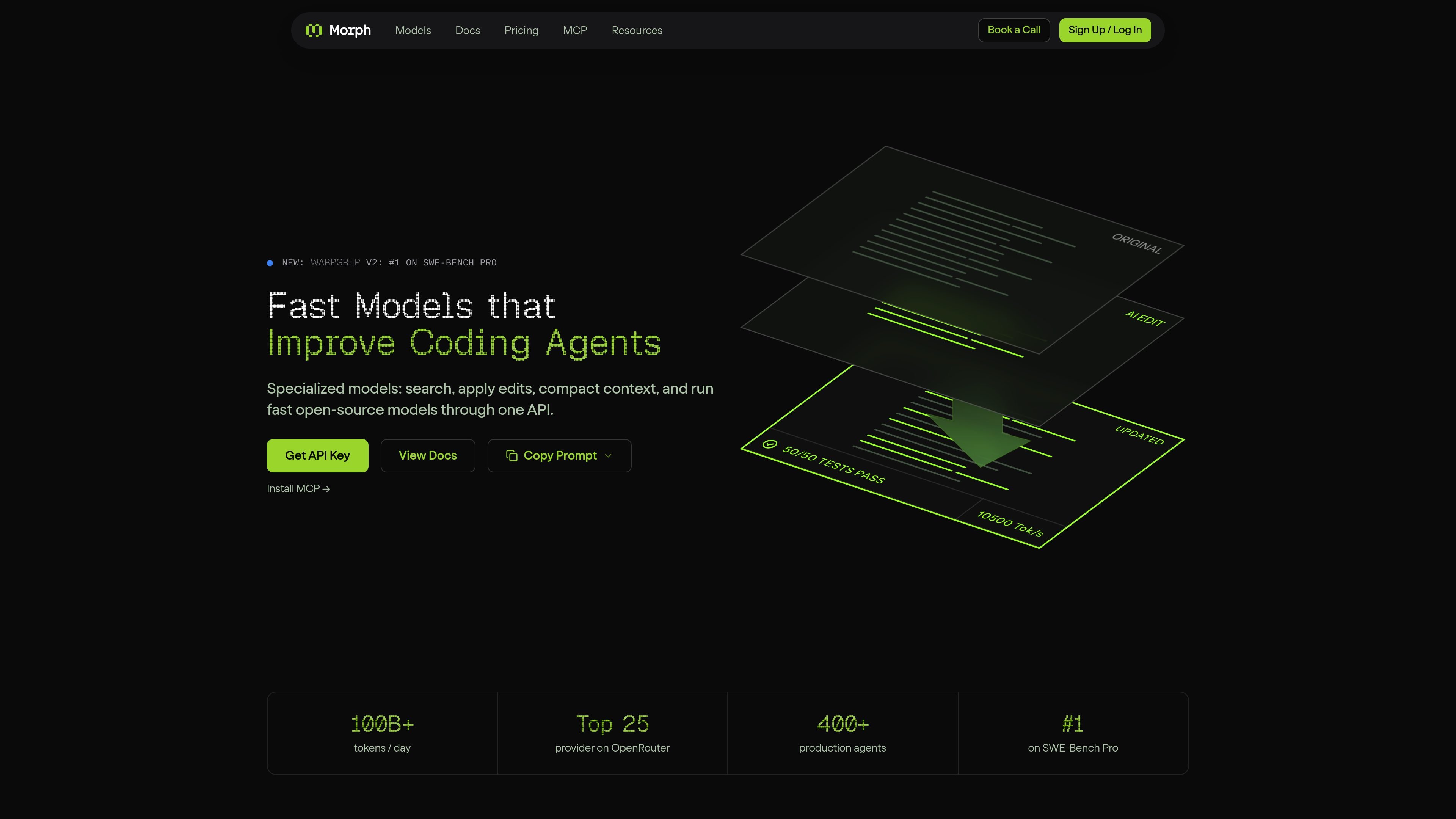
Morph is a developer tool for coding agents that combines general models with specialized services for search, edit application, context management, and semantic trace analysis. The homepage describes it as "fast models that improve coding agents" and emphasizes a single OpenAI-compatible API for using those capabilities.
The product is organized around the agent loop: WarpGrep for finding files, Fast Apply for merging edits, Compact for shrinking long sessions, and Reflexes for labeling semantic failures that traces do not show. The site also offers accelerated open-source models for code generation and says developers can use Morph through API, SDK, or MCP.
Morph routes coding-agent workloads through specialized models for search, edits, context compaction, and semantic trace signals instead of forcing one model to do every job.
The API is OpenAI-compatible, and the site says Morph can be used through API, SDK, or MCP for production integration and local agent workflows.
WarpGrep is described as a fast code-search model that finds the right files in a separate context and returns results in under 6 seconds.
Fast Apply merges model-generated edits into files at 10,500+ tokens per second and is positioned to avoid rereads and broken search-and-replace flows.
Compact shrinks long agent context by 50-70% while keeping surviving sentences verbatim, and the page says it runs at 33,000 tok/s.
Reflexes label each turn for semantic signals such as frustration, jailbreaks, looping, and policy violations, with custom signals trainable in under an hour.
Use Morph when an agent needs to find the right files or identify code paths before making a change. WarpGrep is positioned as a fast code-search model that works in a separate context.
Use Fast Apply when the model has already produced edits and you need them merged into files quickly and accurately. The site emphasizes speed and avoiding broken search-and-replace behavior.
Use Compact when long conversations or tool-heavy sessions are making the context window too large. The product aims to reduce context by 50-70% while preserving the exact surviving sentences.
Use Reflexes when traces look healthy but the conversation has failed in a semantic way, such as frustration, looping, jailbreaks, or policy violations. The product labels each turn so those signals can feed evals, fine-tunes, or reward terms.
Morph provides one OpenAI-compatible API for both general coding models and specialized agent models. The site says you can use it through API, SDK, or MCP, and the SDK section mentions Anthropic and Vercel AI SDK support.
The homepage and product pages position Morph for coding agents that need faster search, edits, context compaction, and semantic signal detection. It is aimed at teams building production agents and code workflows rather than general consumer chat.
The pricing page shows a free tier with 200 requests per month, usage-based billing for specialized models, and subscriptions with prepaid credits. It also mentions contact for higher volume or custom solutions.
The site describes Morph Compact as verbatim context compaction with no summarization, and Morph Reflexes as semantic trace classifiers that can label issues such as frustration, jailbreaks, and looping. Those pages emphasize preserving context and surfacing agent behavior that traces miss.

RLAMAは、macOS、Linux、WindowsでRAGシステムとインテリジェントエージェントを構築できるローカルAIプラットフォーム。ローカル処理、対話型ターミナル、HTTP APIに対応。

Termoは、各エージェントが独自の仮想マシンで動作するAIエージェントプラットフォーム。Web閲覧、コード実行、記憶保持、スケジュール実行に対応し、継続的な調査や自動化、軽い開発作業を任せたい個人やチームに最適です。

Orcaは、コードエージェントでの開発・実装を支援するAgent Development Environment。分離されたworktree上で複数のCLIエージェントを並列実行し、デスクトップとモバイルの連携ワークフローに対応します。

Firebase Studioは、Gemini支援のコーディング、アプリプレビュー、クラウドエミュレータを備えたブラウザベースのフルスタック開発用ワークスペースです。既存リポジトリの取り込み、新規アプリの試作、共同作業、ブラウザからのデプロイに対応します。

AI Magicxは、チャット、画像、動画、音声、音楽、メール、開発タスクを1か所で扱える統合AIワークスペース。複数モデルを使い分ける手間を減らします。

Paperは、キャンバス、コード、AIエージェントをつなぎ、チームが1つのワークフローで作成・共有・出荷できるデザインツール。デスクトップアプリ、MCP対応のエージェントアクセス、実コンテンツとデザイントークンのワークフローに対応。