

Repurpose audio and video content
Upload recordings once and have the system extract highlights, timestamps, quotes, and related material for repurposed assets.

SummarAIze is an AI content repurposing tool for turning podcasts, webinars, interviews, and other recordings into social posts, newsletters, blog drafts, clips, and transcripts. It is aimed at creators, marketers, podcasters, agencies, and small teams that want reusable content from one upload.
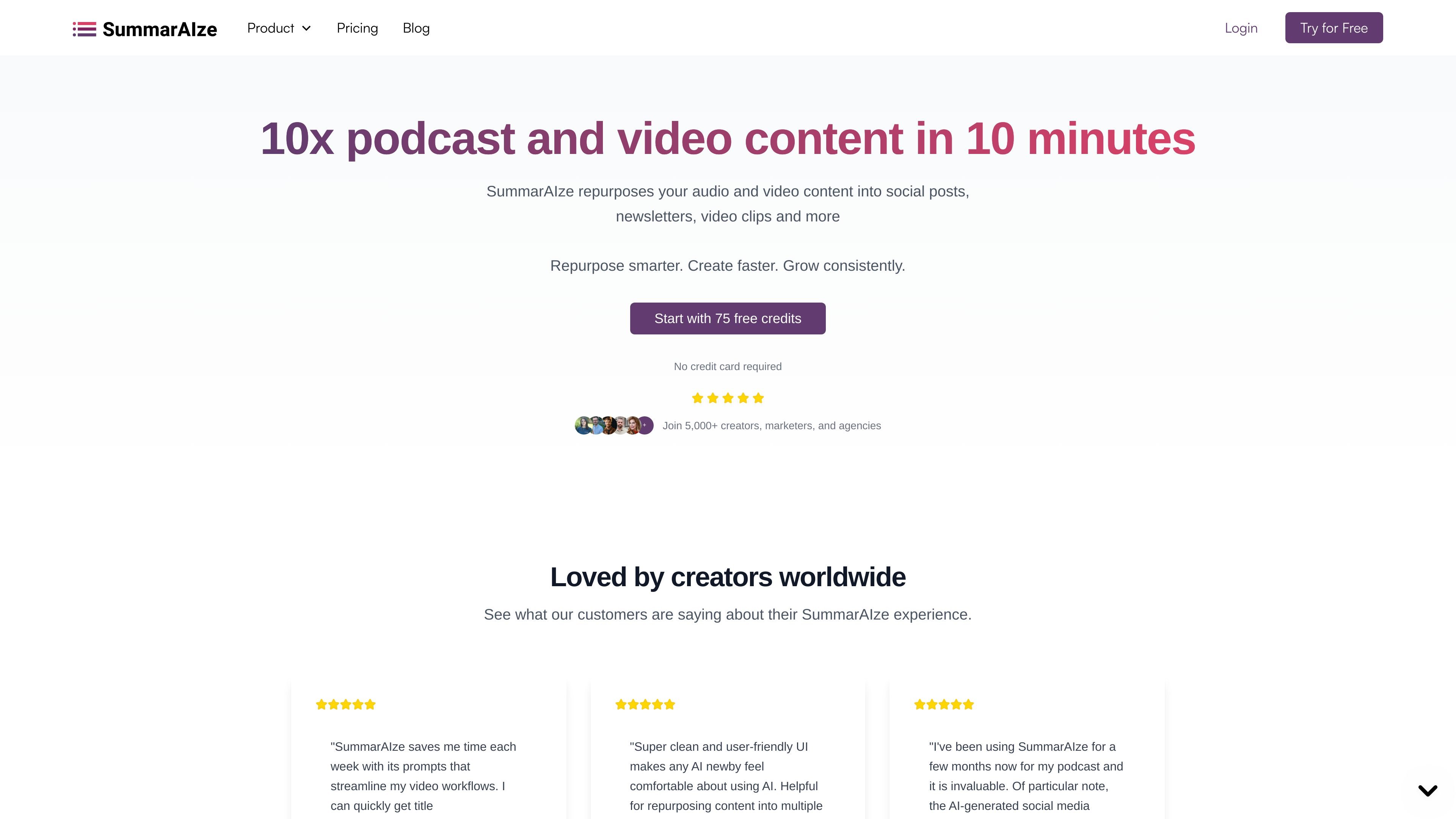
SummarAIze is an AI content repurposing tool that turns podcasts, webinars, interviews, and other audio or video recordings into publishable assets. The site positions it as a way to create social posts, newsletter drafts, video clips, blog posts, titles, descriptions, and transcripts from one upload.
The workflow centers on a brand kit, selected templates, and an assistant-style chat feature called Ask SummarAIze. Users upload a file or cloud link, choose what they want generated, and receive ready-to-edit outputs that can be shared with collaborators from a single dashboard.
Upload recordings once and have the system extract highlights, timestamps, quotes, and related material for repurposed assets.
Choose installed templates to control which outputs are generated, such as blogs, social posts, titles, clips, or newsletters.
Chat with the product to create, refine, or regenerate assets from the same recording.
Save tone, audience, keywords, speaker names, and writing rules so new outputs stay consistent across projects.
Create content from multiple recordings in one workflow, rather than treating each file as an isolated asset.
Generate speaker-aware transcripts with timestamps and labels to support editing and reuse.
Turn a podcast episode into social posts, newsletter drafts, blog content, and short clips without rewriting the material from scratch.
Upload a webinar recording and generate follow-up assets such as summaries, timestamps, captions, and audience-ready posts.
Work from interviews or other recordings and pull out quotes, titles, and supporting copy for distribution across channels.
Use brand kits and templates to keep recurring content projects aligned with the same tone, keywords, and writing rules.
Share generated assets with collaborators or clients through links instead of exporting and sending files separately.
Yes. The pricing page says you can start with 75 free credits and no credit card is required.
Credits are used in two ways: 1 credit equals 1 minute of transcription, and 1 credit also equals 1 generated asset. Regenerating content and using Ask SummarAIze also consume credits.
The site says you can upload audio or video from Google Drive, Dropbox, Zoom, YouTube, or direct upload.
Yes. The pricing page says you can upgrade your plan or buy a one-time credit pack if you run out.
The home page says results can include social posts, newsletters, video clips, titles, descriptions, blog posts, and other repurposed assets, depending on the templates you choose.

Postfityは、複数の連携アカウントで投稿の予約、計画、公開、効果測定ができるSNS管理ツールです。分析、受信箱管理、AI支援、チーム作業、Freeプランにも対応。

Noiz is an AI YouTube video summarizer that turns videos into key points, Q&A-style takeaways, timestamped summaries, or readable text. It is aimed at people who want to review, study, or scan YouTube content faster without watching it end to end.

CoCoClip.AIは、YouTube Shorts、TikTok、Instagram Reels向けの短尺動画を作れるWebベースのAI動画編集ツールです。テキスト・画像・音声から動画を生成できます。

MailerLiteは、メールキャンペーン配信、オートメーション構築、ランディングページ・フォーム・サイト作成までできるメールマーケティングプラットフォームです。デジタル商品、有料ニュースレター、定期購読にも対応。

AI Magicxは、チャット、画像、動画、音声、音楽、メール、開発タスクを1か所で扱える統合AIワークスペース。複数モデルを使い分ける手間を減らします。

Speakflowは、原稿の作成・整理・表示を1か所で行えるオンラインのテレプロンプターです。音声スクロール、チーム共同編集、デバイス間同期に対応し、無料プランと有料プランがあります。