

YouTube-first workflow
Start from any YouTube URL and build an interactive questionnaire on top of the video timeline.

VForms lets you place questionnaires directly inside YouTube videos so viewers answer in context instead of switching to a separate form. It is aimed at collecting feedback and insights through timestamped, embeddable video forms.
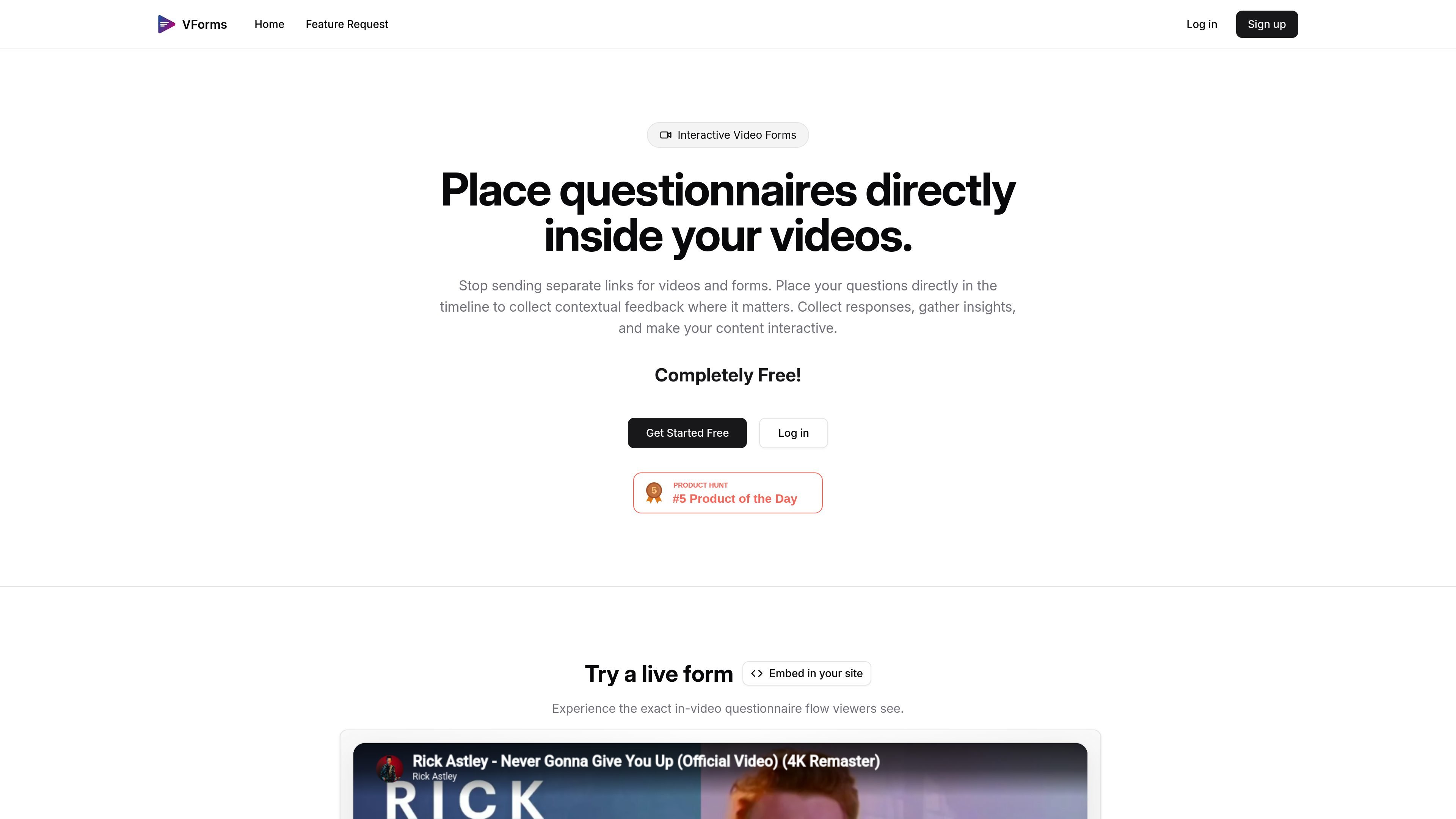
VForms is a tool for creating interactive questionnaires on top of YouTube videos. Instead of sending viewers to a separate form, it lets you place questions directly in the video timeline so responses are collected in the context of the content being watched.
The product is designed for workflows where the video itself is part of the feedback or data collection process. The site shows a simple build flow: add a YouTube video, place questions at specific timestamps, then share the finished form and review the responses.
Start from any YouTube URL and build an interactive questionnaire on top of the video timeline.
Place questions at specific moments so responses are tied to the exact content the viewer is seeing.
The demo shows text input, radial choice, and jump-target interactions, indicating support for multiple response and navigation patterns.
Embed the questionnaire with an iframe snippet so it can live inside a page builder or HTML template.
Use viewer responses to skip to later points in the video, helping the form react to earlier answers.
Share the finished video form and review the collected responses after viewers submit them.
Collect feedback on a product walkthrough, demo, or explainer while the viewer is watching the relevant part of the video.
Ask audience questions at the exact point a concept, feature, or scene appears, so answers stay tied to context.
Embed the questionnaire inside a landing page or article when you want responses without sending users to a separate form.
Use answer-driven jumps to move viewers to the next relevant section of a longer video, keeping the flow aligned with their responses.
VForms is built around YouTube videos. The home page shows a workflow that starts by pasting a YouTube URL, then adding timestamped questions and sharing the resulting video form.
The site shows an iframe embed option for placing a VForms demo on another page, so viewers can complete the questionnaire inside an embedded player rather than leaving the site.
The public site highlights timestamped questions and input types such as text input, radial choice, and jump target behavior in the demo view.
The pricing page returns a 404, but the home page labels the product as 'Completely Free!' so the site currently presents VForms as free to use.
A feature-request page is available for collecting feedback on what to build next, which suggests the product is early and evolving.
トラフィックデータは参考情報としてご利用ください。
トラフィック分析データはまだありません。

Predicticeは、法律専門家向けの法務リサーチ・分析プラットフォームです。判例検索、訴訟分析、アシスタント、文書監査を大規模な法務文書データベース上で提供します。

GetESPは、CSVのメールリストを分析し、受信者のESPと対応するスパム対策ツールを特定するWebアプリです。配信先を分け、最適な送信先を選んで到達率向上に役立ちます。

clickworkerは、アンケート、店舗調査、タグ付け、リスト作成、クラウドテスト、AI学習データなど、人力で生成・検証されたデータを必要とする企業向けデータサービスを提供します。

Rayyanは、システマティックレビューと文献レビュー向けのAI搭載プラットフォームです。スクリーニング、抽出、バイアスリスク評価、レポート作成までを共有ワークフローで管理できます。

Finloは、厳選された戦略別ポートフォリオ、毎月の更新、プレミアム調査ツールを提供する株式ポートフォリオプラットフォーム。長期投資家が自分の証券口座で株のアイデアを追跡・コピーできます。

Fullstoryは、行動コンテキストを取得し、分析やガイダンスのワークフロー、AI支援のインサイトでプロダクト・従業員・データ活用チームを支えるデジタル体験プラットフォームです。