

AI-assisted mind map editing
Create mind maps in Xmind and use AI to generate or edit map content. The homepage says Xmind AI can expand, restructure, and refine an existing map through chat.

Xmind is a mind mapping and visual thinking tool for organizing ideas, planning projects, and building presentations on the web, desktop, and mobile. It adds AI-assisted editing, collaboration, and export workflows for individual and team use.
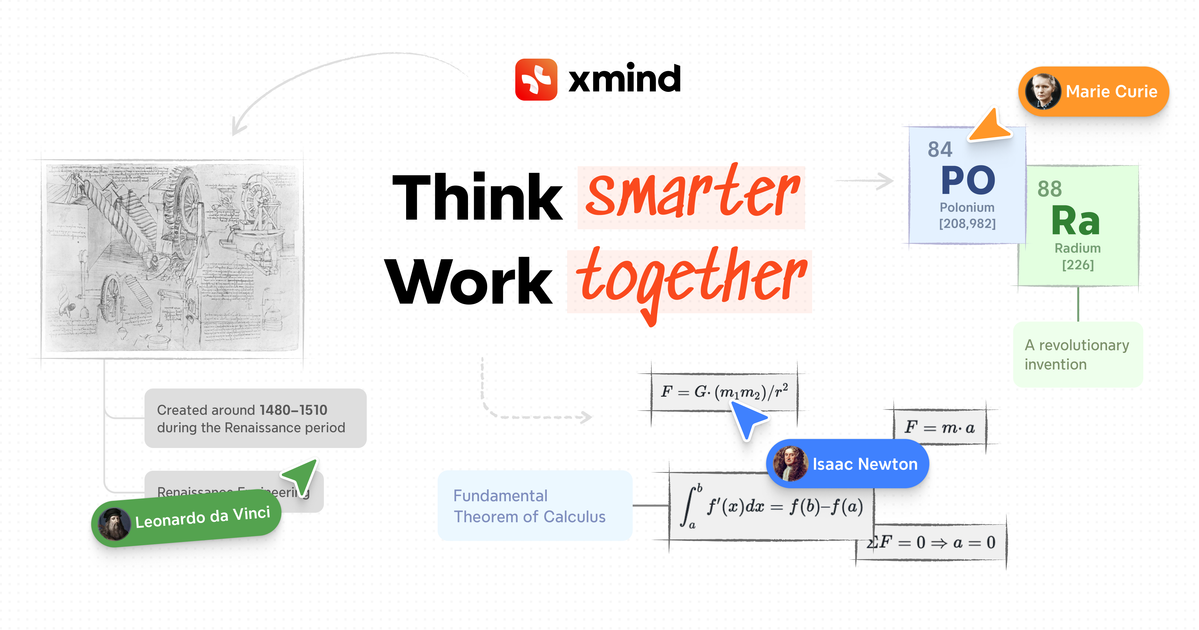
Xmind is a mind mapping and visual thinking tool available on the web, desktop, and mobile. It helps people turn ideas into structured maps, presentations, and project plans using templates, visual structures, and AI-assisted workflows.
The product page positions Xmind for brainstorming, learning, planning, creating, and organizing. The homepage also describes an AI workflow that can connect with Claude, Codex, and ChatGPT Apps through Xmind MCP Server and Xmind ChatGPT App, while Xmind AI can edit an existing map directly.
Create mind maps in Xmind and use AI to generate or edit map content. The homepage says Xmind AI can expand, restructure, and refine an existing map through chat.
Work with different visual structures, including mind maps, timelines, matrices, and Zones, to match the way you organize information.
Collaborate in real time, share team spaces, and follow another person's view on Premium for shared work sessions.
Use Pitch to turn maps into presentations. The free plan includes up to 5 slides, and Pro includes unlimited slides.
Export maps in formats such as PNG, SVG, PDF, Markdown, and Office Suite on Pro, with task exports to Calendar or Excel on Premium.
Use Gantt charts, task assignees, and version history on Premium to manage project plans and keep track of changes.
Use the app to capture ideas, branch them into related topics, and turn rough notes into a more organized map for later review.
Plan projects with AI support, Gantt charts, tasks, assignees, and version history so work can move from map to execution more cleanly.
Prepare presentations by building a map first and then using Pitch to present it as a small slide deck or a longer deck, depending on the plan.
Share maps with teammates, collaborate in real time, and follow a shared view when multiple people are working from the same structure.
Use Xmind AI to expand, summarize, refine, or reorganize an existing map when your notes, research, or project scope changes.
Xmind can be used on the web, desktop, and mobile, and the pricing page lists free and paid plans for individuals, plus team and education options.
The homepage says Xmind AI can understand the current mind map and edit it directly, while the pricing page describes AI credits for text-to-mind-map, summarizing, refining, and breaking work into tasks or to-dos.
Xmind Premium includes real-time collaboration, shared team spaces, and the ability to follow another person's view.
The pricing page lists export options such as PNG, SVG, PDF, Markdown, and Office Suite on Pro, with task export to Calendar or Excel on Premium.
The homepage and pricing page both describe presentation workflows through Pitch, including up to 5 slides on Free and unlimited slides on Pro.

ChartAIは、チャート、図表、インフォグラフィックなどのビジュアルを素早く作成できるWebベースのAIツール。プレゼン、論文、プロジェクト向けに最適です。

讯飞写作は、科大讯飞星火大模型を基盤にしたAIライティングアシスタント。オフィス文書、公文、ニュース、マーケティング文案の作成・書き換え・校正に対応し、音声、動画、Word、画像、PPTの取り込みも可能。

Arcwiseは、重要な指標変化を検知し、データに基づいて理由を説明するAI製品です。データウェアハウスと業務文脈を活用し、アプリ・ドキュメント・スライド内で意思決定向けレポートを作成します。

HaiSnapは、自然言語からPPT、レポート、データ分析、コード、文章の下書きを生成できるAI仕事・制作ツールです。個人やチームの業務効率化に最適。

SlideSpeakは、プロンプトや元ファイルから編集可能なPowerPointを作成するAIプレゼンテーション作成ツールです。既存スライドの再設計、翻訳、要約、ブランディング、動画プレゼンにも対応。

ChatPPTは、プロンプトやアウトライン、取り込み資料からプレゼンを生成・整えるAI搭載のオンラインPPTツール。レポート、発表、授業、ビジネス資料に対応します。