


Automatic Background Removal
The page emphasizes automatic background removal, suitable for routine editing tasks without manual cutout work.
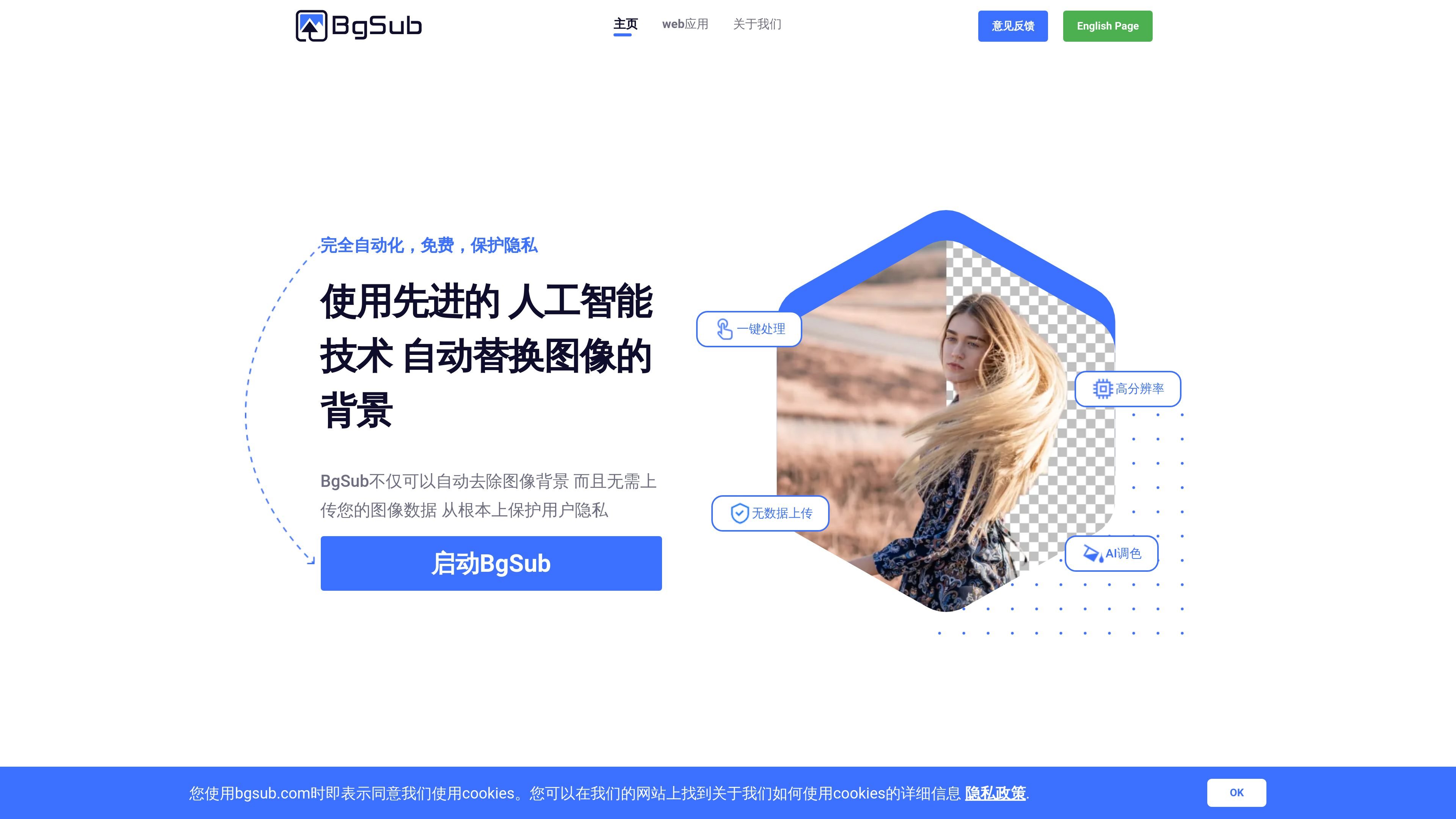
BgSub is a browser-based image background removal and replacement tool. Its core purpose is to automatically identify the subject, remove the original background, and allow users to replace the background with a color, gradient, or another image.
The site emphasizes that processing is completed entirely in the browser, with no need to upload image data, making it better suited to privacy-sensitive scenarios where fast background editing is needed. The page also mentions supporting editing capabilities such as AI color adjustment, size and position adjustments, mirror transforms, and artistic filters.
The page emphasizes automatic background removal, suitable for routine editing tasks without manual cutout work.
Supports replacing the background with a color, gradient, or image, covering both simple and more complex replacement scenarios.
The page states that AI color adjustment is available, allowing the system to automatically adapt colors to the new background.
Users can freely adjust size and position, and apply mirror transforms, making it easier to place the subject in a suitable composition.
Provides artistic filters for creating more creative image effects.
The web app supports drag-and-drop files, entering a URL, or pasting an image directly, lowering the barrier to import images.
Suitable for people who need to quickly process avatars, cover images, or personal portfolio images, especially when they want to replace the photo background with something more appropriate.
Suitable for creating a consistent visual style for websites, apps, or event pages, and quickly obtaining usable subject images.
Suitable for portrait editing without a green screen: remove the original background first, then replace it with a different one as needed.
Suitable for e-commerce scenarios where products are placed on more eye-catching backgrounds to improve product image presentation.
Suitable for generating images with creative backgrounds quickly for social posts, blogs, or ads.
According to the site content, it provides the ability to automatically remove or replace image backgrounds in the browser, and emphasizes that no image uploads are needed. The FAQ also lists questions such as “Is it free for commercial use?”, “What is the maximum resolution?”, “How is privacy protected?”, and “How do I use the API or batch processing?”, but the public page does not show the full answers.
The page clearly states that all operations are completed in the browser and that no image data needs to be uploaded. The site also mentions that users agree to the cookie and privacy policy when using it.
The public page only shows the question “How do I use the API or batch processing?” and does not provide visible interface documentation, batch-processing instructions, or call examples.
The homepage and Web app page both show that you can open an image or URL, and that drag-and-drop files and pasting images are also supported. The page does not provide more detailed export format information.

Photoroom is an AI visual editing platform for e-commerce that removes backgrounds, creates product images, and prepares listings from phone, web app, or API workflows.

简单AI is Sohu’s online AI tool for AI image generation, AI writing, and online image editing—ideal for quickly creating images, copy, or basic retouching.

豆绘AI is an online AI image generation and editing platform for ecommerce and design, supporting white background, scene, interior rendering and post-processing.

AI HomeDesign is a web-based photo editing toolbox for real estate listings, with AI staging, item removal, day-to-dusk rendering, enhancement, and renovation tools. It is built for agents and other listing workflows that need editable, listing-ready images quickly.

AI Watermark Remover is a free online tool to remove watermarks from photos and videos with manual brush selection and no added output watermark.

Photoeraser is a web-based AI photo editor for removing backgrounds, erasing unwanted objects, and enhancing image quality with simple upload workflows.