


Automatic AI background removal
Upload a photo, let the AI separate the subject, and get a cutout in seconds without manual masking or edge tracing.
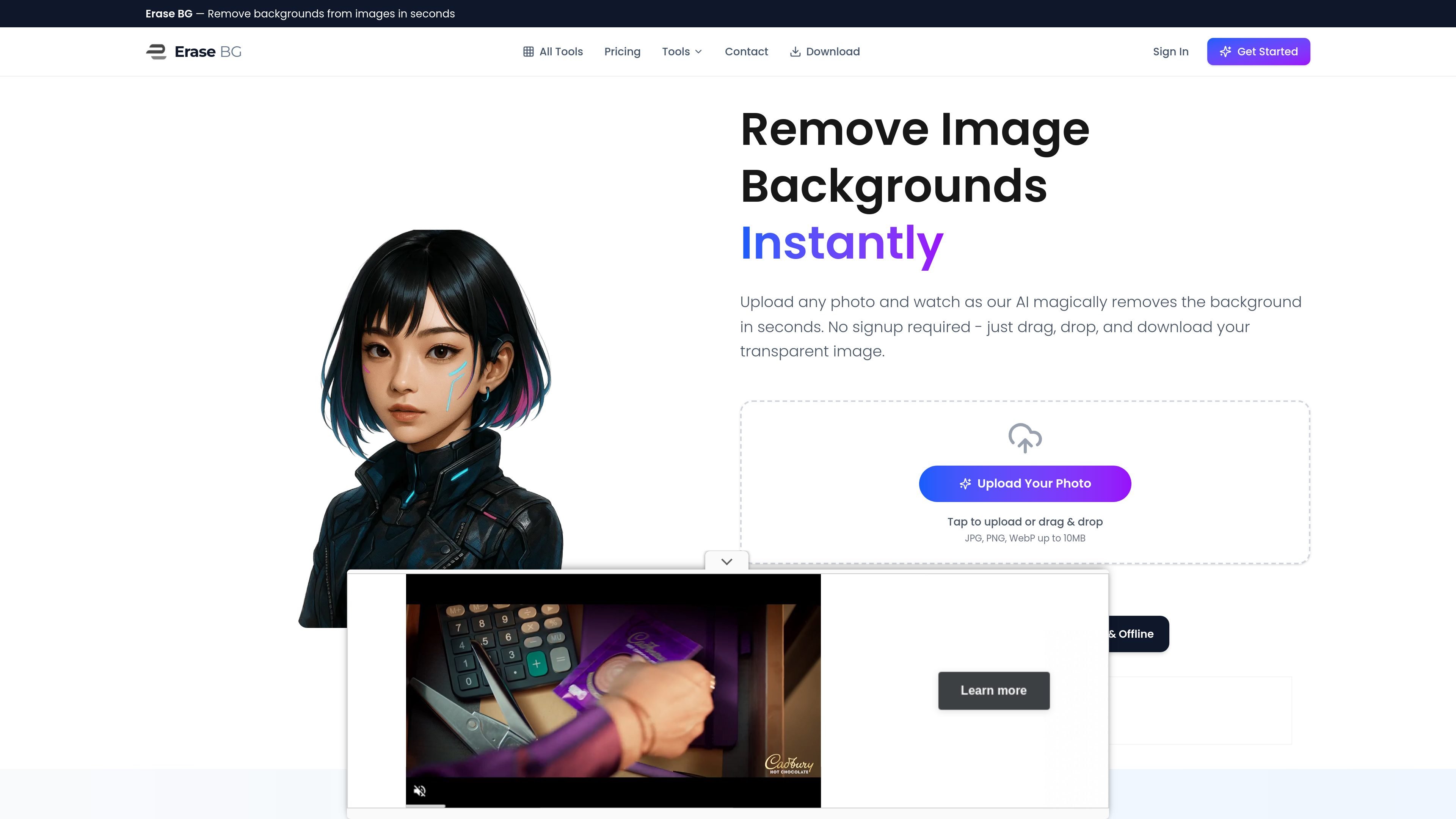
Erase BG is a browser-based background remover that uses AI to separate a photo’s main subject from its background and return a transparent cutout. The site positions the tool for quick edits with no signup required and a simple upload, preview, and download flow.
The core background remover supports common file types such as JPG, PNG, and WebP, with uploads up to 10MB. Related pages show that the product also includes a background color changer and other image utilities, which extend the workflow after the cutout is created.
Upload a photo, let the AI separate the subject, and get a cutout in seconds without manual masking or edge tracing.
The tool supports common image formats including JPG, JPEG, PNG, and WebP, so most standard photos can be processed directly.
The workflow accepts files up to 10MB and supports multiple uploads, making it practical for product batches or several profile images.
The result can be downloaded as a PNG with transparency preserved, which keeps the cutout usable across other tools and layouts.
A background color changer is available for turning transparent images into solid-color versions for product photos, headshots, or graphics.
The site also groups related tools such as image conversion, resizing, cropping, and circular cropping in the same workflow.
Remove cluttered or inconsistent backgrounds from product photos so listings can use a clean cutout or a solid-color finish.
Turn casual portraits or headshots into transparent cutouts that can be placed on branded or neutral backgrounds.
Prepare graphics for social posts, banners, or ads by isolating the subject and then applying a new color background if needed.
Cleanly separate a logo, object, or person from the original scene so the cutout can be reused in other layouts.
Process a set of images one by one while keeping recent uploads available, which helps when comparing results across multiple shots.
Yes. The site says you can remove backgrounds without paying to get started, and the core workflow is designed to be free for basic use.
No. The site says you can open the tool and start processing right away without creating an account first.
The site supports JPG, JPEG, PNG, and WebP uploads, with a file size limit of up to 10MB.
The background remover detects the main subject, separates it from the background, and returns a transparent cutout you can preview and download as a PNG.
Yes. After removing the background, you can keep the result transparent or use the related background color changer to place it on a solid color.

Photoroom is an AI visual editing platform for e-commerce that removes backgrounds, creates product images, and prepares listings from phone, web app, or API workflows.

AI Watermark Remover is a free online tool to remove watermarks from photos and videos with manual brush selection and no added output watermark.

Photoeraser is a web-based AI photo editor for removing backgrounds, erasing unwanted objects, and enhancing image quality with simple upload workflows.

Lummi is a free AI stock media platform for browsing royalty-free photos, illustrations, 3D assets, and short video generations. It also includes tools for reframing, restyling, background removal, and 3D customization.

简单AI is Sohu’s online AI tool for AI image generation, AI writing, and online image editing—ideal for quickly creating images, copy, or basic retouching.

豆绘AI is an online AI image generation and editing platform for ecommerce and design, supporting white background, scene, interior rendering and post-processing.