


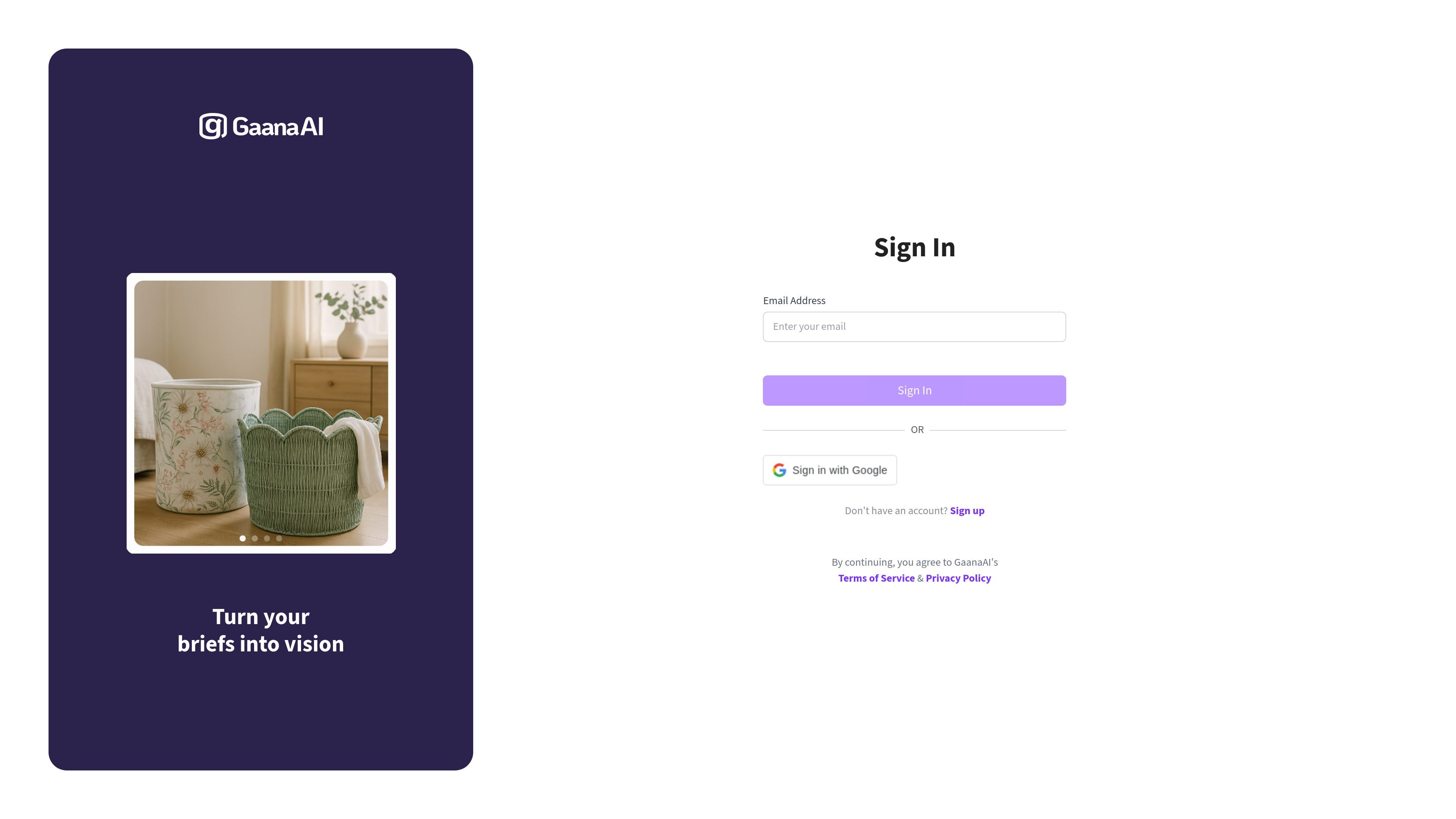
Email- and phone-based registration
A sign-up form collects first name, last name, email, and phone number, giving the product a clear account-registration entry point.
GaanaAI is a web app with a brief-to-vision positioning and a simple account-based entry flow. The public pages show sign-up and sign-in screens rather than a detailed feature tour, so the clearest documented behavior is account creation followed by access to the app.
The sign-up form asks for first name, last name, email, and phone number, and the site says the email is used to send an OTP code. That suggests GaanaAI uses code-based verification before users can continue into the product, but the collected pages do not describe the full creation or generation workflow beyond the tagline.
A sign-up form collects first name, last name, email, and phone number, giving the product a clear account-registration entry point.
The sign-up page notes that the email address is used to send an OTP code, indicating code-based account verification.
The interface offers both sign-up and sign-in paths, so returning users can access the app without creating a new account.
The product promise, "Turn your briefs into vision," indicates that the app is built around converting written inputs into visual output or a vision-oriented result.
The pages include Terms of Service and Privacy Policy consent language, which is part of the account creation flow.
A new visitor can create an account using basic contact details and receive an OTP code by email to continue into the app.
Someone who already has access can use the sign-in page to return to the app without re-registering.
A user with a short brief or concept can use GaanaAI’s stated brief-to-vision positioning as the starting point for exploring a visual outcome.
A user deciding whether to proceed can evaluate the product from the landing page’s limited public information and account requirements before signing up.
The source pages show a sign-up flow that collects first name, last name, email, and phone number, and says the email will be used to send an OTP code. It does not show the rest of the onboarding flow.
The product pages do not describe specific output formats. The visible message, "Turn your briefs into vision," suggests a brief-to-visual workflow, but the rendered pages do not explain the exact outputs.
The collected pages do not show a pricing table, plan names, or limits. The pricing URL currently renders a sign-in page instead of plan details.
The source pages present a sign-in and sign-up flow, which suggests account access is required, but they do not document team features or shared workspaces.
트래픽 데이터는 참고용으로만 확인하세요.

SongR turns a few keywords into a custom song with lyrics and vocals, built for easy sharing on social media without musical experience.

FreeMusic AI is a web-based AI music generator that creates royalty-free songs from prompts, lyrics, and text-to-music inputs. It also includes vocal removal, stem splitting, mastering, and music video tools for creators who need original audio for content, games, podcasts, and branded projects.

ChordChord is a browser-based chord progression generator for music makers, with editable progressions, arrangement tools, and exports to MIDI, WAV, MP3, or PDF.

MIDIGEN is a web-based MIDI melody generator and chord progression tool for musicians, producers, and beatmakers. Create original MIDI files with no sign-up, ready for DAW editing.

Musicfy AI is a web-based AI music generator for songs, covers, and voice tracks with AI voices or custom voice models. Free to try, with Starter, Professional, and Studio plans.

MakeBestMusic is a web-based AI music generator for royalty-free songs, instrumentals, and voice covers from text. Quick creation and custom workflows available.