

CSV list analysis
Upload a CSV of email addresses and domains, then run an analysis against the supported ESP and spam-filter database.

GetESP analyzes CSV email lists to identify recipient ESPs and spam protection tools, helping segment lists and choose the right provider for better deliverability.
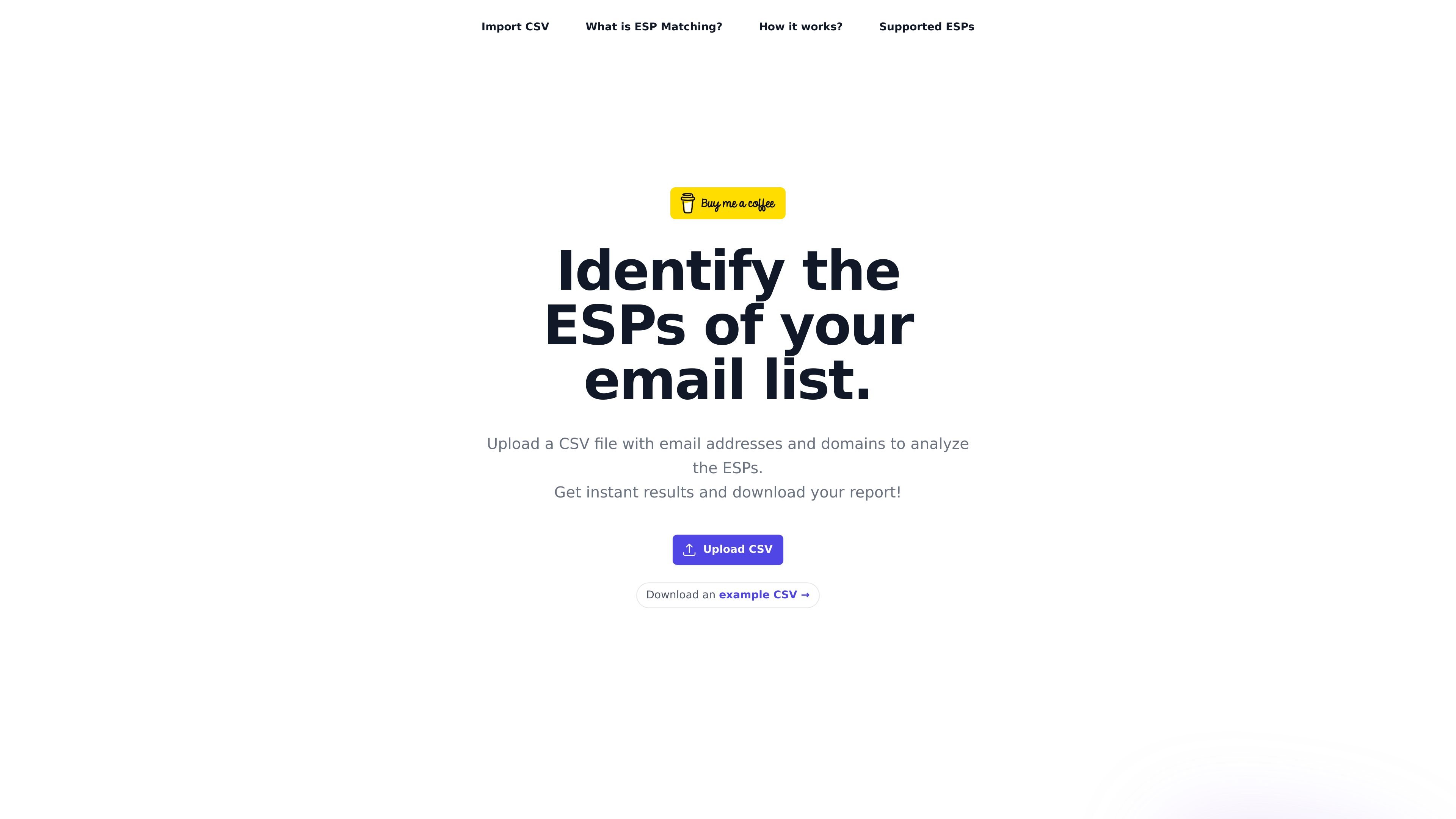
GetESP is a web tool for analyzing email lists to identify the email service provider behind each address and detect whether a domain uses a spam protection tool. The site positions this as a way to segment recipients by ESP before sending.
Its workflow is centered on CSV upload, analysis, and report download. The product is intended to help senders choose a matching ESP when reaching Gmail, Outlook, Yahoo, and other supported providers, which the site says can improve inbox placement and deliverability.
Upload a CSV of email addresses and domains, then run an analysis against the supported ESP and spam-filter database.
Detect the recipient’s email service provider so you can group addresses by provider such as Gmail, Outlook, or Yahoo.
Flag common spam protection tools used by business domains, including filters such as Proofpoint, Mimecast, and Barracuda.
Review segmented results for each address and separate the list into ESP-based groups for sending decisions.
Download the analysis results for later use in campaign planning or list preparation.
Use an example CSV provided on the site to understand the expected input format before uploading your own list.
Prepare a recipient list for provider-matched sending by grouping addresses into Gmail, Outlook, Yahoo, and other supported ESPs before a campaign goes out.
Check whether business-domain contacts sit behind spam protection tools that may block or filter messages before they reach a mailbox provider.
Use the analysis results to decide which recipient groups should be sent from a matching ESP to improve inbox placement.
Review a CSV export from another system and turn it into a deliverability-focused segmenting workflow without manual lookup.
ESP Matching identifies the email service provider behind a recipient address, such as Gmail, Outlook, or Yahoo, so you can decide whether to send from the same provider.
You upload a CSV file with email addresses and domains. GetESP analyzes each row, detects the ESP and any supported spam protection tools, and lets you download the results.
The site says GetESP is currently free to use. The pricing page returns a 404, so no plan structure or paid limits are shown in the available source.
The source shows CSV upload as the input and a downloadable report as the output. It does not provide documented integrations beyond that workflow.
The tool is aimed at people who want to segment recipient lists by ESP and identify spam protection tools that may affect inbox placement and deliverability.
트래픽 데이터는 참고용으로만 확인하세요.
아직 트래픽 분석 데이터가 없습니다.

Predictice is a legal research and analysis platform for legal professionals, with jurisprudence search, litigation analysis, assistant tools and document audit workflows.

北极九章 is an enterprise AI data insight engine for natural-language data analysis. Ask by typing or voice and get charted results in workflows.

clickworker provides human-generated and human-validated data services for surveys, store checks, tagging, list building, crowdtesting, and AI training data.

Rayyan is an AI-powered platform for systematic and literature reviews, helping teams manage screening, extraction, bias assessment and reporting in one shared workflow.

Finlo is a web-based stock portfolio platform with curated, strategy-based portfolios, monthly updates, and premium research tools for long-term investors.

My QR Code is a web-based QR code generator for links, vCards, files and more, with design customization, export formats and scan tracking.