


Template library
Browse a large template library with 5,000+ legal templates across 150+ jurisdictions, including business, employment, property, debt recovery, privacy, and more.
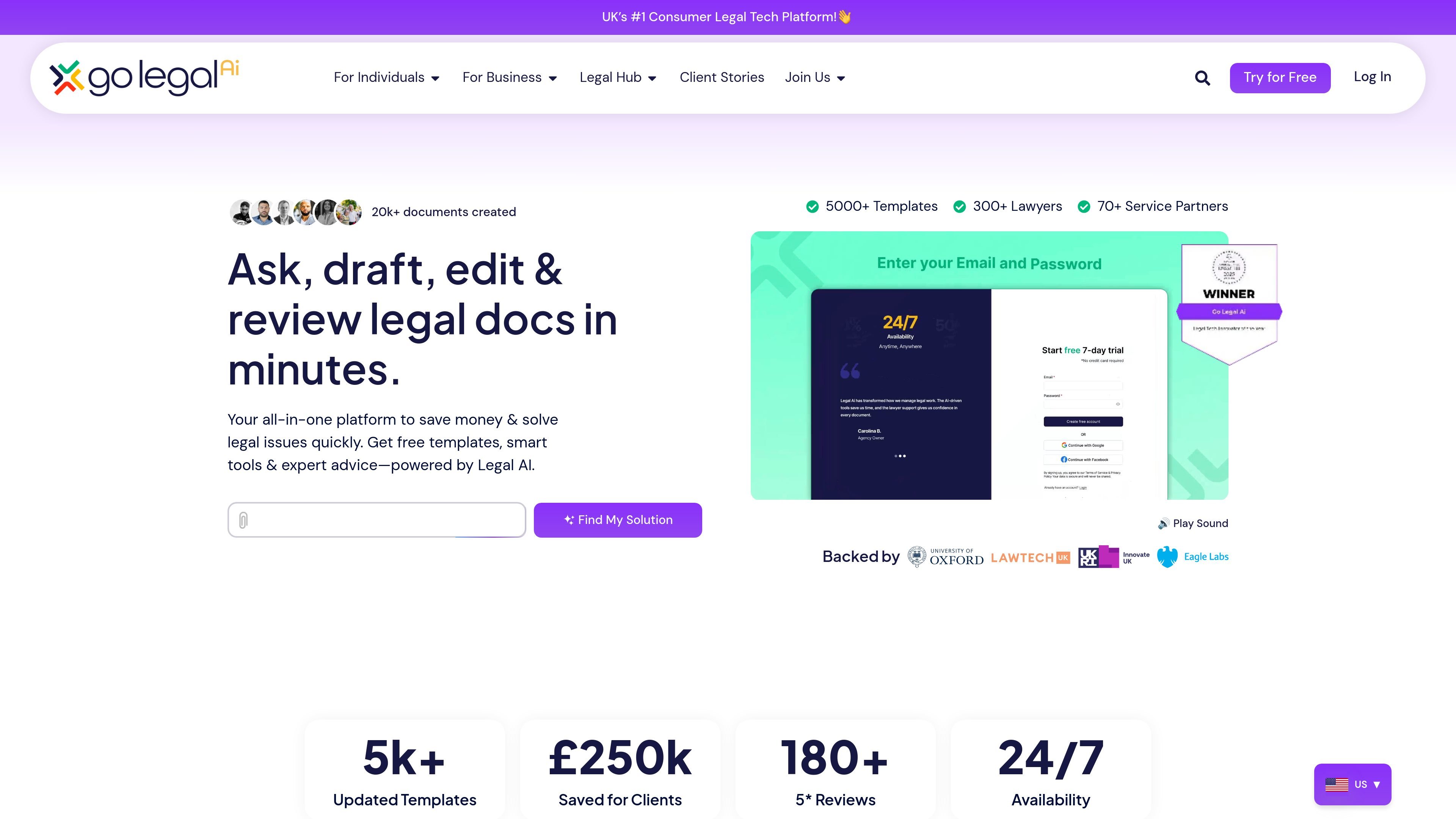
Go Legal AI is an AI-powered legal documents and contracts platform built around templates, document review, and guided legal workflows. The site positions it as a way to create, review, manage, and sign legal documents with help from AI and access to legal experts when needed.
Its public pages emphasize practical use cases such as drafting contracts, reviewing existing documents, resolving disputes, managing business risk, and working through common legal tasks from a template-based starting point. The platform also highlights a large template library, coverage across 150+ jurisdictions, and separate paths for individuals and business users.
Browse a large template library with 5,000+ legal templates across 150+ jurisdictions, including business, employment, property, debt recovery, privacy, and more.
Answer a series of questions to generate or customize legal documents with AI support, rather than starting from a blank page.
Run rapid document reviews that flag risks, check compliance, and provide tailored improvements using traffic-light analysis and scenario testing.
Get matched with lawyers and pre-vetted service providers for additional support when a document or issue needs human input.
Work through a draft with counterparties, then collaborate and sign documents within the platform.
For business users, track insolvency-related risk, receive alerts, and review business health with AI-supported tools.
Start from a ready-made legal template, answer guided questions, and turn a contract or notice into a tailored draft without beginning from zero.
Upload or open an existing legal document and use Rapid Review to identify risks, check compliance, and tighten the wording before sending it on.
Use the platform’s individual pathways for tasks like debt recovery, landlord and tenant issues, starting a business, hiring employees, or creating a will.
Let business users monitor insolvency and supply-chain risk, receive alerts, and track important deadlines alongside document work.
Work with lawyers or counterparties inside the document flow when a matter needs extra assurance or sign-off.
Go Legal AI provides guided templates, AI-assisted drafting, rapid document review, and access to legal experts. The site also highlights workflows for collaboration, signing, and risk tracking, so it can support both individual and business legal tasks.
The site says the platform offers free templates, Rapid Review, Expert Access, Ask Go Legal AI, Collaborate & Sign, and, for business users, tools such as a Risk & Insolvency Tracker and a Business Health Check.
The sources show a 5,000+ template library and support for 150+ jurisdictions. The templates page says users can choose from many legal categories, including agreements, compliance, employment, landlord and tenant, intellectual property, and more.
The homepage says you can create a legal document by selecting a template, editing and reviewing it, then collaborating and signing. The product also mentions step-by-step guidance and the option to upload your own document.
The sources do not show published pricing on the pricing page, which currently returns a page-not-found result. The site does show calls to try for free and join for free, but no plan details are provided in the collected text.

LexWorkplace is a cloud-based document and email management system for law firms, helping teams organize matters, search documents and email, and manage legal workflows from Outlook.

Legitt AI is an AI contract management platform for drafting, reviewing, signing and tracking contracts. Built for small teams and enterprises, with free and paid plans.

Legalese Decoder translates legal documents into plain English with AI, NLP, and machine learning, helping you understand contracts and agreements before you sign.

Clio Draft is AI legal drafting software for law firms, with document automation, court forms, questionnaires, e-signatures and cloud access.

Predictice is a legal research and analysis platform for legal professionals, with jurisprudence search, litigation analysis, assistant tools and document audit workflows.

小艺 is Huawei’s AI smart assistant for Q&A, writing, document reading, code help, image recognition, and file drag-and-drop.