


AI text humanization
Rewrites AI-generated text into more natural wording while keeping the original meaning and important keywords intact.
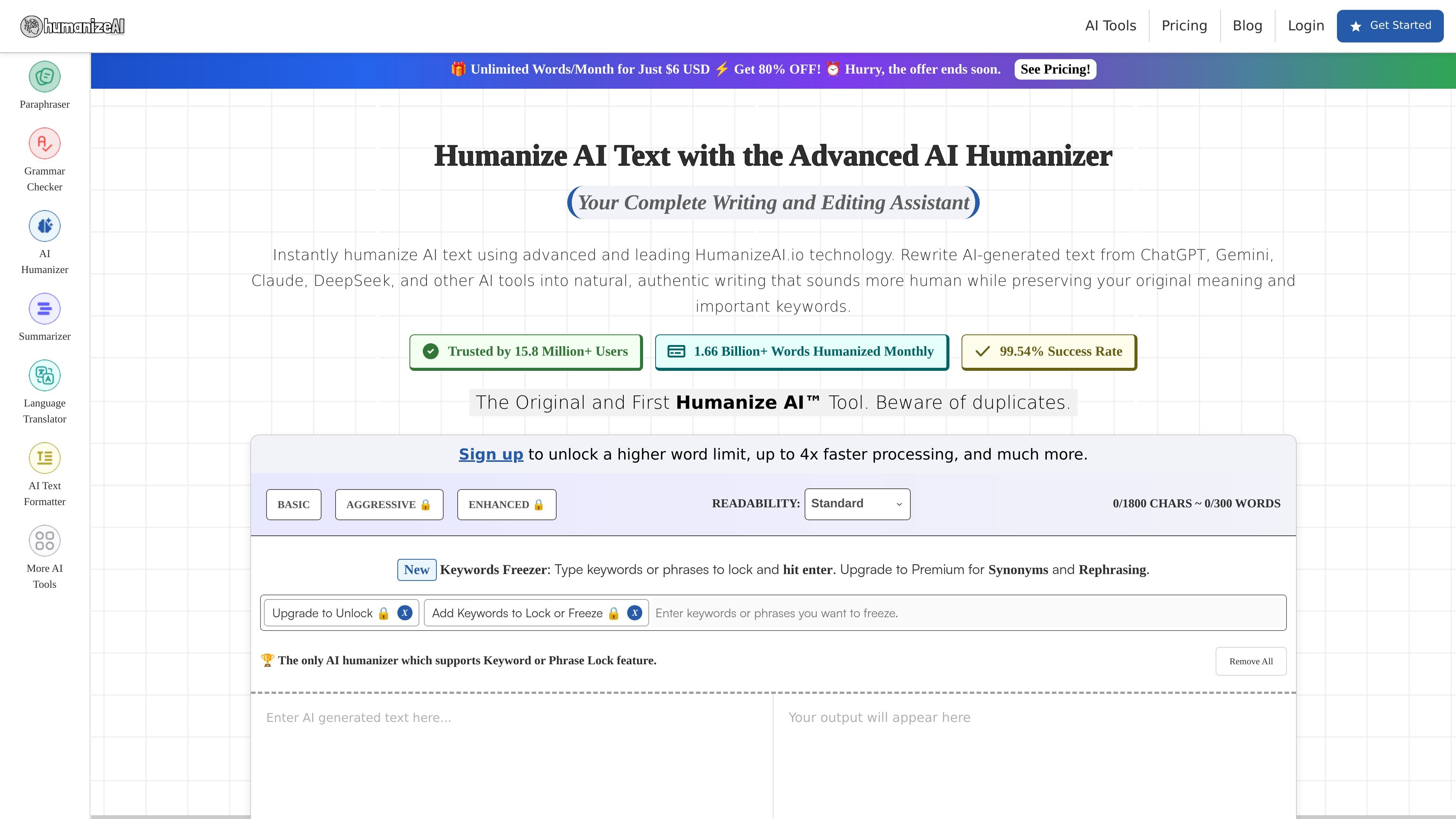
Humanize AI is an online AI humanizer and writing assistant from HumanizeAI.io. It rewrites AI-generated text into more natural, conversational language while aiming to preserve meaning, keywords, and context.
The site positions the product as a broader writing platform as well, with multiple rewriting modes, keyword freezing, readability levels, and a larger set of AI writing tools for tasks such as paraphrasing, summarizing, translation, and email writing.
Rewrites AI-generated text into more natural wording while keeping the original meaning and important keywords intact.
Offers Basic, Aggressive, and Enhanced modes so users can choose between lighter edits and deeper rewrites.
Lets users lock keywords or phrases during rewriting so specific terms stay in the output.
Provides synonym suggestions and one-click rephrasing to adjust wording without rebuilding the whole draft.
Includes readability settings such as Standard, High School, University, Doctorate, Journalist, and Marketing.
Ships with an editor workflow that supports copy, download, and difference viewing for the generated text.
Useful for turning AI-drafted copy into text that reads more naturally before publishing or submitting it.
Helps writers keep named terms, brand words, or required phrases stable while rewriting surrounding sentences.
Supports students, researchers, and professionals who want to refine wording and readability without starting from scratch.
Fits teams or individuals who want a broader writing workspace with paraphrasing, summarizing, translation, and email drafting in one place.
Provides a review step for comparing the rewritten version with the source text before copying or downloading it.
The homepage presents Humanize AI as an online AI humanizer that rewrites AI-generated text into more natural, human-like writing while preserving the original meaning and important keywords.
The site says the tool supports content generated by major AI writers such as ChatGPT, Gemini, Claude, and DeepSeek, and it can also be used with other AI text sources.
The pricing page shows paid plans with different word allowances and processing speeds, and the homepage also mentions a free experience with limited requests when users do not sign up.
The homepage describes Basic, Aggressive, and Enhanced rewriting modes, plus readability styles such as Standard, High School, University, Doctorate, Journalist, and Marketing.
The source does not show native third-party integrations or export destinations. It does mention features such as copy, download, and show-difference actions in the editor.

OneClickHuman AI content humanizer rewrites machine text into natural copy while preserving formatting. Free trial, two modes, 10+ languages.

讯飞写作 is an AI writing assistant for office, news, marketing and official content. Import audio, video, Word, images and PPT to draft faster.

Paperpal is an AI academic writing tool and research assistant for students and researchers, with drafting, paraphrasing, citation support, PDF research, and submission checks.

Wordtune is an AI writing assistant for rewriting, paraphrasing, proofreading and summarizing text, with English translation support.

Walter Writes AI rewrites AI-generated text to sound more natural and checks for AI signals—ideal for writers, students, marketers, and teams.

PolitePost is an AI web tool that rewrites rough emails into professional workplace language and shortens formal emails.