

Text-to-video and image-to-video input
Create video from either a text prompt or an uploaded image, with support for reference images, video, and audio in the workflow.

Lanta AI is a web-based AI video generator that turns text prompts, images, and other media into cinematic videos. It also includes an AI image generator and related creation modes for creators, marketers, and social content workflows.
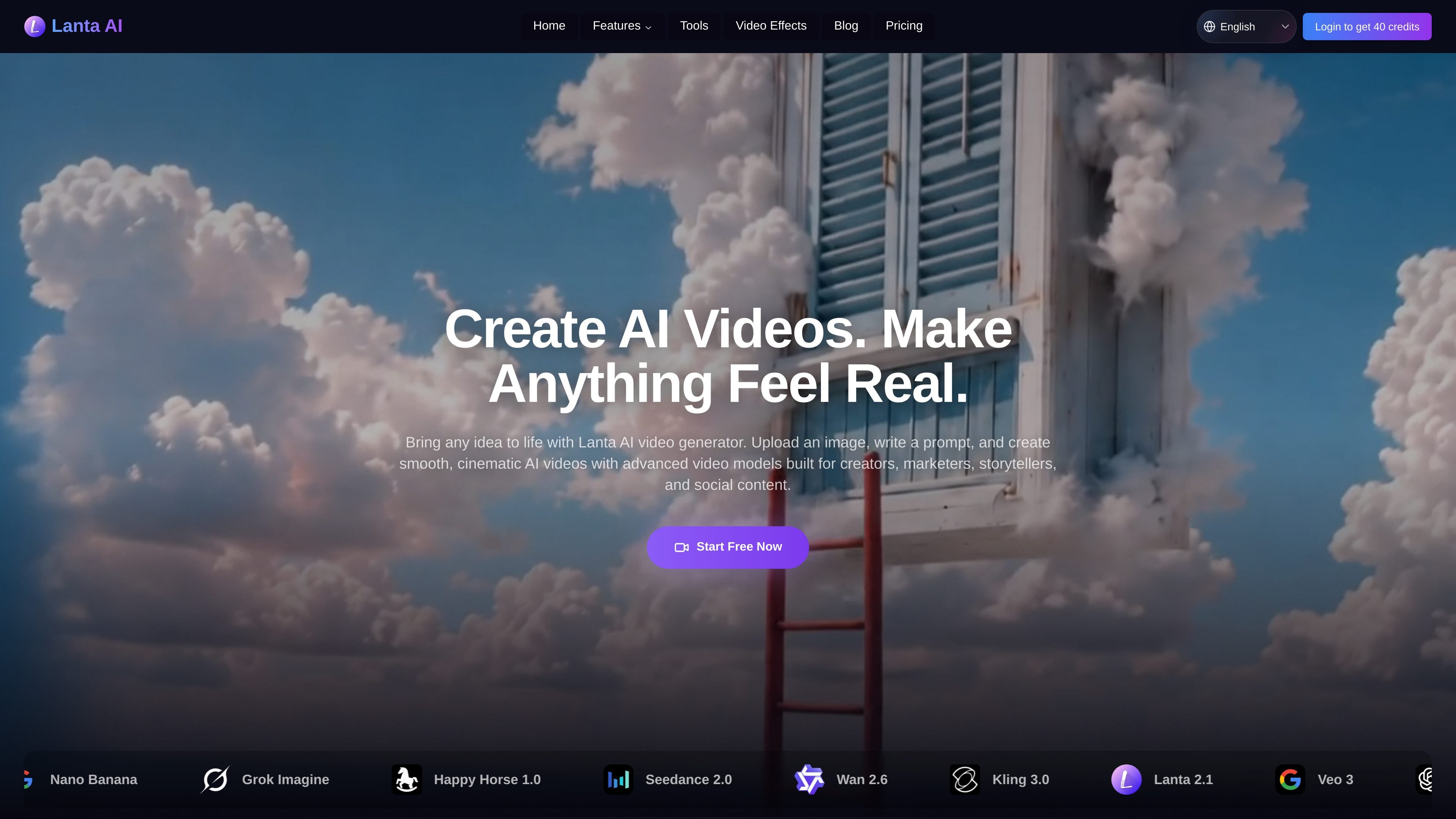
Lanta AI is an online AI video generator that turns text prompts, images, and other media into generated video. The homepage positions it as a tool for creating smooth, cinematic AI videos for creators, marketers, storytellers, and social content.
The site also includes an AI image generator and dedicated creation modes such as text to video, image to video, video to video, character animation, and music video generation, so the product is presented as a broader AI media workflow rather than a single video tool.
Create video from either a text prompt or an uploaded image, with support for reference images, video, and audio in the workflow.
Direct shot type, angle, camera movement, and timing so the output follows a more specific cinematic plan instead of a generic prompt.
Keep facial features, hairstyles, clothing, and body shape aligned across frames and scenes for more consistent character presentation.
Use the image generator to batch create and edit first frames, end frames, and storyboard references, then import them into video generation with one click.
Generate synchronized sound effects, ambient noise, dialogue, and music cues alongside video, with language support listed for Chinese, Spanish, English, French, Japanese, Korean, and more.
Access multiple named video modes from one playground, including text to video, image to video, video to video, Seedance 2.0, Happy Horse 1.0, Video to Ghibli Style, AI Animate Image, and AI Music Video.
Create short-form clips for TikTok, Reels, and Shorts when you want video content without using a separate editing app.
Turn product images or ideas into polished videos for launches, demos, online stores, and product showcases.
Produce promotional visuals for landing pages, paid campaigns, and brand storytelling with less production work.
Generate short films, story clips, and other cinematic scenes from written ideas or reference images.
Build explainers, tutorials, and training visuals for learning content where clear motion helps communicate a process.
Lanta AI Video Generator is an online tool for turning text prompts, images, and creative ideas into AI-generated videos. The site positions it for social clips, product ads, short films, music videos, and other creative video content.
The site says you can choose Image to Video or Text to Video, upload reference images, videos, or audio, write a prompt describing the scene and camera movement, select a model and duration, and then generate the video.
Lanta AI supports image-to-video generation, so you can upload a photo, portrait, character image, product image, or VFX reference and turn it into a moving video.
Yes. The FAQ states that videos created with Lanta AI can be used commercially as long as they follow Lanta AI’s Terms of Use, and that you are responsible for rights to any images, audio, logos, or characters you use.
New users get 40 free credits to try the video generator before choosing a paid plan. The site also says upgrading unlocks advanced video models, watermark-free exports, and faster generation.

Nim Video is a web-based AI video and image creation platform for turning prompts, images, and source footage into editable visuals. It offers a free tier and paid subscriptions with added credits, higher output options, and commercial-use features.

Pika is an AI video generation platform for creating and editing short videos from prompts, images, and existing footage. It also offers plan-based commercial use, watermark-free downloads on higher tiers, and select partner API access.

HiDream.ai is a free, browser-based AI image and video creation platform for prompts, images, audio, lip-sync, and 4K editing.

PixelPrompt is a browser-based AI image and video workspace for prompt optimization, text-to-image, and text-to-video generation. It supports ecommerce visuals, ad creatives, and short-form UGC-style content without requiring a local GPU.

Veggie AI is an online AI video generator for controllable videos from character photos, action videos, and text prompts—no AI experience needed.

SkyReels is an AI video generation platform and API for cinematic videos from text, images, and reference media, with avatar, lip-sync, extension, and restyling workflows.