


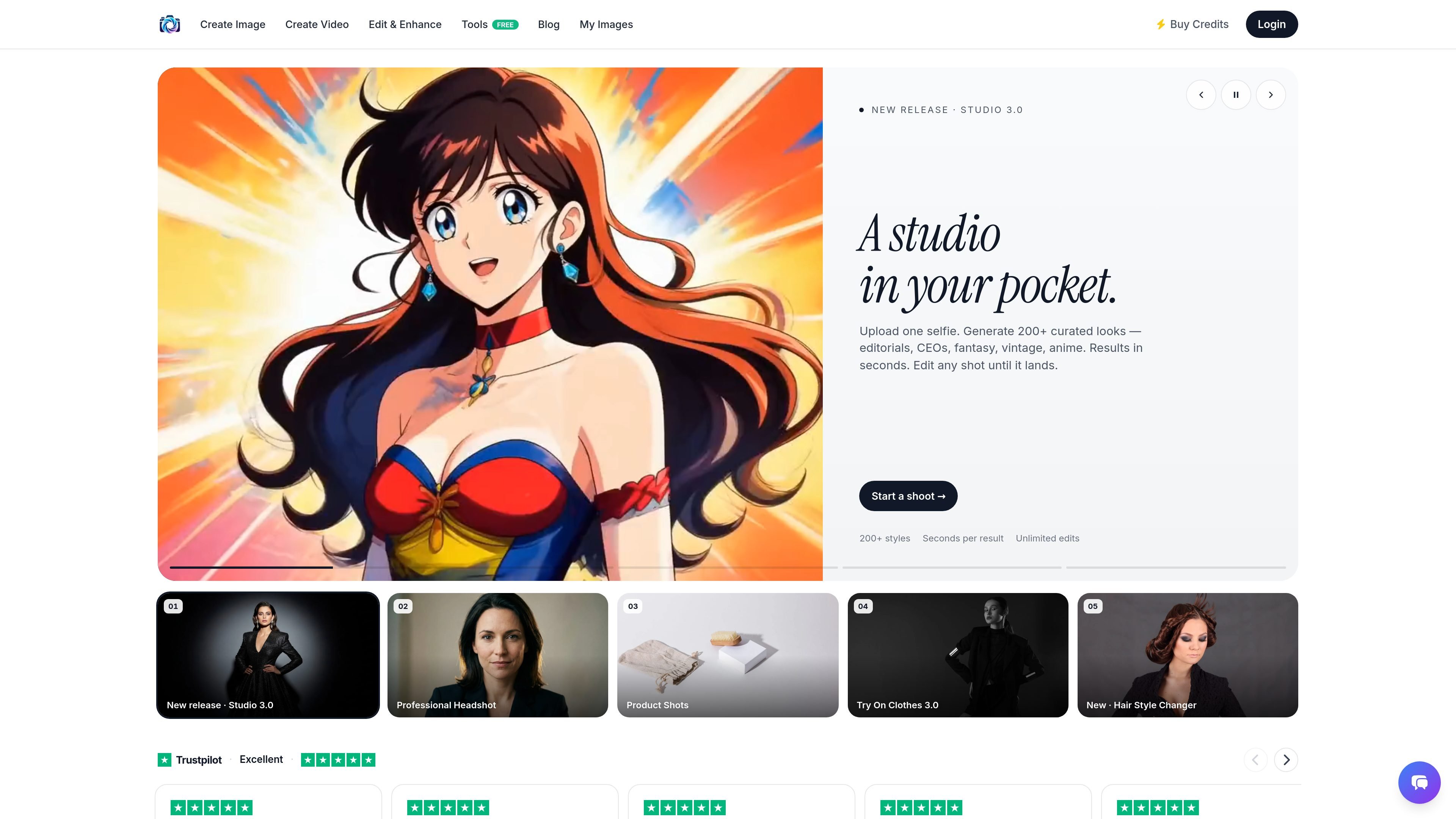
Studio 3.0 photo generation
Generate curated looks from a single selfie, with the homepage describing 200+ styles such as editorial, CEO, fantasy, vintage, and anime.
Photo AI Studio is an AI photo and video generator that turns uploaded images into polished portraits, product shots, try-on visuals, and other styled outputs. The site positions it as a free AI photo studio that works without a camera and supports a wide range of creative workflows.
The homepage emphasizes quick results and iterative editing: users upload a selfie, garment, or product image, pick a style or scene, and generate output in seconds. The product also surfaces specialized flows for professional headshots, clothes try-on, and hair style changes, alongside a broader library of photo styles and editing tools.
Generate curated looks from a single selfie, with the homepage describing 200+ styles such as editorial, CEO, fantasy, vintage, and anime.
Create polished profile images by uploading a selfie and selecting references such as studio, office, or outdoor settings.
Turn a product upload into campaign-style imagery by choosing scenes like lifestyle, studio, or editorial.
Preview garments on a model by uploading a garment and a model image, then swapping fabrics and poses without a photo shoot.
Change hairstyles by uploading a selfie and selecting options such as pixie, curls, bob, or color.
Browse additional creative utilities including UGC video, thumbnail generation, text-to-image, photo editing, background changes, object removal, and image expansion.
Create profile images for LinkedIn or other professional profiles by uploading a selfie, selecting a studio or office look, and regenerating until the result feels polished.
Produce lifestyle, studio, or editorial images from a product photo for campaigns, ads, or storefront use without arranging a physical shoot.
Preview how clothing looks on a body by pairing a garment image with a model image and testing different fabric or pose combinations.
Experiment with a new haircut or color from a selfie before making a real-world change.
Use the broader editing and style tools to refine existing photos, change backgrounds, remove objects, or expand images beyond their original frame.
It creates AI-generated photos and videos from uploaded inputs, with workflows for headshots, product shots, try-on images, and hair style changes.
The source shows a free AI photo studio message and also a pricing page, but it does not provide concrete plan prices or limits in the collected text.
The homepage highlights Studio 3.0, Professional Headshot, Product Shots, Try On Clothes 3.0, Hair Style Changer, and a broader set of creative tools such as photo styles, UGC video, thumbnail generation, and photo editing utilities.
The product is presented as self-serve: users upload a selfie, product image, garment image, or other input, choose a style or scene, and generate results in seconds.
The collected sources do not document team controls, API access, or supported third-party integrations in detail, so those capabilities cannot be confirmed from the available evidence.

Creativio AI turns basic images into polished product visuals for ecommerce, marketing, and social campaigns—fast, with less manual editing.

豆绘AI is an online AI image generation and editing platform for ecommerce and design, supporting white background, scene, interior rendering and post-processing.

Nim Video is a web-based AI video and image creation platform for turning prompts, images, and source footage into editable visuals. It offers a free tier and paid subscriptions with added credits, higher output options, and commercial-use features.

简单AI is Sohu’s online AI tool for AI image generation, AI writing, and online image editing—ideal for quickly creating images, copy, or basic retouching.

Recraft is an AI image generation and design platform for designers, creatives, sellers, and teams. It supports raster and vector generation, custom styles, mockups, editing, and API-based workflows.

MagicShot is an AI creative studio for images, videos, photoshoots, photo edits, and audio from prompts or uploads—without switching tools.