

Node-based diagram framework
Build interactive flowgraphs from nodes connected by edges, with a React component model that fits existing React applications.

React Flow is a MIT-licensed React library for building interactive node-based UIs, flow editors, and diagram builders with customizable nodes, edges, and theming.
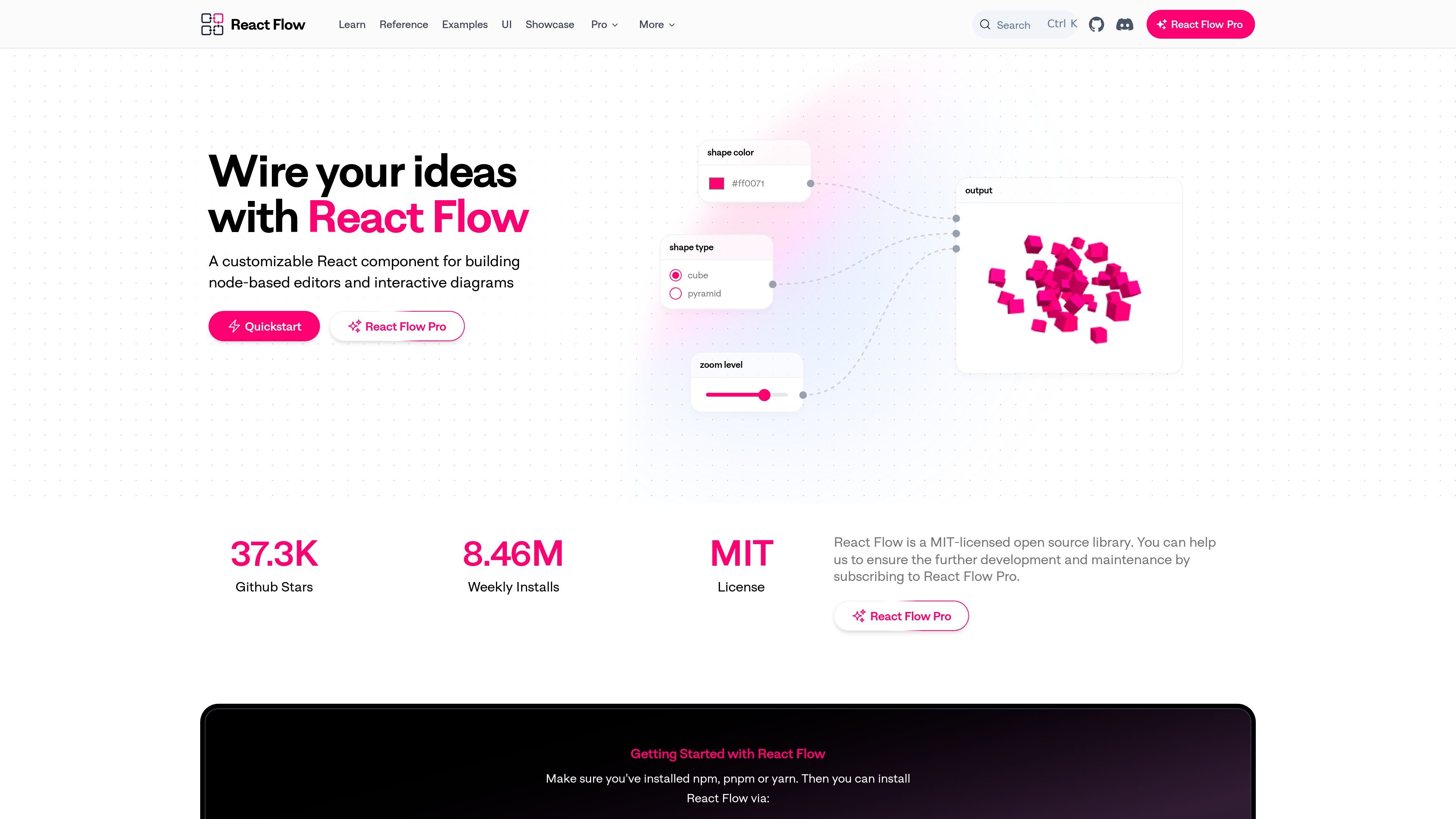
React Flow is a MIT-licensed open source library for building node-based UIs in React. It is designed for interactive flowgraphs, where nodes are connected by edges and the diagram can be edited directly in the browser.
The library provides the core pieces needed for flow editors and diagram builders, including built-in interactions like dragging, zooming, panning, and multi-selection. It also exposes React components for custom nodes and supporting UI, so teams can assemble workflow builders, no-code tools, visualizers, and other interactive diagram experiences.
Build interactive flowgraphs from nodes connected by edges, with a React component model that fits existing React applications.
Use built-in dragging, zooming, panning, multi-select, and add/remove behaviors without wiring the basics yourself.
Create custom nodes as regular React components, including interactive controls, visualizations, and multiple connection handles.
Work with built-in edge types such as bezier, smoothstep, step, and straight, then customize routing and appearance as needed.
Add diagram affordances with components like Background, Controls, MiniMap, Panel, NodeToolbar, and NodeResizer.
Style flows with default CSS, custom CSS, inline styles, CSS variables, or Tailwind-compatible theming.
Create internal or customer-facing workflows where users can connect steps, move nodes around, and inspect a graph directly in the browser.
Build application experiences without writing every editor primitive from scratch, using custom nodes and built-in interactions as the base layer.
Display and manipulate graphs for tasks such as data processing, process documentation, or survey logic visualization.
Compose specialized editors such as chatbot builders, machine learning tools, or musical synthesizers, where connected nodes represent configurable parts of a system.
Use the theming and CSS hooks to fit the diagram into an existing product UI or design system.
React Flow is installed as the `@xyflow/react` package and used inside an existing React project. The quick start shows importing the package, rendering the `<ReactFlow />` component, and supplying nodes, edges, and change handlers.
The docs show a basic React Flow app created with the core `<ReactFlow />` component plus node and edge state. For a faster setup, the site also points to a Vite template and CodeSandbox starter projects.
Yes. The theming docs explain that React Flow ships with a minimal default theme, and that you can customize appearance with CSS, inline style props, CSS variables, or by using Tailwind CSS.
React Flow includes built-in interaction patterns such as dragging nodes, zooming, panning, selecting multiple nodes, and adding or removing elements. It also supports custom nodes and edges for more advanced behavior.
The docs show that the library is built around nodes, handles, edges, the viewport, and built-in components such as Background, Controls, MiniMap, Panel, NodeToolbar, and NodeResizer.

ChartAI is a web-based AI tool for charts, diagrams, infographics, and visuals for presentations, papers, and projects.

Docuopia is an AI document assistant for drafting and editing PRDs, help docs, wiki pages, and diagrams, with collaboration, version history, and a free version.

Pixso is a cloud-based product design collaboration tool with AI-assisted UI creation, whiteboarding, prototyping, and developer handoff. It supports teams that need to plan, design, and deliver product work in one shared environment.

Xmind is a mind mapping and visual thinking tool for organizing ideas, planning projects, and building presentations on the web, desktop, and mobile. It adds AI-assisted editing, collaboration, and export workflows for individual and team use.

Stempad is a browser-based scientific writing editor for notes, documents, math, graphs, chemistry, code, collaboration, and AI.

BioRender is a web-based scientific figure and illustration platform for researchers, students, and life sciences teams. Create publication-ready figures, graphs, slides, flowcharts, and protocols.